
On this page
- 01Key takeaways
- 02What is white space in web design?
- 03Why does removing white space backfire?
- 04How does white space guide the eye?
- 05Where do businesses get spacing wrong?
- 06How much white space should you use?
- 07Can a website have too much white space?
- 08Does white space suit every business?
- 09What does this look like in practice?
- 10White space checklist
- 11Next step
- 12Sources and further reading
- 13Frequently asked questions
Key takeaways
White space is the empty space between and around elements on a page. The common mistake is treating it as wasted space and filling it with more content, which makes pages harder to scan and buttons easier to miss. Give the main headline and button room, group related items closely and separate unrelated ones clearly.
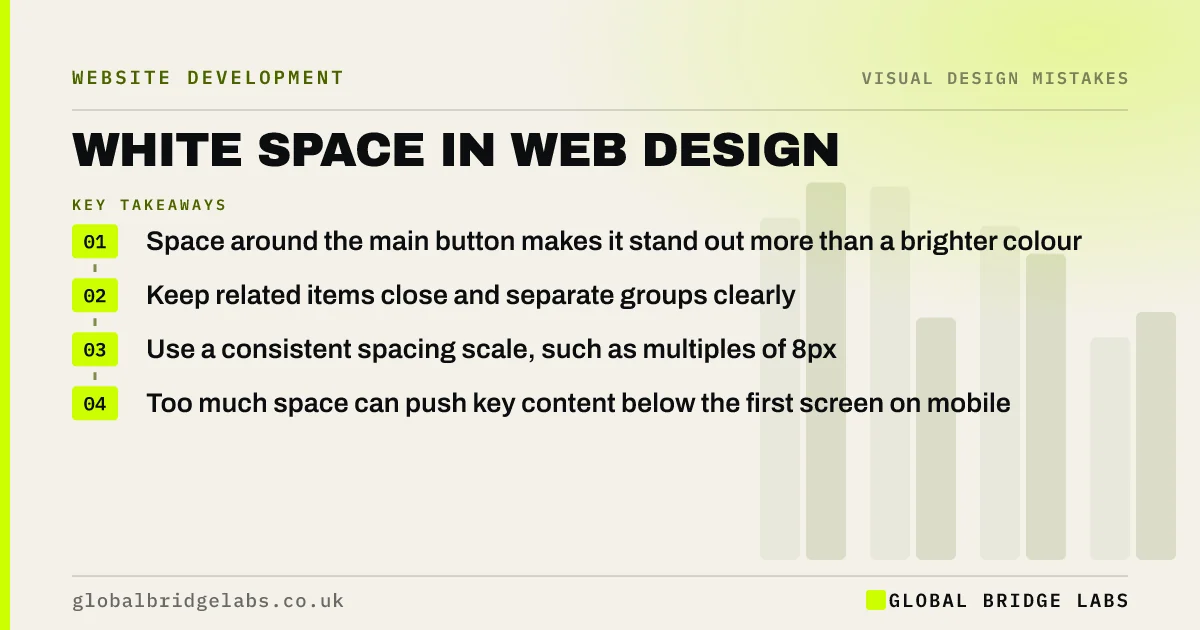
- Space around the main button makes it stand out more than a brighter colour.
- Keep related items close and separate groups clearly.
- Use a consistent spacing scale, such as multiples of 8px.
- Too much space can push key content below the first screen on mobile.
Want a cleaner layout without losing content? Message us on WhatsApp.
Chat on WhatsApp →What is white space in web design?
White space, also called negative space, is the area of a page left empty between text, images and controls. It does not have to be white; it is any space without content. It controls how easy a page is to scan and which elements look connected or important.
Why does removing white space backfire?
Owners often want more on the first screen: more services, more badges, more links. Squeezing them in removes the space that helped visitors see what mattered. When everything is close together, nothing stands out and the page feels hard work. Visitors scan, see clutter and leave.
How does white space guide the eye?
Space works with size and contrast to create visual hierarchy. An element surrounded by space draws attention because nothing competes with it. Grouping also matters: items placed close together are read as related, so a label far from its field, or a price far from its product, causes confusion.
Where do businesses get spacing wrong?
Spacing mistakes tend to repeat across small business sites. Most are fixed in the site's global styles.
- Buttons crowded against text or other buttons.
- Form labels closer to the previous field than their own.
- Paragraphs with no space between them.
- Sections that run into each other without a clear break.
- Inconsistent gaps: 13px here, 27px there.
- Text touching the screen edges on mobile.
How much white space should you use?
Use a consistent spacing scale rather than judging each gap by eye. Many designers use multiples of 8px: small gaps inside groups, larger gaps between groups, and the largest between sections. Give the main headline and call to action the most space on the first screen. On mobile, keep at least 16px between text and the screen edge.
Want a spacing system applied to your site? Message us on WhatsApp and we will discuss your requirements.
Chat on WhatsApp →Can a website have too much white space?
Yes. Very large hero sections and huge gaps between sections can push the offer and button below the first screen on a phone, and make visitors think the page has ended. If people have to scroll a long way to find the first useful thing, the space is working against you.
Does white space suit every business?
Premium and professional brands often use more space to signal calm and quality. Retailers with large catalogues need denser pages so shoppers can compare. The principle is the same either way: space should separate groups and highlight the next step, even on a dense page.
What does this look like in practice?
A pattern we see: a homepage carries six badges, three buttons and a paragraph in the first screen. Removing two badges, keeping one button and giving it room usually makes the next step clearer than adding a brighter colour would.
White space checklist
- Give the main button clear space around it.
- Group related items and separate groups.
- Use a consistent spacing scale.
- Keep labels close to their fields.
- Keep 16px or more from the screen edge on mobile.
- Check the offer still fits in the first screen.
Next step
Look at your homepage's first screen and remove one element that is not helping a visitor decide.
Message us on WhatsApp for a layout review, or book a 30-minute consultation.
Chat on WhatsApp →Sources and further reading
- Visual hierarchy in UX: definition · Nielsen Norman Group
- Hick's Law: designing long menu lists · Nielsen Norman Group
- Understanding SC 1.4.10: Reflow · W3C Web Accessibility Initiative
Frequently asked questions
Why is white space important in web design?
White space makes pages easier to scan, shows which items belong together and draws attention to what matters, such as the main button. Without it, every element competes and visitors struggle to find the next step.
Is white space wasted space on a website?
No. It does work: it separates groups, guides the eye and makes text readable. Filling it with more content usually makes the page less effective, not more. The exception is space so large it pushes key content off the first screen.
How much padding should a website have on mobile?
A common minimum is about 16px between text and the screen edge on phones, with larger gaps between sections. Consistency matters more than any exact figure, so use the same spacing scale across every page.
Written by

Global Bridge Labs (GBL) is a UK–Sri Lanka partner for social media, websites and BPO. Everything here comes from client delivery, not theory.


