
On this page
- 01Key takeaways
- 02What is a video SOP?
- 03When is video better than text?
- 04How do you record a good one?
- 05What does it save in numbers?
- 06How do you keep videos current?
- 07When is video the wrong choice?
- 08What does this look like in practice?
- 09Video SOP checklist
- 10Next step
- 11Sources and further reading
- 12Frequently asked questions
Key takeaways
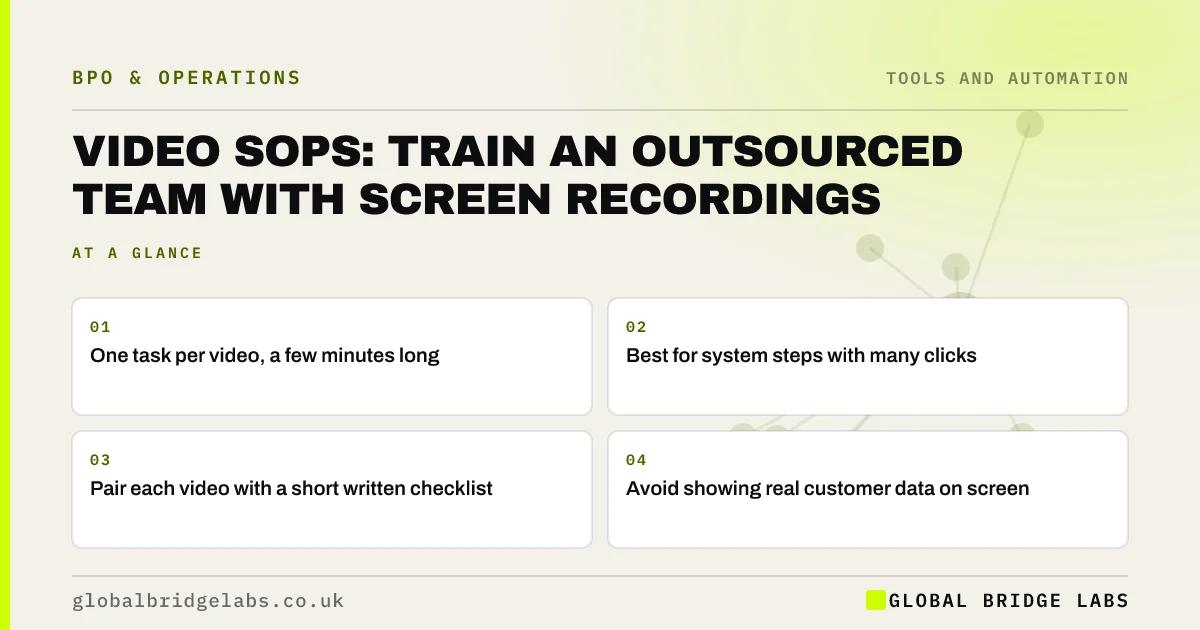
A video SOP is a short screen recording of someone doing a task while explaining it. For system-heavy tasks it trains an outsourced team faster than written steps, because it shows exactly where to click. Keep each video to a few minutes and one task, pair it with a short written checklist, and re-record when the system changes.
- One task per video, a few minutes long.
- Best for system steps with many clicks.
- Pair each video with a short written checklist.
- Avoid showing real customer data on screen.
Want help deciding which tasks to record? Message us on WhatsApp.
Chat on WhatsApp →What is a video SOP?
A video SOP is a recorded demonstration of a task, usually a screen recording with voice-over, used as a work instruction. It is quick to make: the person who does the task records themselves doing it. It sits alongside a written SOP, not instead of it, because text is easier to search and update.
When is video better than text?
Video is better for tasks with many screens and clicks, where describing each step in words is slow and easy to misread. It also captures small habits, such as checking a field before saving, that people forget to write down. Text is better for rules, exceptions and anything that changes often.
- Video: multi-screen system tasks.
- Video: tasks done rarely, such as year-end jobs.
- Text: rules, limits and exceptions.
- Text: anything that changes monthly.
How do you record a good one?
Plan the steps first, then record one task from start to finish at normal speed, explaining why as well as what. Use test or dummy data rather than real customer details. Keep it under about five minutes. Name it clearly and store it with the written checklist for the same task.
- 1. List the steps before recording.
- 2. Use dummy data, not real customers.
- 3. Record one task, start to finish.
- 4. Say why, not just what.
- 5. Store it with its written checklist.
What does it save in numbers?
In an illustrative handover, the owner spends about six hours on calls walking a new team through ten system tasks, and the questions continue for weeks. Recording ten short videos takes about two hours, the team rewatches them as needed, and repeat questions fall sharply. Example figures only.
- How long before outsourcing makes you more efficient?
- How much of your time does an outsourced team need?
Want a list of the tasks worth recording first? Send us your process on WhatsApp.
Chat on WhatsApp →How do you keep videos current?
Give each video an owner and a review date, and re-record it when the system or process changes. Short videos are quick to replace, which is another reason to keep them to one task each. Delete old versions so nobody follows outdated steps.
When is video the wrong choice?
Video is the wrong choice when the process changes every few weeks, when the task is mostly judgement rather than steps, or when the screen would show personal data that cannot be blurred. In those cases a written instruction is easier to keep accurate and safe.
What does this look like in practice?
A pattern we see: a detailed written manual still produces the same question about one tricky screen. A two-minute recording of that screen answers it for good.
Video SOP checklist
Check each video against these.
- One task only.
- Under about five minutes.
- Dummy data on screen.
- Stored with its checklist.
- Owner and review date set.
Next step
Tell us the tasks that generate the most questions. We will help you decide which to record and which to write down.
Message us on WhatsApp about video SOPs, or book a 30-minute consultation.
Chat on WhatsApp →Sources and further reading
- Lawful basis for processing personal data · Information Commissioner's Office
- Small Business Guide: cyber security · National Cyber Security Centre
Frequently asked questions
What is a video SOP?
A video SOP is a short screen recording of someone performing a task while explaining it, used as a work instruction. It is quick to make and especially useful for system tasks with many clicks. It works best alongside a short written checklist.
How long should a training video be?
Keep each video to one task and a few minutes, ideally under about five. Short videos are easier to rewatch at the point of need and easier to replace when the system changes.
Is it safe to record screens with customer data?
Avoid it. Use test or dummy data wherever possible. If real personal data appears, the recording itself becomes personal data under UK GDPR and needs the same protection, access limits and retention rules as the original records.
Written by

Global Bridge Labs (GBL) is a UK–Sri Lanka partner for social media, websites and BPO. Everything here comes from client delivery, not theory.


