
On this page
- 01Key takeaways
- 02Why do checklists work?
- 03What makes a good checklist?
- 04What does a checklist look like?
- 05How do you make sure people use them?
- 06How do checklists help outsourced teams?
- 07When do checklists not help?
- 08What does this look like in practice?
- 09Checklist for writing checklists
- 10Next step
- 11Sources and further reading
- 12Frequently asked questions
Key takeaways
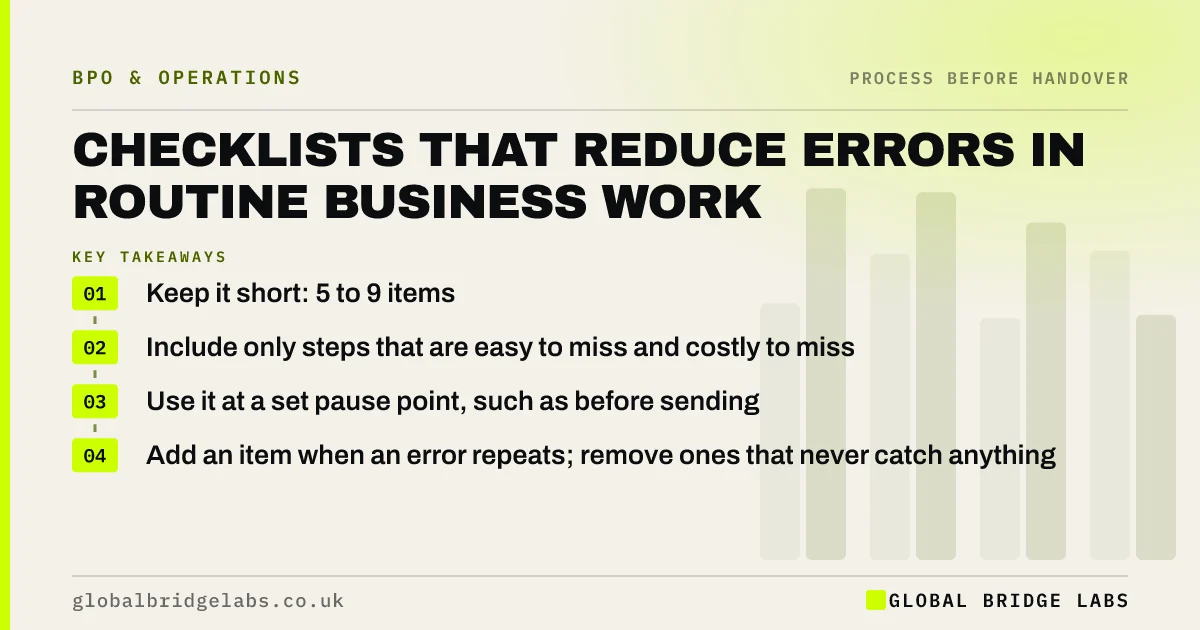
Checklists reduce errors in routine work by catching the steps people skip when busy or interrupted. The best ones are short, five to nine items, and cover only the steps that are easy to miss and costly to get wrong. They work when used at a set pause point, such as before sending, not as a long manual nobody reads.
- Keep it short: 5 to 9 items.
- Include only steps that are easy to miss and costly to miss.
- Use it at a set pause point, such as before sending.
- Add an item when an error repeats; remove ones that never catch anything.
Want a checklist drafted for a task that keeps going wrong? Message us on WhatsApp.
Chat on WhatsApp →Why do checklists work?
Checklists work because even skilled people forget routine steps under pressure. The World Health Organization's Surgical Safety Checklist, introduced in 2008, became the best-known example after Atul Gawande described its effect in The Checklist Manifesto in 2009. Office work is lower stakes, but the same pattern of skipped steps causes most avoidable admin errors.
What makes a good checklist?
A good checklist is short, specific and used at a clear moment. Each item is a check, not an instruction: confirm the PO number matches, not find the PO number. It covers the steps most often missed, not every step. If it needs more than one screen, it is a work instruction, not a checklist.
- 5 to 9 items, each one line.
- Written as checks, not instructions.
- Covers the most commonly missed steps.
- Used at one pause point, such as before submitting.
What does a checklist look like?
In an illustrative pre-send checklist for a customer invoice: customer name and address match the account; PO number included where required; VAT rate correct; payment terms match the contract; bank details are the current ones; total matches the job record. Six checks, about a minute. Example items only.
- Order-to-cash process: shorten the road from sale to cash
- The four eyes principle for small businesses
Want a checklist built from your own common errors? Send us the last few on WhatsApp.
Chat on WhatsApp →How do you make sure people use them?
People use checklists that are short, built into the tool they already work in and visibly useful. Put the checklist in the system as a required step where possible. Review errors monthly and show which checks caught them. Remove items that never catch anything, so the list stays credible.
How do checklists help outsourced teams?
Checklists give an outsourced team your standards in a form they can apply to every item. They make quality consistent across people and shifts and give sampling a clear standard. They also speed up training, because a new team member can learn the checks before learning every reason behind them.
When do checklists not help?
Checklists do not help when the error is caused by a bad process design, such as copying data between systems, or when the list grows so long it is ticked without reading. Fix the design for the first case, and prune the list for the second.
What does this look like in practice?
A pattern we see: a business has a 40-item checklist that everyone ticks without reading. Cutting it to the seven items behind most past errors, and adding it as a required step before sending, reduces errors more than the long list ever did.
Checklist for writing checklists
Apply these when you write one.
- Start from your last 20 errors.
- Keep 5 to 9 items.
- Write each item as a check.
- Choose one pause point.
- Review monthly and prune.
Next step
Send us the task that causes most corrections. We will help you build a short checklist from your own error history.
Message us on WhatsApp for a checklist, or book a 30-minute consultation.
Chat on WhatsApp →Sources and further reading
- The Sourcing and Consultancy Playbooks · Cabinet Office
- VAT registration thresholds · GOV.UK
Frequently asked questions
Do checklists really reduce errors?
Yes, for routine steps that people skip when busy or interrupted. The World Health Organization's surgical checklist is the best-known example. In office work, a short checklist used before sending or submitting catches the most common slips, such as wrong references or missing details.
How long should a checklist be?
Usually five to nine items. Longer lists are ticked without being read. Include only the steps that are easy to miss and costly to get wrong, and move detailed instructions into a separate work instruction.
What is the difference between a checklist and an SOP?
An SOP describes a whole process in detail. A checklist is a short list of checks used at a specific moment to confirm the critical steps were done. The SOP teaches the process; the checklist protects it during daily work.
Written by

Global Bridge Labs (GBL) is a UK–Sri Lanka partner for social media, websites and BPO. Everything here comes from client delivery, not theory.


