
On this page
Key takeaways
Changing URL structure, such as moving pages into new folders or renaming slugs, means every changed page needs a redirect and search engines must reprocess it. It can be worth it when the old URLs are confusing, inconsistent or tied to an old platform. It is rarely worth it for cosmetic reasons. If you change, map every URL, use permanent redirects and update internal links.
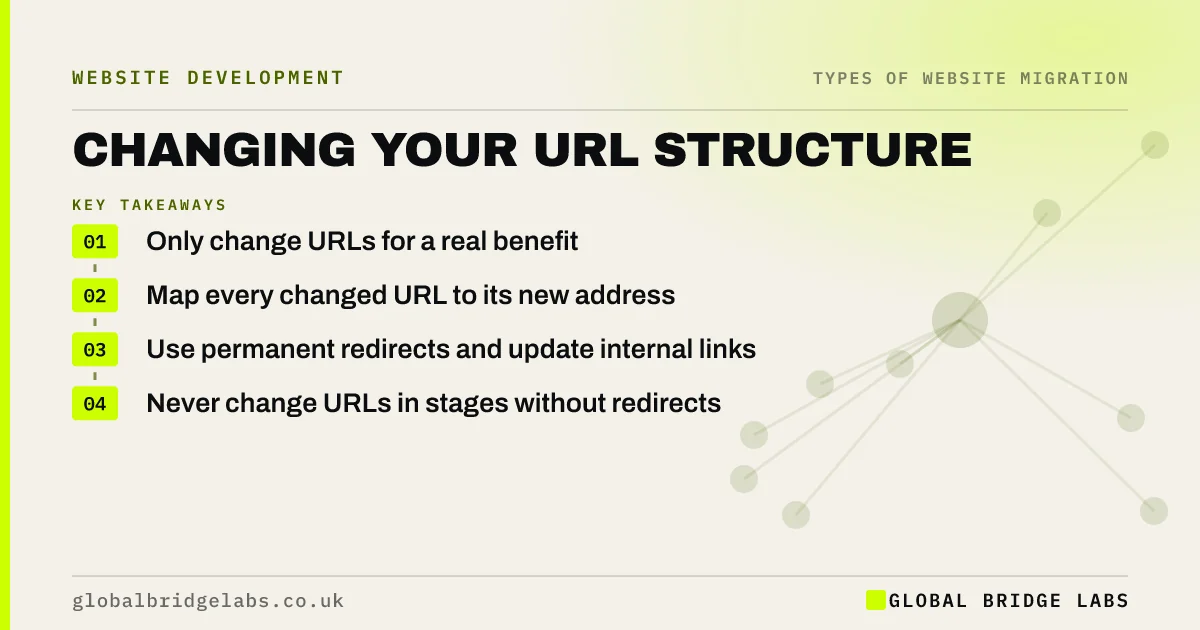
- Only change URLs for a real benefit.
- Map every changed URL to its new address.
- Use permanent redirects and update internal links.
- Never change URLs in stages without redirects.
Wondering whether to change your URLs? Message us on WhatsApp.
Chat on WhatsApp →When is a URL change worth it?
Google's URL structure guidance recommends simple, descriptive URLs that people can read. If your current URLs are long strings of numbers, mixed case, session IDs or old platform patterns, a clean structure can help visitors and make the site easier to manage. If your URLs are already readable, the benefit of changing them is small and the risk is real.
Good reasons include a platform change that forces new patterns, a restructure that groups services logically, or URLs that contain wrong or outdated product names.
How do you plan the change?
Plan the new structure on paper first and get it agreed before templates are built.
- List every current URL and its traffic.
- Design the new folders and slug rules.
- Map each old URL to its new URL.
- Keep high-traffic URLs unchanged if the new rule allows.
- Load permanent redirects and test them.
- Update internal links to point straight at the new URLs.
What should you avoid?
Avoid changing URLs more than once. Each change adds redirect hops and resets some of the work Google has done. Avoid adding dates or category names to URLs if they are likely to change. And avoid long folder chains; three levels is usually enough for a small business site. Keep the rules written down, so new pages follow them after launch.
- Redirect chains and loops: how to find and fix them
- Trailing slashes, capitals and duplicate URL versions
Want a second opinion on your new URL plan? Send it to us on WhatsApp.
Chat on WhatsApp →What does this look like in practice?
A pattern we see: a service business wants cleaner addresses and moves every service page into a services folder. Rankings hold because each page has a one-to-one redirect and the internal links were updated at launch. A year later, someone moves them again into a different folder, and the double redirects and broken links cost more than the first change gained.
URL change checklist
- Agree a real reason for the change.
- Design the new structure on paper first.
- Map and redirect every changed URL.
- Update internal links at launch.
- Write the URL rules down for future pages.
Next step
List your top 20 pages by search clicks and look at their URLs. If they are readable, keep them; change only the addresses that are genuinely unclear or broken.
Message us on WhatsApp about URL changes, or book a 30-minute consultation.
Chat on WhatsApp →Sources and further reading
- URL structure best practices for Google Search · Google Search Central
- Redirects and Google Search · Google Search Central
- Site moves with URL changes · Google Search Central
Frequently asked questions
Does changing URLs hurt SEO?
It can cause a temporary dip while Google processes the redirects, and a lasting loss if redirects are missing. With a full redirect map, permanent redirects and updated internal links, most sites recover within weeks. Change URLs only when the new structure brings a clear benefit to visitors or management.
Should I remove dates from blog URLs?
Only if the benefit is worth a migration. Dates in URLs can make evergreen content look old, but removing them changes every post's address. If you do it, redirect each old URL to its new one and update internal links. For new posts, avoid dates from the start.
How deep should my URL folders go?
For most small business sites, two or three levels are enough, such as a services folder followed by the service name. Deep folder chains make URLs long and fragile, because moving any level changes everything below it. Keep the structure shallow and descriptive.
Written by

Global Bridge Labs (GBL) is a UK–Sri Lanka partner for social media, websites and BPO. Everything here comes from client delivery, not theory.


