
On this page
Key takeaways
Adding EU or other country sections to a UK website is a migration when existing URLs move, for example from example.co.uk/services to example.com/uk/services. Choose a structure, such as country subfolders on one domain, redirect every old URL to its UK equivalent, add hreflang tags between matching pages and avoid redirecting visitors automatically by location. Keep the UK pages strong first.
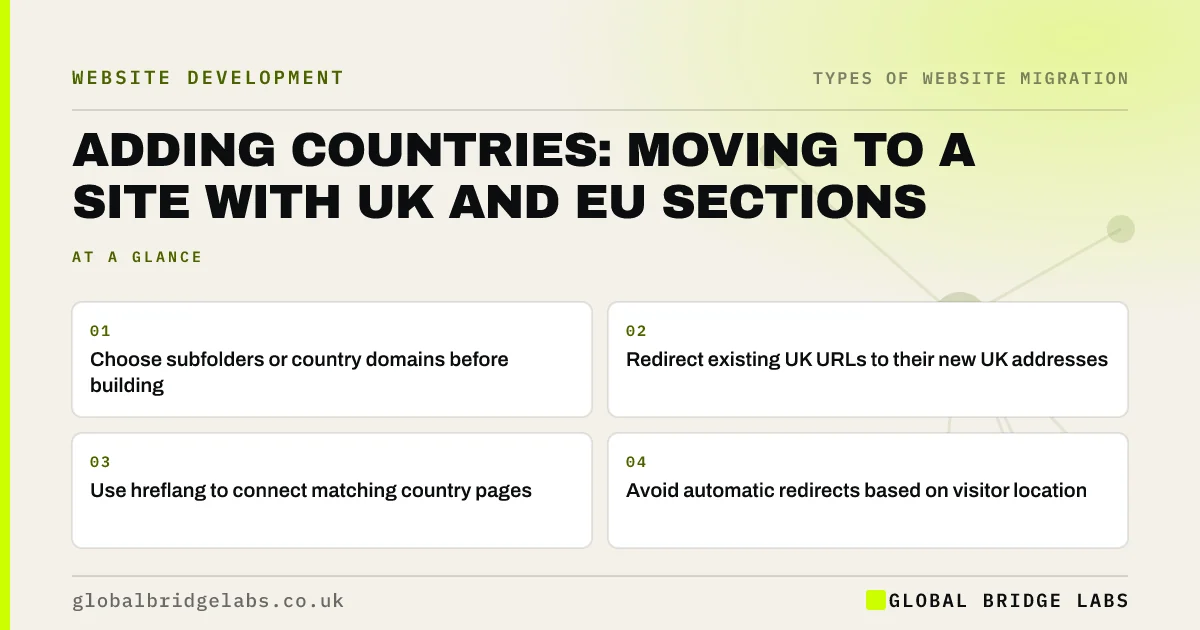
- Choose subfolders or country domains before building.
- Redirect existing UK URLs to their new UK addresses.
- Use hreflang to connect matching country pages.
- Avoid automatic redirects based on visitor location.
Expanding beyond the UK? Message us on WhatsApp about your site structure.
Chat on WhatsApp →Which structure should you choose?
Google's guidance on multi-regional sites describes the main options: country domains, such as .co.uk and .de; subdomains; and subfolders on a single domain, such as /uk/ and /ie/. Country domains send a strong local signal but split authority and cost more to run. Subfolders keep everything on one domain and are often simpler for a small business. Pick one before building, because changing later is a second migration.
What are the migration steps?
If existing UK pages move into a new structure, treat it like any other URL change, then add the international layer.
- Map every existing URL to its new UK address.
- Load permanent redirects and test them.
- Add hreflang annotations linking matching pages in each country.
- Include a default version for visitors from other countries.
- Set up each section in Search Console to monitor it.
What mistakes should you avoid?
Do not redirect visitors automatically based on their location or browser language. Google crawls mostly from the United States, so automatic redirects can stop it seeing your UK or EU pages. Offer a clear country selector instead. Avoid copying UK pages into other sections with no changes, because near-identical pages compete with each other, and check that hreflang pairs point to each other both ways.
- Canonical tags in a migration: point to the new URLs
- Machine-translated websites: when translation hurts trust
Want us to review your hreflang setup? Message us on WhatsApp.
Chat on WhatsApp →What does this look like in practice?
A pattern we see: a UK firm launches an Irish section by copying its UK pages into a new folder and adding a location redirect for Irish visitors. Google sees mostly the UK pages, and the Irish pages hardly appear. Replacing the automatic redirect with a country selector and adding hreflang pairs lets both sections be indexed.
International migration checklist
- Choose subfolders, subdomains or country domains.
- Redirect existing URLs to their new UK addresses.
- Add hreflang pairs in both directions.
- Use a country selector, not automatic redirects.
- Monitor each section in Search Console.
Next step
Before you build, decide which countries you will target in the next two years and which structure you will use. Changing structure later means a second migration.
Message us on WhatsApp about an international site, or book a 30-minute consultation.
Chat on WhatsApp →Sources and further reading
- Managing multi-regional and multilingual sites · Google Search Central
- Tell Google about localised versions of your page · Google Search Central
- Redirects and Google Search · Google Search Central
Frequently asked questions
What is hreflang?
Hreflang is an annotation that tells search engines which version of a page is meant for which language or country, such as UK English and Irish English. It helps show the right version in each country's results. Each page in a set should list every version, including itself, and the pairs must point to each other.
Should I use subfolders or country domains?
For most small businesses, subfolders on one domain are simpler: one site to manage, one set of links and lower cost. Country domains send a strong local signal but split authority and need separate upkeep. Choose based on how different each market's content will be and the resources you have.
Should I redirect visitors by country automatically?
Google advises against it. Automatic redirects by location can stop search engines seeing your other country pages and frustrate visitors who want a different version. Show a clear, optional country selector or banner instead, and let hreflang guide search engines to the right page.
Written by

Global Bridge Labs (GBL) is a UK–Sri Lanka partner for social media, websites and BPO. Everything here comes from client delivery, not theory.


