
On this page
Key takeaways
The same page can often load at several addresses: with and without a trailing slash, with capital letters, with www or without, or with index.html on the end. Migrations often create new duplicates because the new platform handles these differently. Pick one version, redirect the others to it, use self-referencing canonicals and keep internal links consistent.
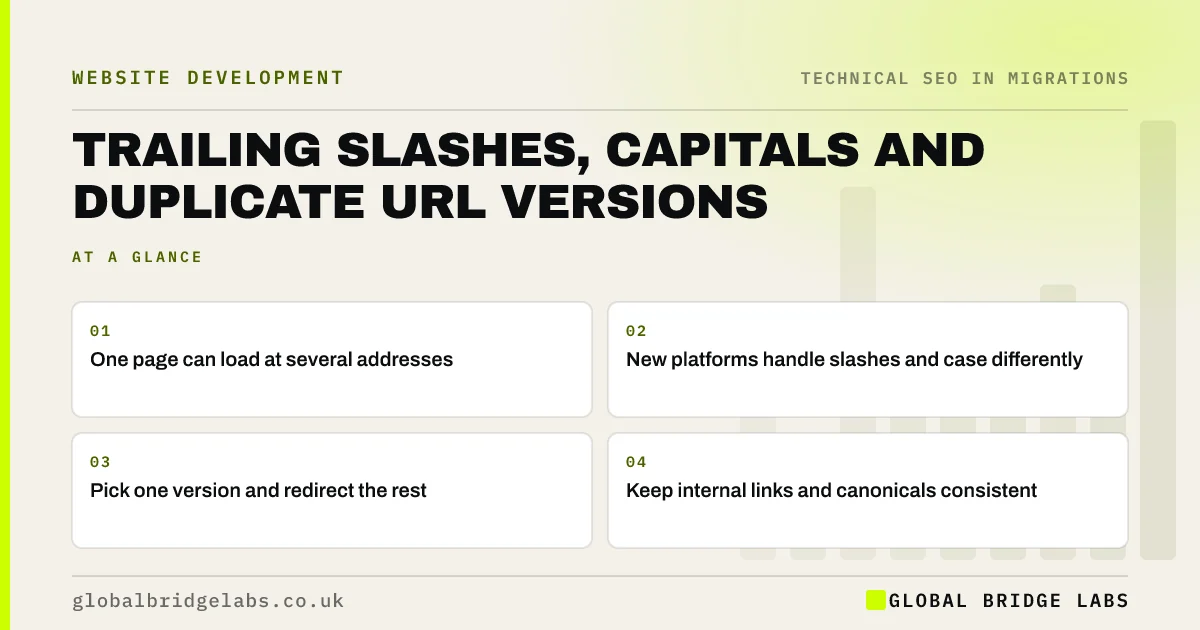
- One page can load at several addresses.
- New platforms handle slashes and case differently.
- Pick one version and redirect the rest.
- Keep internal links and canonicals consistent.
Pages loading at several addresses? Message us on WhatsApp.
Chat on WhatsApp →How do duplicate versions appear?
Servers and platforms make different choices. One adds a trailing slash, another removes it. Some treat capital letters as different URLs, others do not. An old site might have used .html endings, and old links still include them. If the new site loads the same content at two addresses without redirecting, search engines must choose between them, and links and signals are split.
Which versions should you check?
Test a sample of pages in each form after the new site is on staging.
- With and without a trailing slash.
- Lowercase and with capital letters.
- www and non-www, HTTP and HTTPS.
- With and without index.html or .html endings.
- With tracking parameters added.
How do you fix them?
Choose one version for every URL pattern, matching the new platform's default where possible, and redirect the others to it in a single hop. Make canonical tags and the sitemap use the chosen version. Update internal links so they never use the other forms. Google's URL structure guidance also recommends consistent, lowercase URLs, which avoids case problems.
- Canonical tags in a migration: point to the new URLs
- Redirect chains and loops: how to find and fix them
- Changing your URL structure: when it is worth the risk
Want us to test your URL versions? Message us on WhatsApp.
Chat on WhatsApp →What does this look like in practice?
A pattern we see: the old site used URLs without trailing slashes, the new platform adds them, and the redirect map was built without them. Every redirect lands on a no-slash URL that then redirects again to the slash version. Updating the map to the platform's preferred form removes the extra hop across the whole site. Several old links also used capital letters, which the old server ignored but the new one treats as different pages. A lowercase redirect rule catches them, and the next crawl shows every variation reaching the right page in a single step.
Duplicate URL checklist
- Test slash, case, host and protocol versions.
- Choose one version per pattern.
- Redirect the others in one hop.
- Match canonicals and sitemap to it.
- Keep internal links consistent.
Next step
Take one page on staging and try it with and without a slash, in capitals and with www. Each variation should redirect once to the same address.
Message us on WhatsApp about duplicate URLs, or book a 30-minute consultation.
Chat on WhatsApp →Sources and further reading
- How to specify a canonical URL with rel="canonical" and other methods · Google Search Central
- URL structure best practices for Google Search · Google Search Central
- Redirects and Google Search · Google Search Central
Frequently asked questions
Does a trailing slash matter for SEO?
Search engines can treat URLs with and without a trailing slash as different pages. It does not matter which form you choose, as long as you use one consistently, redirect the other to it and keep canonicals, sitemaps and internal links matching.
Are URLs case sensitive?
On many servers, yes: a URL with capital letters can be a different address from the lowercase version. Some platforms handle case automatically, others do not. Use lowercase URLs, and redirect capitalised versions that receive links or traffic to the lowercase form.
How do I stop pages loading at several addresses?
Choose one preferred version for each URL pattern and redirect the alternatives to it in one hop. Add self-referencing canonical tags on each page and list only the preferred versions in the sitemap. Then crawl the site to check internal links use the same form.
Written by

Global Bridge Labs (GBL) is a UK–Sri Lanka partner for social media, websites and BPO. Everything here comes from client delivery, not theory.


