
On this page
Key takeaways
Changing web host with the same URLs is usually low risk for SEO, as long as the site stays available and behaves the same. Copy the site exactly, test it on the new server, lower the DNS time to live a day or two before, switch at a quiet time and keep the old host running until traffic has moved.
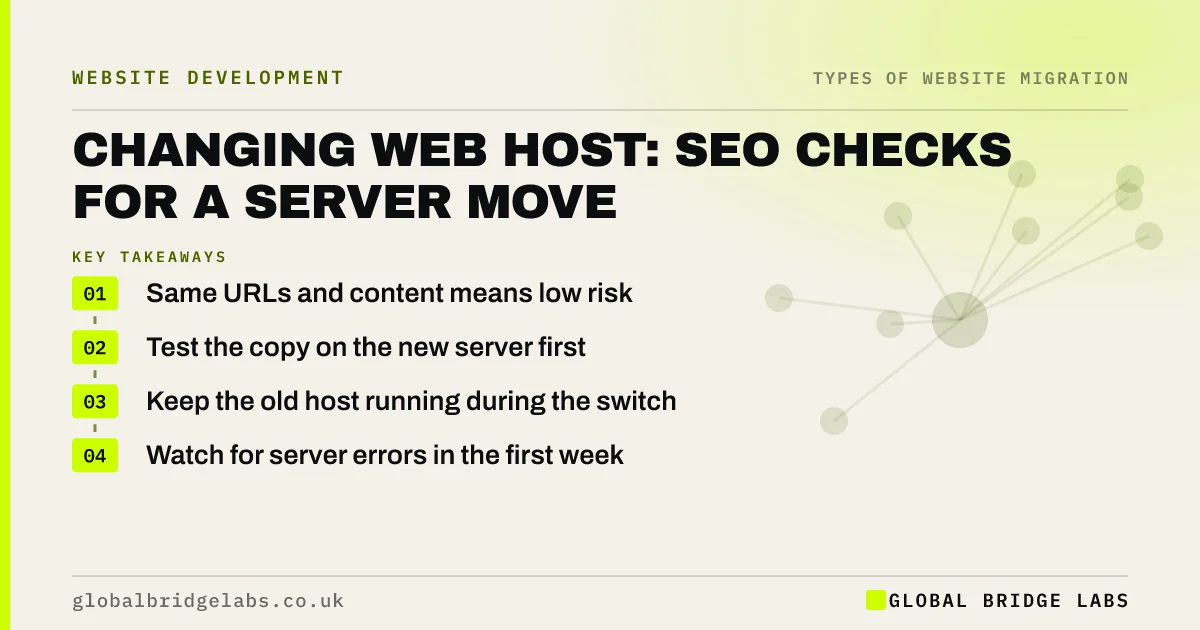
- Same URLs and content means low risk.
- Test the copy on the new server first.
- Keep the old host running during the switch.
- Watch for server errors in the first week.
Moving host? Message us on WhatsApp for a quick pre-move check.
Chat on WhatsApp →Why is a host move lower risk?
Google's guidance on moving a site without URL changes covers this case. Because the URLs stay the same, there are no redirects to process; search engines simply start fetching pages from a new server. The main risks are downtime, server errors and differences in configuration, such as missing redirects that lived in the old server's settings or a different HTTPS setup.
What are the steps?
Plan the switch so visitors and crawlers never hit an empty or broken server.
- Copy files, database and server rules to the new host.
- Test the copy using a temporary address or hosts file.
- Copy existing redirects and HTTPS settings exactly.
- Lower the DNS time to live a day or two before.
- Switch DNS at a quiet time and keep the old host live.
- Crawl the site and check status codes after the switch.
What should you watch afterwards?
In the first week, check that pages load quickly and return normal status codes. Search Console's crawl stats can show a short dip in crawling while Google adjusts to the new server, which is normal. Persistent server errors, timeouts or a slower site need fixing quickly, because they reduce how often Google crawls you and affect visitors.
- Core Web Vitals before and after a migration
- Website speed monitoring: catch slowdowns before customers
Want us to check your site after the move? Message us on WhatsApp.
Chat on WhatsApp →What does this look like in practice?
A pattern we see: a business moves host and the old redirects, kept in a server file nobody remembered, are not copied across. Old campaign URLs and pages from a previous restructure start returning 404s. Copying the old redirect rules to the new server fixes it, and a crawl before the switch would have caught it.
Host move checklist
- Copy files, database and server rules.
- Copy existing redirects and HTTPS settings.
- Test on the new server before switching.
- Keep the old host live during DNS changes.
- Check status codes and speed after the switch.
Next step
Before you change host, ask the current host for a copy of the server configuration, including any redirect rules. Those rules often hold years of old redirects you still need.
Message us on WhatsApp about a host move, or book a 30-minute consultation.
Chat on WhatsApp →Sources and further reading
- Moving a site without URL changes · Google Search Central
- How HTTP status codes and network errors affect Google Search · Google Search Central
- Large site owner's guide to managing your crawl budget · Google Search Central
Frequently asked questions
Does changing web host affect SEO?
Usually not, if the URLs and content stay the same and the new server is fast and reliable. Google may crawl a little less for a short time while it adjusts. Problems come from downtime, server errors, slower pages or redirect rules left behind on the old server.
How do I move host without downtime?
Copy the site to the new host and test it before switching. Lower the DNS time to live a day or two ahead, change DNS at a quiet time and keep the old host running until traffic has moved. Check the site from different networks once the change has gone through.
Do I need to tell Google I have changed host?
No. With the same URLs, Google will start fetching pages from the new server on its own. Keep Search Console verified, which may need re-checking if verification relied on a file on the old server, and watch the crawl stats and Page indexing report for errors.
Written by

Global Bridge Labs (GBL) is a UK–Sri Lanka partner for social media, websites and BPO. Everything here comes from client delivery, not theory.


