
On this page
Key takeaways
A URL inventory is a single list of every address on your site that people or search engines might use. Build it from a crawl, your XML sitemaps, Search Console, analytics, backlink reports and any existing redirect rules. Each source finds URLs the others miss. The combined, de-duplicated list becomes the first column of your redirect map.
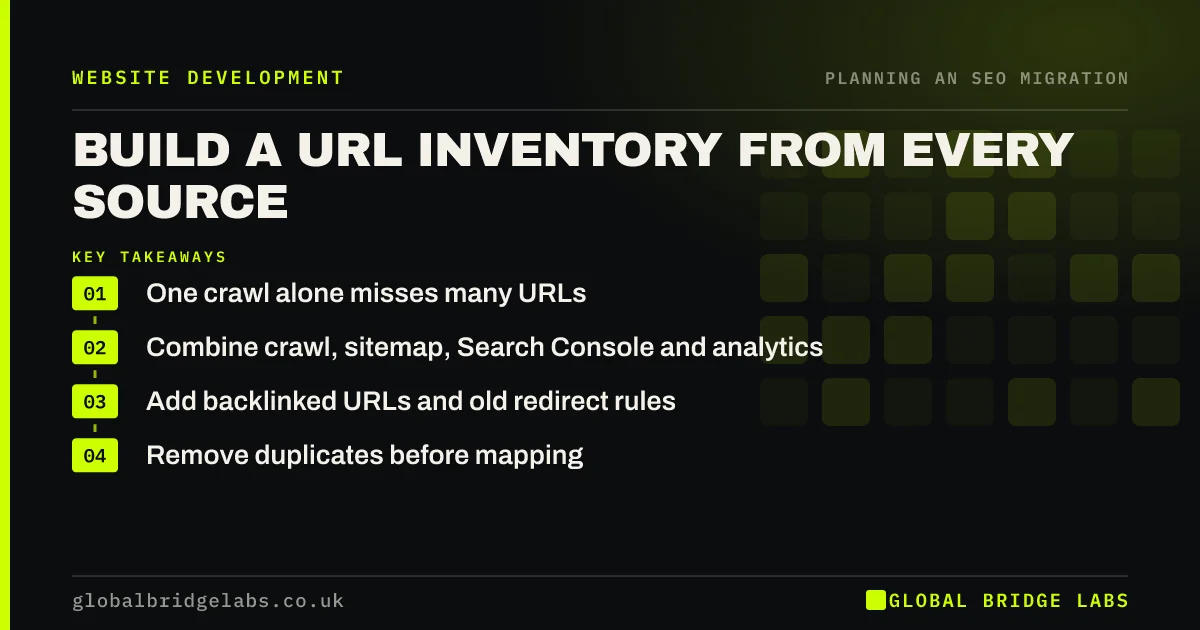
- One crawl alone misses many URLs.
- Combine crawl, sitemap, Search Console and analytics.
- Add backlinked URLs and old redirect rules.
- Remove duplicates before mapping.
Building your URL list? Message us on WhatsApp for a template.
Chat on WhatsApp →Why does one source miss URLs?
Each source sees the site differently. A crawler only finds linked pages. A sitemap may be out of date. Search Console lists URLs Google has found, including old ones still being linked from other sites. Analytics shows pages people actually landed on. Backlink tools show pages other websites link to. And old redirect rules hold addresses from previous migrations that still need to work.
Which sources should you combine?
Export each source into its own tab, then combine them.
- Crawl export of the live site.
- Every XML sitemap the site publishes.
- Search Console pages with clicks or impressions over 16 months.
- Analytics landing pages over at least a year.
- Top linked pages from a backlink report.
- Existing redirect rules from the server or platform.
How do you clean the list?
Normalise the URLs so duplicates line up: one protocol, one host version and a consistent trailing slash. Remove tracking parameters unless the parameter changes the content. Mark each URL with its source, its clicks and whether it has links. Then sort by value, so the most important URLs get mapped and tested first. What remains is your inventory.
- How to build a redirect map in a spreadsheet
- Trailing slashes, capitals and duplicate URL versions
- Old URLs with parameters: tracking codes, filters and IDs
Want us to check your inventory? Send it to us on WhatsApp.
Chat on WhatsApp →What does this look like in practice?
A pattern we see: the crawl finds 120 URLs, the sitemap 140, Search Console 260 and analytics 210. Combined and de-duplicated, the inventory has 310 URLs, including old landing pages, PDFs and posts from a previous blog. Mapping the full list rather than the crawl alone prevents a long tail of 404s after launch.
URL inventory checklist
- Export the crawl and every sitemap.
- Export Search Console and analytics pages.
- Add backlinked URLs and old redirects.
- Normalise and de-duplicate.
- Sort by value before mapping.
Next step
Create a spreadsheet with one tab per source and start filling it from the crawl and Search Console. Combine the tabs only once every source is in.
Message us on WhatsApp about your URL inventory, or book a 30-minute consultation.
Chat on WhatsApp →Sources and further reading
- Site moves with URL changes · Google Search Central
- What is a sitemap · Google Search Central
- Page indexing report · Search Console Help
Frequently asked questions
How do I find all the URLs on my website?
Combine several sources: a crawl of the live site, your XML sitemaps, the pages lists in Search Console, landing pages in analytics, a backlink report and existing redirect rules. No single source finds everything. Normalise and de-duplicate the combined list to get your inventory.
Should old URLs that already redirect go in the inventory?
Yes. If an old URL already redirects to a page that is now moving, its redirect needs updating to point straight to the new page. Otherwise you create a chain of redirects. Include existing redirect rules in the inventory so they can be updated.
Do I need to include images and PDFs?
Include images and files that bring search traffic or are linked from other websites, such as brochures, price lists and guides. Many sites get steady visits to PDFs from search. If those files move or are deleted without a redirect, the traffic and links are lost.
Written by

Global Bridge Labs (GBL) is a UK–Sri Lanka partner for social media, websites and BPO. Everything here comes from client delivery, not theory.


