
On this page
Key takeaways
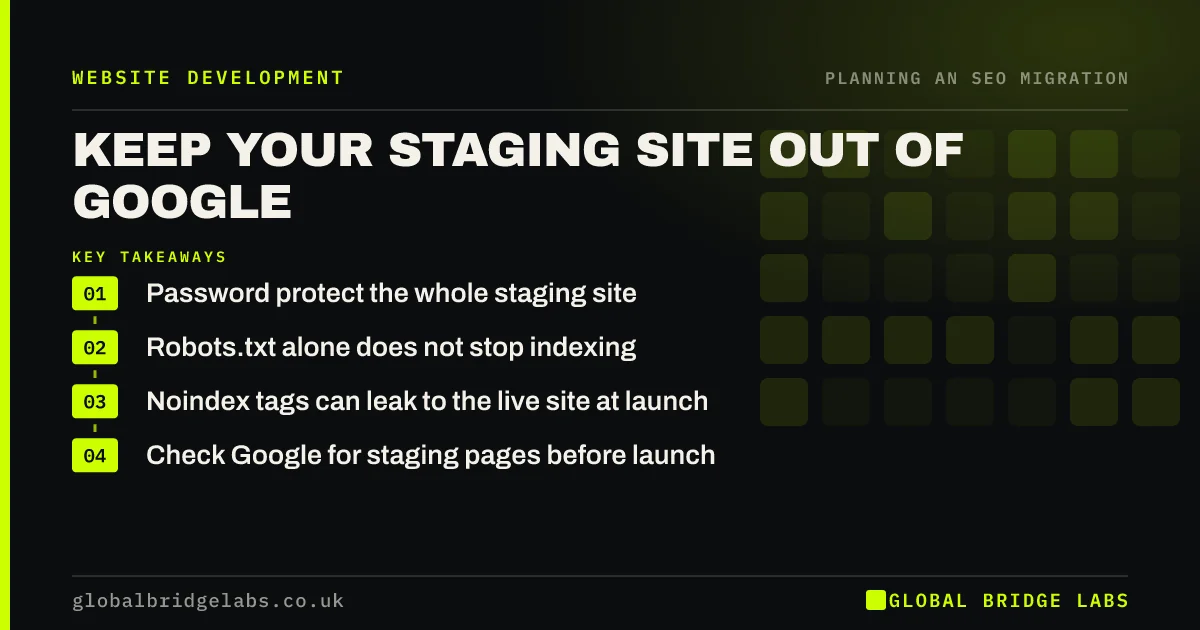
A staging site is a private copy of the new website for testing. If Google finds and indexes it, you get duplicate content and visitors landing on unfinished pages. The reliable way to keep it out is password protection on the whole staging site. Robots.txt alone does not prevent indexing, and noindex tags risk being copied to the live site at launch.
- Password protect the whole staging site.
- Robots.txt alone does not stop indexing.
- Noindex tags can leak to the live site at launch.
- Check Google for staging pages before launch.
Worried your staging site is in Google? Message us on WhatsApp.
Chat on WhatsApp →Why does staging end up in Google?
Staging sites get found through links: a developer shares a link in an email, a page on staging links to an external tool, or an analytics or chat script reports it. If staging is open, Google can crawl it and show unfinished pages in results, competing with the live site. Google's documentation explains that a robots.txt block stops crawling but can still leave the URL indexed if other pages link to it.
Which protection should you use?
Each method has a different job, so choose deliberately.
- Password protection: blocks everyone except the team, and the most reliable.
- IP allow list: only approved networks can see staging.
- Noindex tag: keeps pages out of results but must be removed at launch.
- Robots.txt block: stops crawling, not indexing, and must also be removed.
What if staging is already indexed?
Add password protection straight away, so the pages stop loading for anyone. If staging is on its own subdomain, verify it in Search Console and use the Removals tool to hide its URLs quickly. Check that no live pages link to staging and that canonical tags on staging do not point to staging URLs that will be copied to the live site.
- Canonical tags in a migration: point to the new URLs
- Old and new site both live: fixing duplicate content
Want us to check for indexed staging pages? Message us on WhatsApp.
Chat on WhatsApp →What does this look like in practice?
A pattern we see: the staging site is blocked in robots.txt, the robots.txt file is copied to the live site at launch, and the whole new site is blocked from crawling. Password protecting staging instead, and keeping robots.txt identical to the live file, removes both problems.
Staging protection checklist
- Password protect the whole staging site.
- Do not rely on robots.txt alone.
- Search Google for staging pages before launch.
- Check canonicals do not point to staging.
- Remove any staging blocks at launch.
Next step
Search Google for your staging address with the site: operator. If any pages appear, add password protection today and remove them in Search Console.
Message us on WhatsApp about your staging site, or book a 30-minute consultation.
Chat on WhatsApp →Sources and further reading
- Block search indexing with noindex · Google Search Central
- Introduction to robots.txt · Google Search Central
- How to specify a canonical URL with rel="canonical" and other methods · Google Search Central
Frequently asked questions
How do I stop Google indexing my staging site?
Password protect the whole staging site, so crawlers cannot load any pages. That is more reliable than robots.txt, which blocks crawling but not indexing, and safer than noindex tags, which can be copied to the live site at launch. An IP allow list is another reliable option.
Is it bad if my staging site is indexed?
Yes. It can create duplicate content that competes with the live site, show unfinished pages to visitors and expose test data. Protect it with a password straight away, remove indexed URLs with the Removals tool in Search Console and check that no live pages link to it.
Should staging have a noindex tag?
Noindex can work, but it carries a risk: if the setting is copied to the live site at launch, the whole new site drops out of search. If you use it, add removing noindex to the launch checklist. Password protection avoids the risk altogether.
Written by

Global Bridge Labs (GBL) is a UK–Sri Lanka partner for social media, websites and BPO. Everything here comes from client delivery, not theory.


