
On this page
Key takeaways
On most small business sites, a handful of pages bring most search traffic and enquiries. Find them before the migration using Search Console and analytics, and give them extra care: keep their URLs if you can, carry across their content and titles, test their redirects first and check them daily after launch. If those pages hold, the migration usually succeeds.
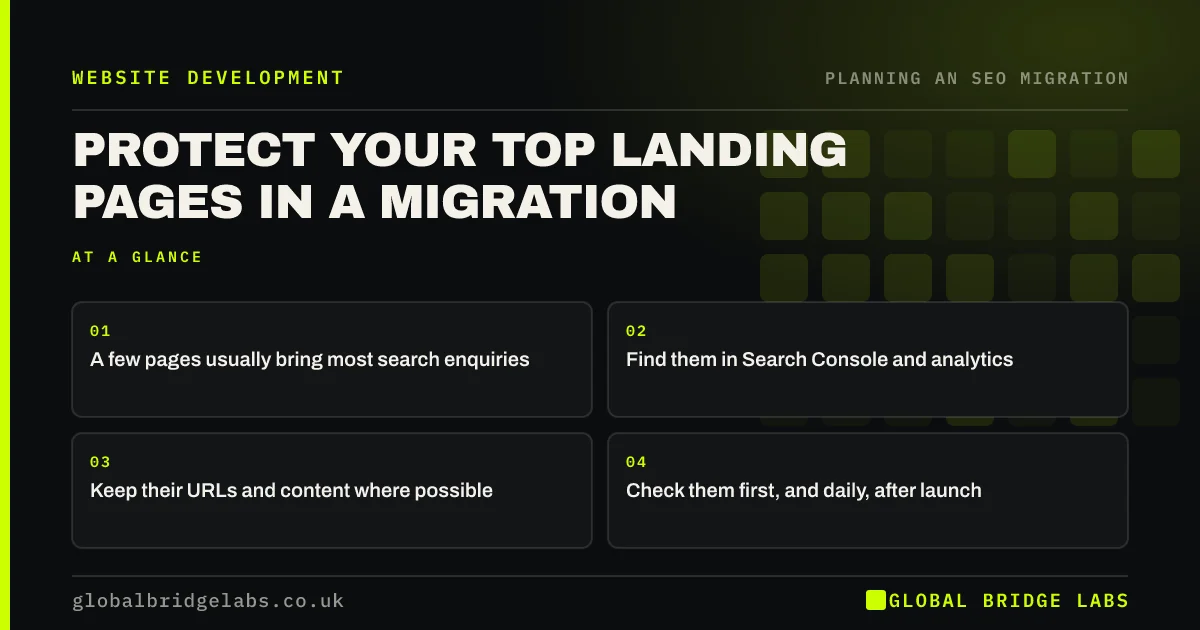
- A few pages usually bring most search enquiries.
- Find them in Search Console and analytics.
- Keep their URLs and content where possible.
- Check them first, and daily, after launch.
Want to know which pages matter most? Message us on WhatsApp.
Chat on WhatsApp →How do you find your top landing pages?
Combine search clicks with business value. Search Console shows which pages get the most clicks. Analytics shows which landing pages lead to enquiries, calls or sales. The pages that score well on both are your priority list. Often it is 10 to 20 pages, even on a site with hundreds.
What extra care do they need?
Treat each top page as its own small project within the migration.
- Keep the URL unchanged if the new structure allows.
- Copy the title, main heading and body content across first.
- Keep internal links pointing to it from the menu and related pages.
- Check structured data, images and calls to action.
- Test its redirect on staging and on launch day.
- Check it daily in Search Console for two weeks.
What if a top page has to change?
Sometimes a top page needs a new URL or a rewrite. Change one thing at a time if you can: move it with the content intact first, then improve the copy once rankings have settled. If you must rewrite during the migration, keep the main topic, the words people search for and the answers the old page gave, and check it against the old version before launch.
Want a second opinion on a rewritten top page? Send it to us on WhatsApp.
Chat on WhatsApp →What does this look like in practice?
A pattern we see on service sites: four pages bring most of the enquiries from search, and one of them is an old blog post answering a pricing question. It is nearly cut from the new site as off-brand. Keeping it, with its URL unchanged, protects a large share of the enquiries the business relies on.
Top landing pages checklist
- List pages by search clicks and enquiries.
- Keep their URLs where possible.
- Carry across content and titles first.
- Test their redirects first.
- Check them daily after launch.
Next step
Export your top 20 landing pages by search clicks and by enquiries, and circle the pages on both lists. Put those pages at the top of your migration plan.
Message us on WhatsApp about protecting your top pages, or book a 30-minute consultation.
Chat on WhatsApp →Sources and further reading
- Performance report (Search results) · Search Console Help
- About key events · Google Analytics Help
- Site moves with URL changes · Google Search Central
Frequently asked questions
Which pages are most important in a migration?
The pages that bring most search clicks and most enquiries, calls or sales. Find them by combining Search Console clicks with analytics key events by landing page. Pages with backlinks from other websites also deserve priority, even if their traffic is modest.
Should I keep the URLs of my top pages?
If the new structure allows, yes. Keeping the URL removes the need for search engines to process a redirect, so the page is the least likely to wobble. If the URL must change, use a tested one-to-one redirect and keep the content the same at launch.
Can I improve my top pages during the migration?
It is safer to move them with the content intact, let rankings settle, then improve them. If you must change them at launch, keep the main topic, search terms and answers the old page gave. Changing URL, design and copy at once makes any drop hard to diagnose.
Written by

Global Bridge Labs (GBL) is a UK–Sri Lanka partner for social media, websites and BPO. Everything here comes from client delivery, not theory.


