
On this page
Key takeaways
A search baseline is a saved record of how your site performs in search before the migration. Export clicks and impressions by page and by query from Search Console, landing page sessions and key events from analytics, and positions for your most important searches. Save at least three months, and the same months last year, so you can tell a migration problem from seasonality.
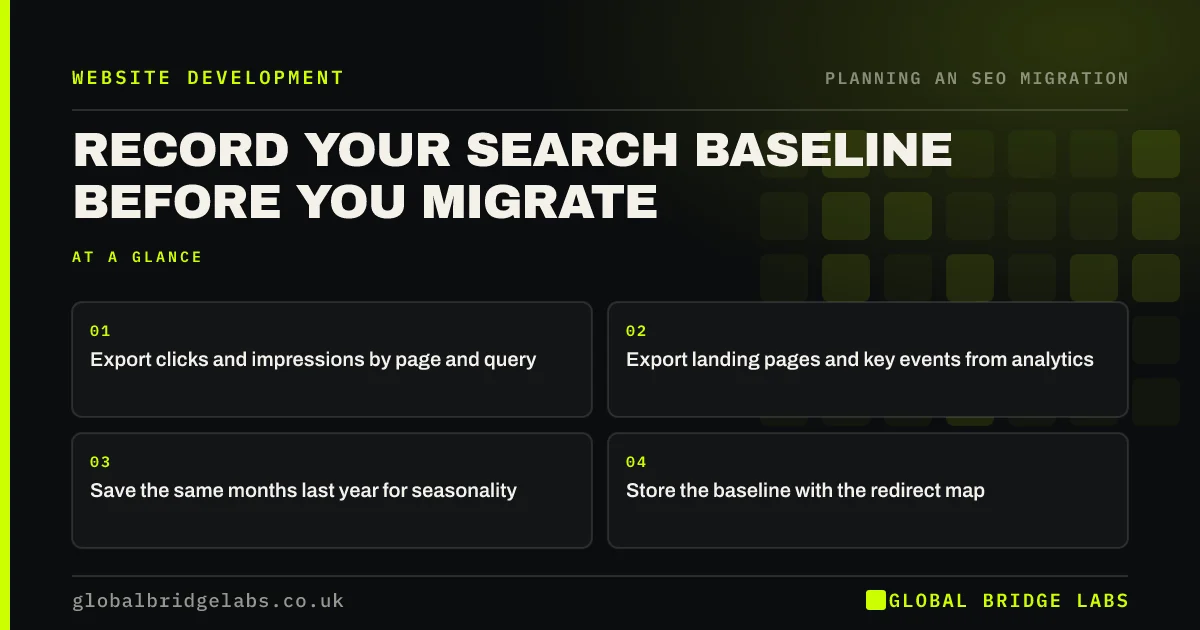
- Export clicks and impressions by page and query.
- Export landing pages and key events from analytics.
- Save the same months last year for seasonality.
- Store the baseline with the redirect map.
Not sure what to export? Message us on WhatsApp.
Chat on WhatsApp →Why do you need a baseline?
After launch, everyone will ask whether the migration worked. Without a baseline, the answer is guesswork. Search Console keeps data for 16 months, but its URL-level data is tied to the old addresses, and on a domain move the old property's data stays separate. A saved export lets you compare old and new pages side by side, and makes it obvious which pages lost traffic.
What should the baseline include?
Keep it simple enough to update weekly after launch.
- Search Console: clicks, impressions and position by page.
- Search Console: top queries, including brand searches.
- Analytics: sessions and key events by landing page.
- Rankings: positions for 20 to 50 important searches.
- Indexing: number of indexed pages from the Page indexing report.
How do you use it after launch?
Each week after launch, export the same figures and put them next to the baseline, matching old URLs to new ones through the redirect map. Look at the totals first, then at the top 20 pages. A page that has lost most of its clicks while others are stable usually has a specific problem, such as a missing redirect, lost content or a changed title.
Compare with the same week last year as well, so a seasonal dip is not mistaken for a migration problem.
- The 90-day monitoring plan after a migration
- Is my post-migration drop normal? How to tell
- Track rankings through a migration without panic
Want help comparing before and after? Message us on WhatsApp.
Chat on WhatsApp →What does this look like in practice?
A pattern we see: traffic falls a few weeks after launch and the team assumes the migration failed. The baseline, compared with the same weeks last year, shows the drop matches a normal seasonal dip, while two service pages have genuinely lost clicks. Fixing those two pages is quicker than rethinking the whole migration.
Search baseline checklist
- Export pages and queries from Search Console.
- Export landing pages and key events from analytics.
- Track positions for key searches.
- Save the same period last year.
- Store the baseline with the redirect map.
Next step
Export the last 16 months of Search Console page data today and save it. Search Console only keeps 16 months, so the sooner you save it, the more history you keep.
Message us on WhatsApp about your search baseline, or book a 30-minute consultation.
Chat on WhatsApp →Sources and further reading
- Performance report (Search results) · Search Console Help
- Google Search Console · Google
- About key events · Google Analytics Help
Frequently asked questions
What is an SEO baseline?
It is a saved record of your site's search performance before a change, usually clicks, impressions and positions by page and query from Search Console, plus landing page sessions and key events from analytics. It lets you measure the effect of a migration accurately and spot pages that lost traffic.
How far back should a migration baseline go?
Save at least the last three months and the same months a year earlier, so you can account for seasonality. If you can, save the full 16 months Search Console keeps. For seasonal businesses, the year-on-year comparison is more useful than the months just before launch.
Can I get my old data after the migration?
Search Console data for the old URLs or domain remains available for up to 16 months, as long as you keep access to the property. Analytics history stays if you keep the same property. Saving exports before launch is still safer, because properties and access can be lost.
Written by

Global Bridge Labs (GBL) is a UK–Sri Lanka partner for social media, websites and BPO. Everything here comes from client delivery, not theory.


