
On this page
Key takeaways
Links from other websites are one of the hardest assets to rebuild, and a migration can throw them away if the pages they point to are not redirected. Before you move, list every URL with external links, using the Search Console links report and a backlink tool. Make sure each one has a close, relevant destination on the new site and a tested redirect.
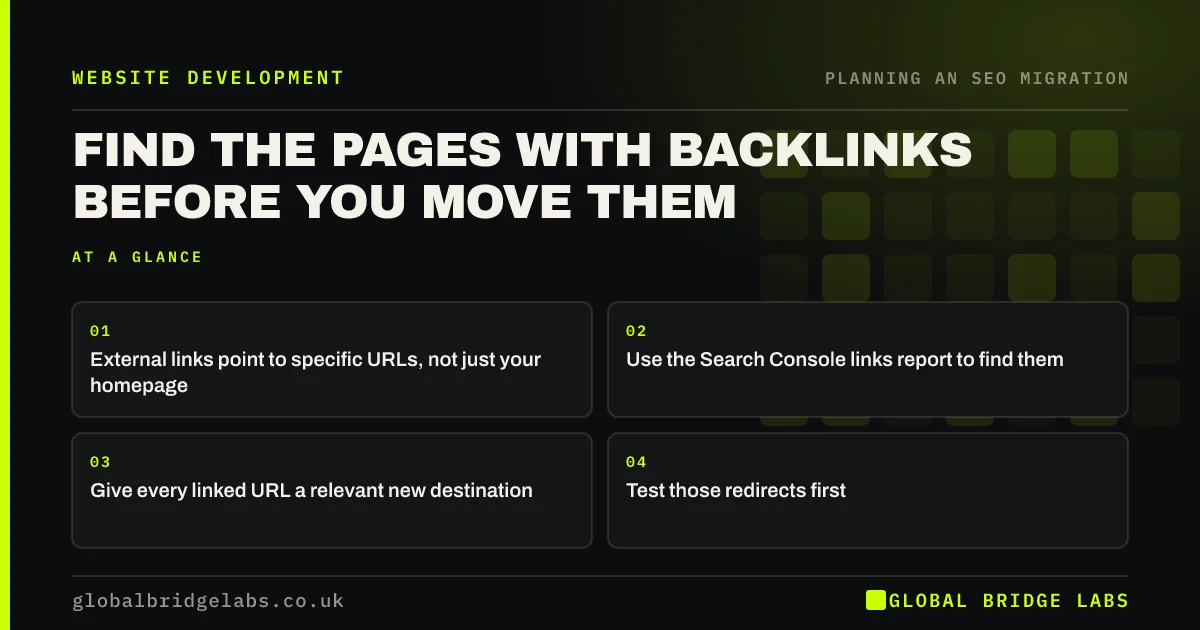
- External links point to specific URLs, not just your homepage.
- Use the Search Console links report to find them.
- Give every linked URL a relevant new destination.
- Test those redirects first.
Want a list of your linked pages? Message us on WhatsApp.
Chat on WhatsApp →Why do backlinks matter in a migration?
When another website links to a page on your site, the link sends visitors and helps search engines judge the page's importance. If that page returns a 404 after the move, the link leads nowhere. A permanent redirect to a closely matching page keeps the link working for visitors and lets search engines associate it with the new page.
Linked pages are often old: a guide from years ago, a press page or a PDF. They are easy to miss because they are not in the current menu.
How do you find linked pages?
Use more than one source, because each sees a different slice of the web.
- Search Console: the Links report shows top linked pages.
- A backlink tool: free tiers show the most linked URLs.
- Analytics: referral traffic by landing page.
- Your own records: press coverage, directory listings, partner pages.
How do you protect them?
Mark linked URLs in the redirect map and give them priority. Map each to the page that best matches what the linking site expected, not to the homepage. Test those redirects on staging and again on launch day. After launch, contact the sites behind your most valuable links and ask them to update the URL, so visitors skip the redirect altogether.
- How to build a redirect map in a spreadsheet
- How to test hundreds of redirects before launch
- Removing pages: redirect, 404 or 410?
Want us to check the redirects for your linked pages? Message us on WhatsApp.
Chat on WhatsApp →What does this look like in practice?
A pattern we see: a regional newspaper and two trade bodies link to an old guide on a business's site. The rebuild drops the guide as out of date, and the links start returning 404s. Updating the guide on the new site and redirecting the old URL to it restores the links, and a quick email gets one of the trade bodies to update its page.
Backlink protection checklist
- Export top linked pages from Search Console.
- Add URLs from a backlink tool and referral data.
- Mark linked URLs in the redirect map.
- Redirect each to a relevant page.
- Ask key sites to update links after launch.
Next step
Open the Links report in Search Console and export the top linked pages. Check that every one appears in your redirect map with a sensible destination.
Message us on WhatsApp about protecting your backlinks, or book a 30-minute consultation.
Chat on WhatsApp →Sources and further reading
- Site moves with URL changes · Google Search Central
- Google Search Console · Google
- Redirects and Google Search · Google Search Central
Frequently asked questions
Do backlinks transfer through 301 redirects?
Google's guidance is that permanent redirects are a strong signal that the new URL replaces the old one, so links pointing at the old URL are generally associated with the new page. The redirect must go to a relevant page; redirecting to an unrelated page or the homepage may not pass that value.
How do I find which pages have backlinks?
Use the Links report in Search Console, which lists your most linked pages, and add a backlink tool's free report for a second view. Check referral traffic in analytics by landing page as well. Combine the lists and mark those URLs in your redirect map.
Should I ask sites to update their links after a move?
For your most valuable links, yes. A direct link to the new URL is cleaner than one that goes through a redirect, and it protects you if a redirect ever breaks. A short, polite email with the new URL is usually enough. Do not worry about every small link.
Written by

Global Bridge Labs (GBL) is a UK–Sri Lanka partner for social media, websites and BPO. Everything here comes from client delivery, not theory.


