
On this page
- 01Key takeaways
- 02Why does page-to-page speed matter?
- 03Why are later pages sometimes as slow as the first?
- 04Why does the back button matter so much?
- 05How do you make navigation feel instant?
- 06When is preloading the next page a bad idea?
- 07What does this look like in practice?
- 08Page-to-page speed checklist
- 09Next step
- 10Sources and further reading
- 11Frequently asked questions
Key takeaways
Most speed work measures the first page a visitor lands on. Customers judge the whole visit. A buyer comparing services might view five or six pages, and if each one feels like a fresh wait, browsing becomes work. The second and later pages should be faster than the first, because the browser already holds most of what they need. When they are not, something is misconfigured.
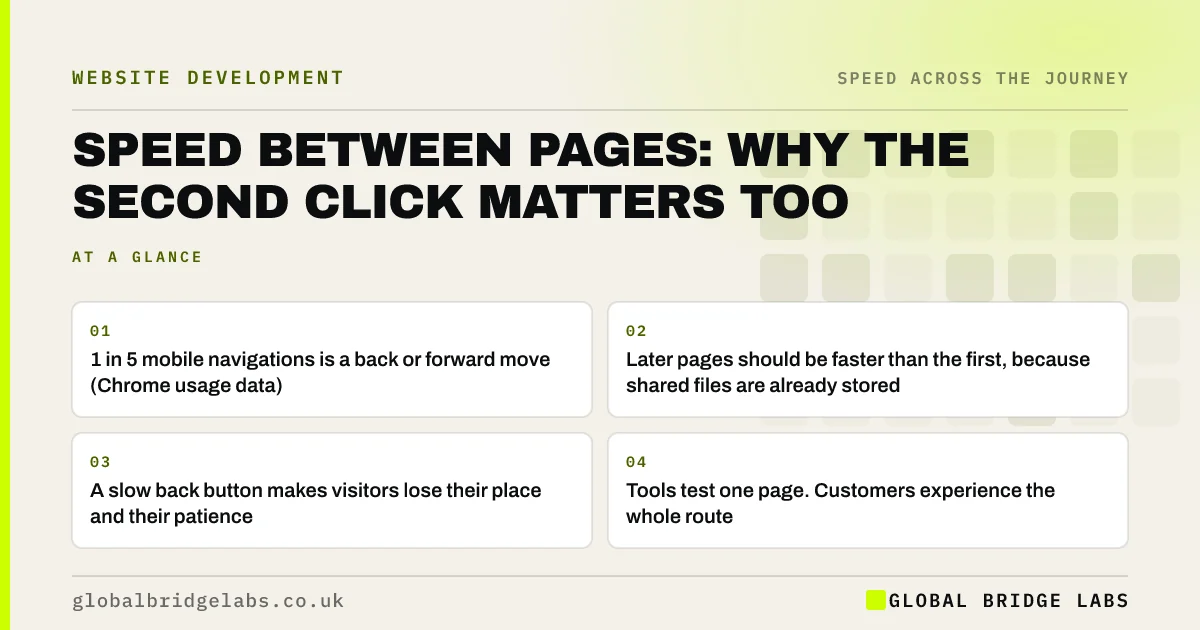
- 1 in 5 mobile navigations is a back or forward move (Chrome usage data).
- Later pages should be faster than the first, because shared files are already stored.
- A slow back button makes visitors lose their place and their patience.
- Tools test one page. Customers experience the whole route.
Does your site feel slow to move around? Send us the URL on WhatsApp.
Chat on WhatsApp →Why does page-to-page speed matter?
Page-to-page speed matters because deciding takes several pages. A visitor reads a service page, checks prices, looks at past work, returns to the service and then opens the contact page. Each step is a chance to give up.
It is also invisible in most reports. PageSpeed Insights and Lighthouse test a single address from a cold start. They say nothing about how the site feels on the third click.
Why are later pages sometimes as slow as the first?
Later pages are as slow as the first when the browser is prevented from reusing what it has already downloaded, or when each page carries a large unique load.
- Caching is not set, so logo, fonts, styles and scripts are fetched again.
- Each page loads a different large hero image.
- The server builds every page from scratch on each request.
- Third-party scripts re-run on every page.
- The page blocks the browser's instant back and forward feature.
Why does the back button matter so much?
Because people use it constantly. Chrome's usage data shows that one in ten navigations on desktop and one in five on mobile are back or forward moves. Modern browsers can keep a complete snapshot of a page in memory and restore it instantly, a feature known as the back/forward cache.
Sites lose that benefit through avoidable choices, such as certain scripts that run as a visitor leaves the page. When it fails, going back reloads the page from the top, the visitor's scroll position is lost and a filtered list resets.
Want to know whether your pages restore instantly on back? Ask us on WhatsApp.
Chat on WhatsApp →How do you make navigation feel instant?
Make the browser's job easy. Let it keep shared files, restore pages on back, and get a head start on the page a visitor is about to open.
- 1. Set long cache times on files that rarely change.
- 2. Cache finished pages on the server so they are not rebuilt each time.
- 3. Remove scripts that block instant back and forward.
- 4. Keep the header and menu identical across pages.
- 5. Consider preloading likely next pages on capable connections.
When is preloading the next page a bad idea?
Preloading fetches a page before the visitor asks for it, so the click feels instant. It also uses the visitor's data and your server's capacity on pages that may never be viewed. On metered mobile data that is a cost to the customer.
Use it sparingly, for the one or two links most visitors follow, and never for links that trigger an action such as adding to a basket or logging out. Fix caching first. It gives most of the benefit without the waste.
What does this look like in practice?
A pattern we see on sites with strong homepage scores: every inner page opens with a different full-width photograph, and caching was never configured. A visitor on a phone waits for each page as though arriving for the first time, and returning to the services list reloads it from the top.
Setting cache rules and allowing instant back makes the whole site feel quicker without touching a single design. Global Bridge Labs (GBL) tests a five-page journey, not a single page, in every speed review.
Page-to-page speed checklist
- Walk a five-page journey on a phone over mobile data.
- Note whether later pages are faster than the first.
- Press back at each step and check the page restores instantly.
- Check cache settings for fonts, styles, scripts and logo.
- Compare hero image sizes on inner pages.
- Fix caching before trying anything cleverer.
Next step
A fast first page earns the visit. Fast later pages earn the enquiry. We will walk a real journey through your site and mark where it slows.
Message us on WhatsApp for a multi-page speed review.
Chat on WhatsApp →Sources and further reading
- Back/forward cache · web.dev (Google)
- Prevent unnecessary network requests with the HTTP cache · web.dev (Google)
- Prerender pages in Chrome for instant page navigations · Chrome for Developers
Frequently asked questions
Why is my website slow when clicking between pages?
Usually because caching is not configured, so the browser downloads the same fonts, styles and scripts on every page, or because the server rebuilds each page from scratch. Large unique images on every page add to it. Correct caching fixes most cases.
Should the second page load faster than the first?
Yes. After the first page, the browser already holds the shared files a site uses. Later pages only need their own content. If they feel just as slow, cache settings or server-side page building are likely at fault.
Why does the back button reload the page on my site?
Browsers can restore pages instantly from memory, but some site features prevent it, including certain scripts that run when a visitor leaves. When that happens the page reloads from the top and loses scroll position. A developer can identify and remove the blocker.
Do speed tests measure navigation between pages?
No. Common tools test one page from a cold start. They do not show how the site feels on the third or fourth page of a visit. Walk a typical customer journey on a real phone to find out.
Written by

Global Bridge Labs (GBL) is a UK–Sri Lanka partner for social media, websites and BPO. Everything here comes from client delivery, not theory.


