On this page
- 01Key takeaways
- 02What is PHP and why does its version matter?
- 03What are the current PHP support dates?
- 04How do you find your PHP version?
- 05How do you upgrade PHP safely?
- 06When does a PHP upgrade point to a rebuild?
- 07Does PHP version affect speed?
- 08What if your host forces an upgrade?
- 09What does this look like in practice?
- 10PHP upgrade checklist
- 11Next step
- 12Sources and further reading
- 13Frequently asked questions
Key takeaways
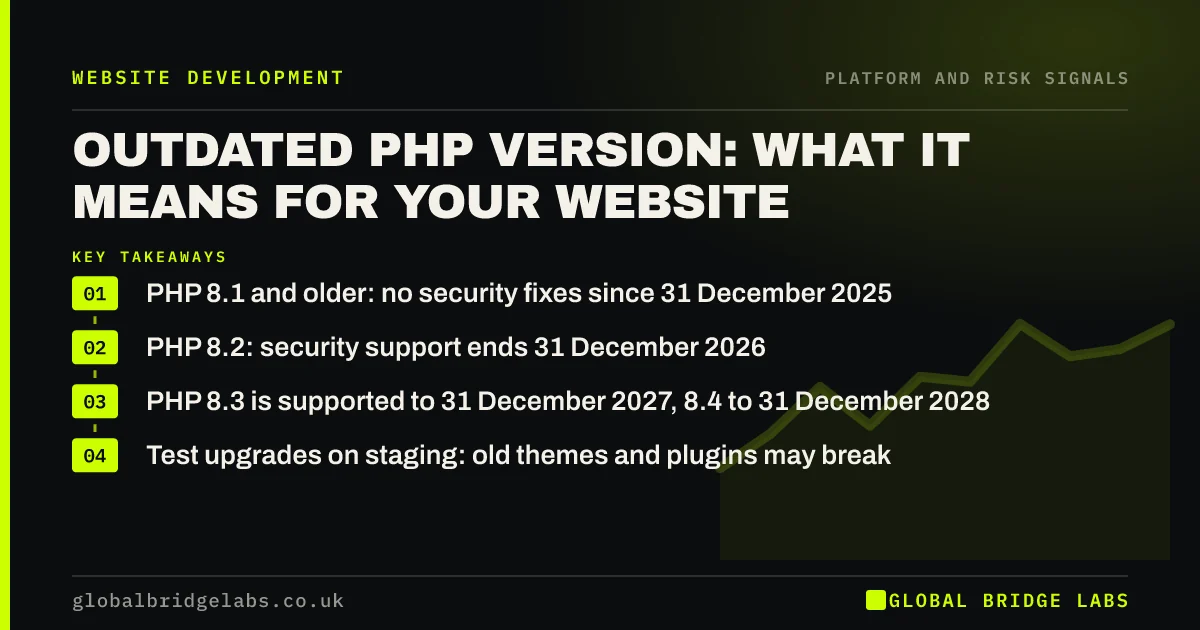
PHP is the server language behind WordPress and many other sites, and each version gets security fixes for a fixed period. PHP 8.1 lost security support on 31 December 2025 and PHP 8.2 loses it on 31 December 2026. Upgrading is usually a hosting setting, but sites with old themes or plugins may break, which can point to a rebuild.
- PHP 8.1 and older: no security fixes since 31 December 2025.
- PHP 8.2: security support ends 31 December 2026.
- PHP 8.3 is supported to 31 December 2027, 8.4 to 31 December 2028.
- Test upgrades on staging: old themes and plugins may break.
Not sure which PHP version your site runs? Ask us on WhatsApp.
Chat on WhatsApp →What is PHP and why does its version matter?
PHP is the programming language that runs on your web server to build pages for WordPress and many other platforms. Each PHP version receives active support, then security-only fixes, then reaches end of life. After that, new vulnerabilities in that version are never fixed.
What are the current PHP support dates?
According to the official PHP supported versions page, as checked in September 2026:
- PHP 8.1 and older: end of life, no security fixes.
- PHP 8.2: security fixes until 31 December 2026.
- PHP 8.3: security fixes until 31 December 2027.
- PHP 8.4: security fixes until 31 December 2028.
- PHP 8.5: security fixes until 31 December 2029.
Running 8.2 or older? We will plan the upgrade with you on WhatsApp.
Chat on WhatsApp →How do you find your PHP version?
Check your hosting control panel, which usually shows and lets you change the PHP version. In WordPress, the Site Health screen under Tools shows it too. Note the version and check it against the support dates.
How do you upgrade PHP safely?
Test before switching the live site.
- Take a full backup and confirm it restores.
- Update WordPress core, theme and plugins first.
- Switch a staging copy to the new PHP version.
- Check key pages, forms and checkout for errors.
- Switch live, then monitor for errors for a week.
When does a PHP upgrade point to a rebuild?
When the site cannot run on a supported version: an abandoned theme or custom code that throws fatal errors on newer PHP, and fixing it would mean rewriting large parts. At that point the site is stuck on unsupported software, which is a clear rebuild signal.
Does PHP version affect speed?
Newer PHP versions have generally been faster than older ones, so an upgrade can improve server response time. It will not fix slow images or heavy scripts, but it removes one source of delay alongside the security benefit.
What if your host forces an upgrade?
Hosts often move sites to newer PHP versions when old ones reach end of life, sometimes with little notice. If your site has not been tested on the newer version, it may break on the day of the switch, usually with a blank page or an error message.
Get ahead of it. Check your host's announcements, test on staging well before any deadline, and fix or replace anything that fails. If a forced upgrade does break the site, many hosts allow a temporary rollback while the problem is fixed, but treat that as a short-term measure only.
- Watch your host's PHP announcements.
- Test on staging before any deadline.
- Know how to roll back temporarily.
- Fix the cause rather than staying on old PHP.
What does this look like in practice?
A pattern in UK small business WordPress sites: the host warns that PHP 8.1 is end of life, the owner switches to 8.3, and the site shows a white screen because of an old theme. Rolling back, testing on staging and replacing the theme, or rebuilding on a supported one, is the lasting fix.
PHP upgrade checklist
Work through these before 31 December 2026 if you run PHP 8.2.
- Find your PHP version in hosting or Site Health.
- Check it against the official support dates.
- Back up and update core, theme and plugins.
- Test the new PHP version on staging.
- Fix or replace anything that breaks.
- Upgrade live and monitor.
Next step
If your site is on an outdated PHP version, we will check whether it can upgrade cleanly with you in 30 minutes, or whether the theme needs replacing.
Message us on WhatsApp for a PHP upgrade check, or book a 30-minute consultation.
Chat on WhatsApp →Sources and further reading
- Supported PHP versions and end-of-life dates · The PHP Group
- Updating WordPress · WordPress.org
- Small Business Guide: cyber security · National Cyber Security Centre
Frequently asked questions
What PHP version should my website use?
A version that still receives security fixes. As of September 2026, PHP 8.3, 8.4 and 8.5 have the longest remaining support. PHP 8.2 loses security support on 31 December 2026, and 8.1 and older are already end of life. Check your host's plans for older versions too.
Is it dangerous to run an old PHP version?
Yes, over time. End-of-life versions receive no security fixes, so newly found vulnerabilities stay open. Hosts may also stop offering old versions, forcing a sudden upgrade. Plan upgrades before support ends. Do not wait for your host to force the change.
Will upgrading PHP break my WordPress site?
It can if the theme, plugins or custom code are old. Update everything first, test on a staging copy, and fix or replace anything that errors. Most up-to-date WordPress sites upgrade without problems. Roll back if needed while problems are fixed.
How do I check my website's PHP version?
Look in your hosting control panel, which usually shows and lets you change it, or in WordPress under Tools, then Site Health, then Info. Compare the version with the official PHP supported versions page. Note the date you last checked.
Written by

Global Bridge Labs (GBL) is a UK–Sri Lanka partner for social media, websites and BPO. Everything here comes from client delivery, not theory.