
On this page
Key takeaways
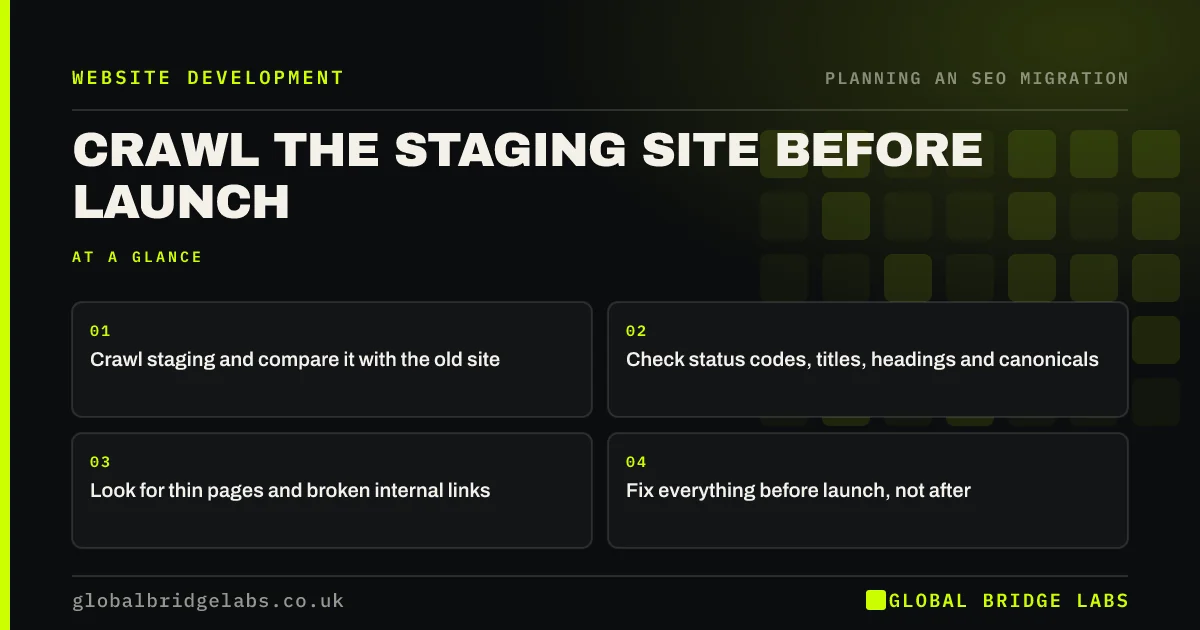
Before launch, crawl the staging site and compare it with your crawl of the old site. Check that every important page exists, returns a normal status code, has the right title and main heading, carries similar content, uses canonical tags pointing at the new URLs and is linked internally. Most launch-day surprises can be found on staging, when they are still cheap to fix.
- Crawl staging and compare it with the old site.
- Check status codes, titles, headings and canonicals.
- Look for thin pages and broken internal links.
- Fix everything before launch, not after.
Want us to crawl your staging site? Message us on WhatsApp.
Chat on WhatsApp →What should you compare?
Put the old crawl and the staging crawl side by side, matched through the redirect map. Differences point to problems that would otherwise appear after launch.
- Pages in the map with no matching staging page.
- Titles and main headings that changed.
- Word counts that dropped sharply.
- Canonical tags pointing to staging or old URLs.
- Pages with far fewer internal links than before.
Which errors should you look for?
Beyond the comparison, a staging crawl finds technical issues in the new templates: pages that return errors, internal links that point to old URLs and will rely on redirects, missing alt text, duplicate titles across templates, and pages that only load properly with JavaScript. Fix them in the templates where possible, so they do not repeat across hundreds of pages.
How do you crawl a protected staging site?
Most crawlers can log in with the staging password or send a username and password with each request. Give the crawler the staging address and credentials, and set it to ignore robots.txt if staging blocks crawling. Make sure staging remains protected from everyone else while you test.
Want a second opinion on your staging crawl? Send it to us on WhatsApp.
Chat on WhatsApp →What does this look like in practice?
A pattern we see: a staging crawl shows every service page with the same title, generated by the new theme, and every canonical tag pointing at the staging domain. Both would have hurt rankings at launch. Fixing them in two templates takes an hour, and the problems never reach the live site.
Staging crawl checklist
- Crawl staging with credentials.
- Match pages to the old crawl.
- Compare titles, headings and word counts.
- Check canonicals and internal links.
- Fix issues in templates before launch.
Next step
Book time in the final fortnight before launch to crawl staging and compare it with the old site. Leave at least a few days to fix what you find.
Message us on WhatsApp about testing your new site, or book a 30-minute consultation.
Chat on WhatsApp →Sources and further reading
- Site moves with URL changes · Google Search Central
- How HTTP status codes and network errors affect Google Search · Google Search Central
- How to specify a canonical URL with rel="canonical" and other methods · Google Search Central
Frequently asked questions
How do I test a new website before launch?
Crawl the staging site and compare it with a crawl of the old one, matched through your redirect map. Check status codes, titles, headings, content length, canonical tags and internal links. Then test redirects, forms, tracking and page speed. Fix problems on staging before you go live.
Can a crawler access a password-protected staging site?
Yes. Most crawlers support logging in with a username and password, either through a form or with each request. Give the crawler the credentials and, if needed, tell it to ignore staging's robots.txt. Keep staging protected from everyone else while you test.
What should I fix first after a staging crawl?
Fix anything that affects many pages or your most important pages: canonical tags pointing at the wrong place, noindex tags, duplicate titles from templates, missing pages and broken internal links. Then work through smaller issues, starting with the pages that bring the most traffic and enquiries.
Written by

Global Bridge Labs (GBL) is a UK–Sri Lanka partner for social media, websites and BPO. Everything here comes from client delivery, not theory.


