
On this page
Key takeaways
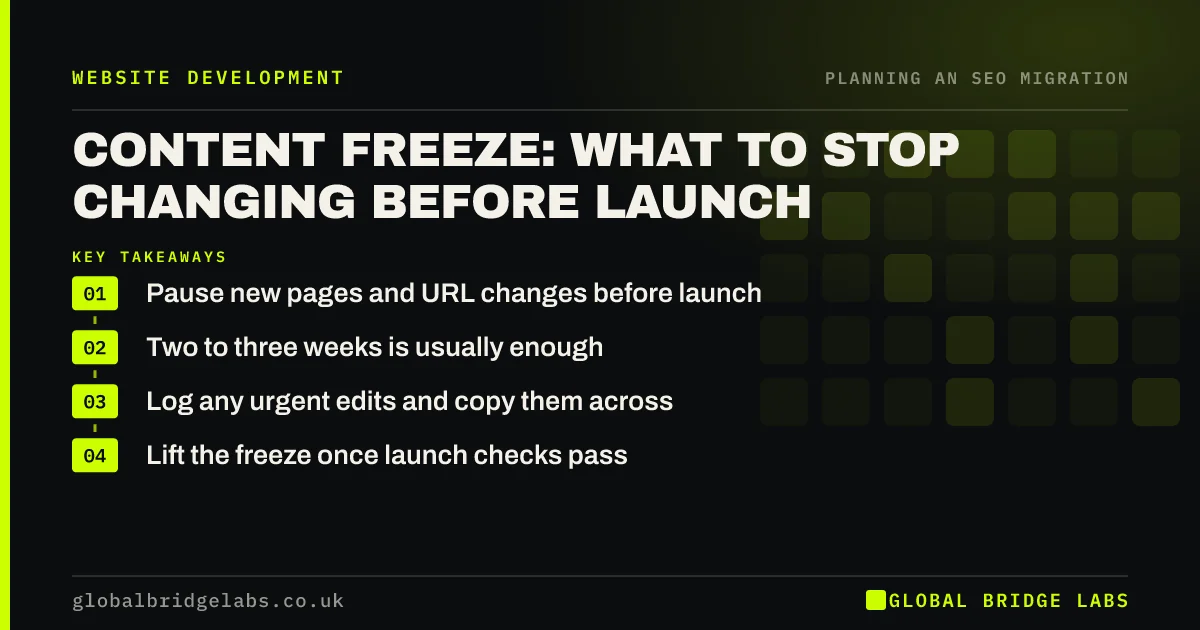
A content freeze is a short pause on new pages, URL changes and big edits to the old site before migration. It keeps the URL inventory and redirect map accurate, so nothing published in the final weeks is left behind. Two to three weeks is usually enough for a small site.
- Pause new pages and URL changes before launch.
- Two to three weeks is usually enough.
- Log any urgent edits and copy them across.
- Lift the freeze once launch checks pass.
Planning your freeze dates? Message us on WhatsApp.
Chat on WhatsApp →Why freeze content?
The redirect map is built from a snapshot of the old site. Every page added, renamed or deleted after that snapshot is a gap: a new blog post that never moves across, a renamed page whose new address has no redirect, or an edit that never reaches the new site. A freeze stops the snapshot going out of date in the busiest weeks of the project.
What should stop during the freeze?
Agree a short list and share it with everyone who can edit the site.
- No new pages or blog posts on the old site.
- No changes to URLs or slugs.
- No deleting pages.
- No large rewrites of ranking pages.
- No new plugins or apps on the old site.
How do you handle urgent changes?
Some changes cannot wait, such as a price correction, a legal update or a new opening time. Allow them, but log each one with the date, the URL and what changed, and make the same change on staging. If a new page is essential, add it to the redirect map at once. Review the log in the final launch meeting so nothing is forgotten.
Want a simple freeze log template? Ask us on WhatsApp.
Chat on WhatsApp →What does this look like in practice?
A pattern we see: the marketing team publishes three blog posts in the fortnight before launch, unaware of the migration timeline. None are on the new site, and their URLs start returning 404s after launch. A two-week freeze with a shared log would have kept them in the plan.
Content freeze checklist
- Agree freeze start and end dates.
- Share the rules with every editor.
- Log any urgent changes.
- Copy logged changes to staging.
- Review the log before launch.
Next step
Set a freeze start date two to three weeks before launch and send the rules to everyone with editing access. Name the person who approves urgent changes.
Message us on WhatsApp about your migration timeline, or book a 30-minute consultation.
Chat on WhatsApp →Sources and further reading
- Site moves with URL changes · Google Search Central
- What is a sitemap · Google Search Central
- Google Search Console · Google
Frequently asked questions
What is a content freeze in a website migration?
It is a short period, often two to three weeks before launch, when nobody adds pages, changes URLs or makes big edits to the old site. It keeps the redirect map and content inventory accurate, so nothing published late is lost in the move to the new site.
How long should a content freeze last?
For a small business site, two to three weeks is usually enough. Larger sites, or projects with long testing periods, may need four weeks or more. Keep it as short as possible, and lift it once launch checks have passed and the new site is stable.
Can I publish blog posts during a content freeze?
Ideally not on the old site. If a post cannot wait, publish it on both the old site and staging, add it to the redirect map and log it. Many teams prepare posts during the freeze and publish them on the new site once it is live.
Written by

Global Bridge Labs (GBL) is a UK–Sri Lanka partner for social media, websites and BPO. Everything here comes from client delivery, not theory.


