
On this page
Key takeaways
A small business migration needs only a few tools: a crawler, Google Search Console, your analytics, a spreadsheet for the redirect map, a redirect or header checker and a speed testing tool. Most have free versions that cover small sites. Bing Webmaster Tools and a backlink checker add useful detail. The process matters more than the tools.
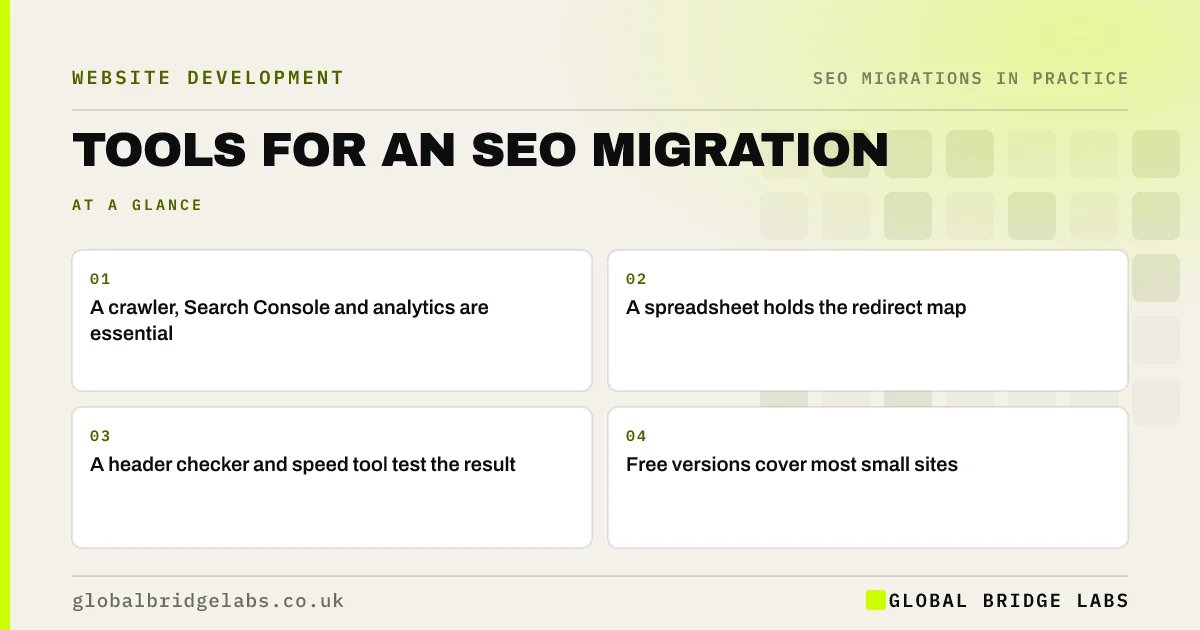
- A crawler, Search Console and analytics are essential.
- A spreadsheet holds the redirect map.
- A header checker and speed tool test the result.
- Free versions cover most small sites.
Not sure which tools you need? Message us on WhatsApp.
Chat on WhatsApp →Which tools are essential?
These cover every stage of the migration for most small business sites.
- A crawler: records the old site and tests redirects in list mode.
- Google Search Console: baseline, indexing, URL Inspection, Change of Address.
- Analytics: landing pages and key events before and after.
- A spreadsheet: inventory and redirect map.
- A header or redirect checker: spot checks of status codes.
- PageSpeed Insights: speed on old and new templates.
Which tools add useful detail?
These are worth adding if you have time or the site is larger.
- A backlink checker, to find linked pages.
- Bing Webmaster Tools, for Bing visibility.
- A rank tracker, for a fixed list of searches.
- Server logs, to see what crawlers actually request.
- A structured data testing tool.
How do you avoid tool overload?
Pick one tool for each job and stick with it from record to monitor, so before and after figures are comparable. Keep all outputs in one shared folder: crawls, the redirect map, test results and weekly reports. A careful person with a free crawler and a spreadsheet usually does better than a team with many tools and no process.
Want a tools list for your project? Ask us on WhatsApp.
Chat on WhatsApp →What does this look like in practice?
A pattern we see: a team uses three different crawlers at different stages, each counting URLs slightly differently, and the before and after figures do not line up. Switching to one crawler with the same settings throughout makes comparisons straightforward and the reports easy to trust.
Migration tools checklist
- Choose one crawler and keep its settings.
- Set up Search Console and analytics access.
- Keep the redirect map in one spreadsheet.
- Use a header checker for spot tests.
- Save every output in one shared folder.
Next step
Check you have access to Search Console and analytics for your current site, and install a crawler. Those three tools let you start the record stage this week.
Message us on WhatsApp about migration tools, or book a 30-minute consultation.
Chat on WhatsApp →Sources and further reading
- Google Search Console · Google
- PageSpeed Insights · Google
- Site moves with URL changes · Google Search Central
Frequently asked questions
What tools do I need for a website migration?
At minimum: a crawler, Google Search Console, your analytics, a spreadsheet for the redirect map, a redirect or header checker and a speed testing tool such as PageSpeed Insights. Most offer free versions that cover small business sites. Add a backlink checker and Bing Webmaster Tools if you can.
Are free SEO tools enough for a migration?
For most small business sites, yes. Free tiers of crawlers usually cover a few hundred URLs, and Search Console, analytics and PageSpeed Insights are free. Larger sites or shops with thousands of URLs may need a paid crawler licence to record and test everything.
Which crawler should I use?
Any reputable desktop or cloud crawler that can export to a spreadsheet, follow redirects, crawl a list of URLs and extract titles, headings and canonicals will do. Choose one, keep the same settings from start to finish and save every crawl with its date.
Written by

Global Bridge Labs (GBL) is a UK–Sri Lanka partner for social media, websites and BPO. Everything here comes from client delivery, not theory.


