
On this page
Key takeaways
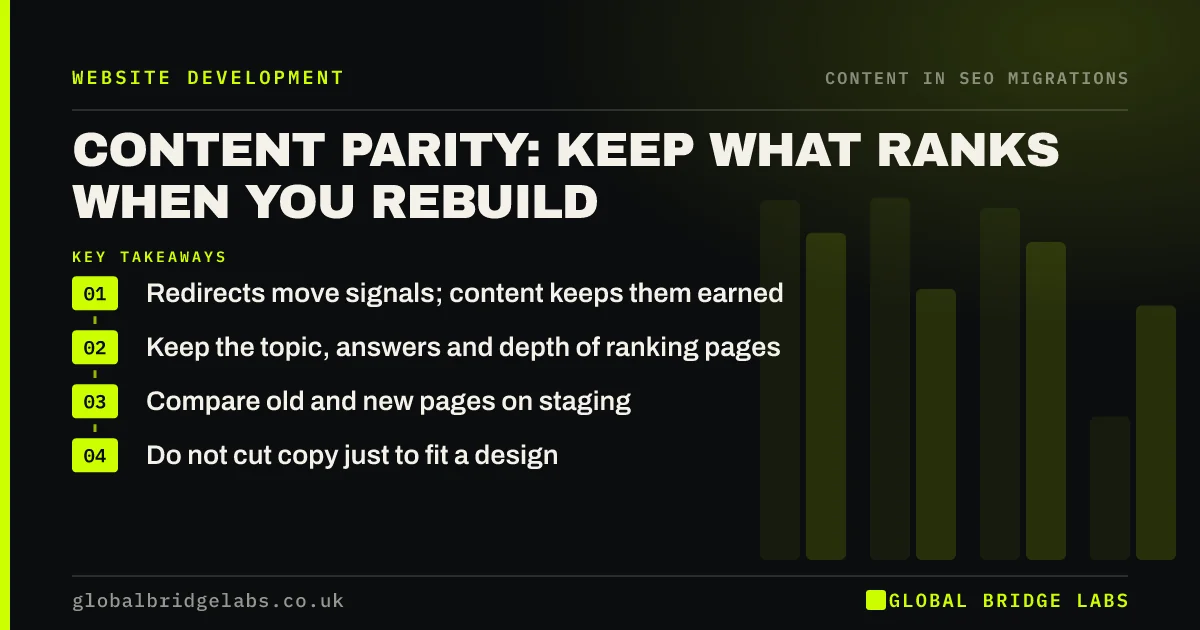
Content parity means the new version of a page carries the content that made the old one rank: the same topic, the same answers and similar depth. Redirects tell search engines where a page went; content tells them it is still worth ranking. Compare old and new pages before launch, starting with your top pages, and avoid cutting copy just to fit a new design.
- Redirects move signals; content keeps them earned.
- Keep the topic, answers and depth of ranking pages.
- Compare old and new pages on staging.
- Do not cut copy just to fit a design.
Worried your new pages say less than the old ones? Message us on WhatsApp.
Chat on WhatsApp →Why does content parity matter?
A page ranks because it answers what people search for. If the new version drops half the text, removes the pricing section or replaces specific answers with general marketing lines, search engines have less reason to rank it, even with a perfect redirect. Google's guidance on helpful content stresses pages that fully answer the visitor's question, and that applies to rebuilt pages as much as new ones.
What should stay the same?
Use the old crawl and the old pages themselves as the reference for each important page.
- The main topic and the words people search for.
- The questions answered and the facts given.
- Supporting sections such as prices, process and FAQs.
- Internal links to and from related pages.
- Images, tables and examples that add detail.
How do you check parity before launch?
Put the old and new versions of your top pages side by side. Compare word counts from the two crawls and flag any page that has lost a large share of its text. Read the flagged pages and check whether the answers are still there. Restore missing sections before launch, and leave improvements until after the rankings have settled.
Want a parity check on your top pages? Message us on WhatsApp.
Chat on WhatsApp →What does this look like in practice?
A pattern we see: a new design uses short, punchy service pages with a headline, three icons and a contact form. The old pages had detailed process, pricing and FAQ sections that ranked. After launch, those pages slip. Adding the old sections back below the new design restores most of the rankings without losing the new look.
Content parity checklist
- List your top pages by clicks.
- Compare old and new word counts.
- Check key answers and sections survive.
- Keep internal links and supporting media.
- Improve copy after rankings settle.
Next step
Pick your five most visited pages and print the old and new versions. Anything the old page answered that the new one does not is a gap to close before launch.
Message us on WhatsApp about content parity, or book a 30-minute consultation.
Chat on WhatsApp →Sources and further reading
- Site moves with URL changes · Google Search Central
- Creating helpful, reliable, people-first content · Google Search Central
- SEO Starter Guide · Google Search Central
Frequently asked questions
What is content parity in SEO?
Content parity means a new or migrated page carries the same useful content as the page it replaces: the same topic, answers, facts and depth. Without it, a page can lose rankings even if it is correctly redirected, because search engines judge the new page on what it actually says.
Can I shorten my pages in a redesign?
You can remove repetition and padding, but keep the substance that answered visitors' questions. Sharp cuts to ranking pages often lead to lower positions. If the new design needs less text above the fold, move detailed sections lower on the page rather than deleting them.
How do I compare old and new pages?
Crawl both versions and compare titles, headings and word counts, then read the pages that changed most. Check that the key answers, prices, process steps and FAQs are still there. Start with the pages that bring the most search traffic and enquiries.
Written by

Global Bridge Labs (GBL) is a UK–Sri Lanka partner for social media, websites and BPO. Everything here comes from client delivery, not theory.


