
On this page
- 01Key takeaways
- 02Is Squarespace good for a converting homepage?
- 03How should you structure the page?
- 04How do you keep the first screen clear?
- 05What should you check on mobile?
- 06When does Squarespace hold you back?
- 07What does this look like in practice?
- 08Squarespace homepage checklist
- 09Next step
- 10Sources and further reading
- 11Frequently asked questions
Key takeaways
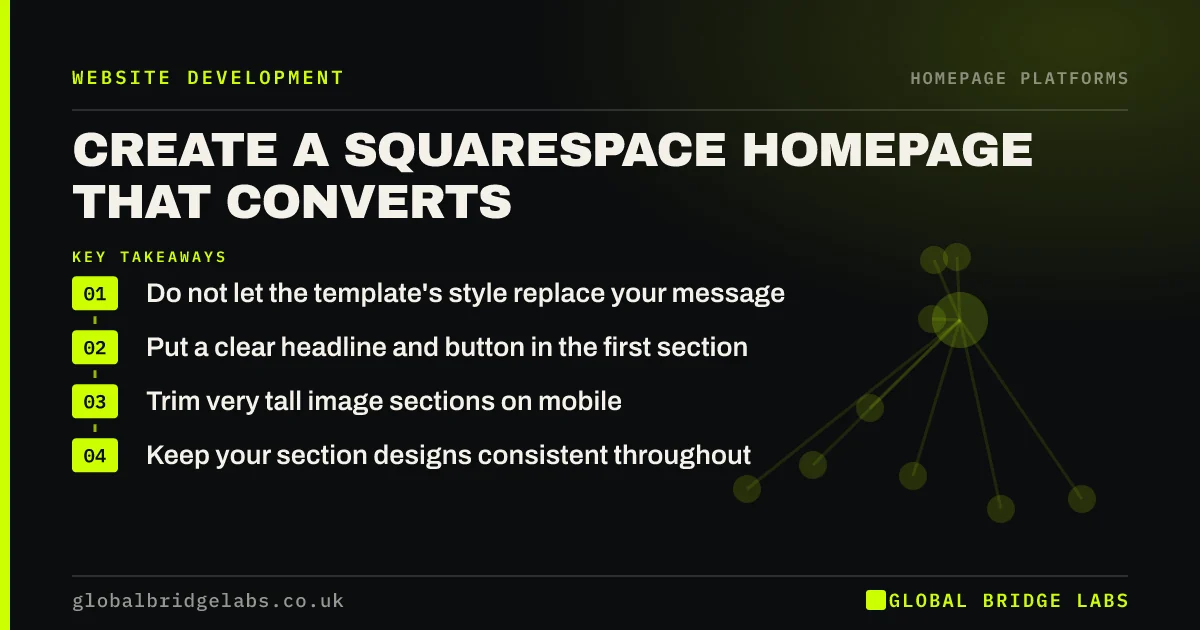
A Squarespace homepage starts with strong design, so the risk is looking beautiful while saying very little. Keep the template's clean style, but replace large image blocks and short poetic text with a clear headline, proof and a visible button. Check spacing on phones, where tall sections can push your action a long way down.
- Do not let the template's style replace your message.
- Put a clear headline and button in the first section.
- Trim very tall image sections on mobile.
- Keep your section designs consistent throughout.
Building on Squarespace? Message us on WhatsApp for a homepage review.
Chat on WhatsApp →Is Squarespace good for a converting homepage?
Squarespace suits visual businesses such as photographers, studios, restaurants and consultants. Its templates look polished with little effort. The weakness is that designs often assume striking photography and short text. For a service that needs explaining, you must add clarity deliberately, or the page will look good and say little.
How should you structure the page?
Use one section per job: hero, proof, services, how it works, closing action. Squarespace's section-based editing makes this straightforward. Save your best section styles and reuse them, because a consistent pattern helps visitors scan. Avoid adding a new layout idea for each section.
How do you keep the first screen clear?
Replace a full-bleed image with a short poetic line by adding a plain headline, a supporting sentence and a button. Make sure the text stays readable over any image. Full-height banners can look striking on a desktop but create a false floor, so make sure visitors can see there is more below.
What should you check on mobile?
Check image crops, spacing, text size and how far the first button sits from the top. Squarespace adapts layouts automatically, and block arrangements may need adjusting for smaller screens. Tall sections add up quickly on a phone, so shorten them until visitors reach your proof within two or three swipes.
When does Squarespace hold you back?
It can hold you back when you need complex forms, deep CRM links or custom booking flows, and it offers less technical control than WordPress. It works well if your needs match what it provides. Check integrations you depend on before you commit, rather than after the build.
What does this look like in practice?
A pattern we see on design-led sites: a stunning full-screen photograph, an elegant three-word line and no explanation of what the business sells. Visitors from a recommendation may stay, but anyone arriving from search has no idea whether they are in the right place. One plain sentence usually fixes it.
Squarespace homepage checklist
- Add a plain headline to the first section.
- Place a button in the first screen.
- Check contrast of text over images.
- Reuse two or three section styles.
- Shorten tall sections on mobile.
- Confirm your integrations work before launch.
Next step
Ask someone who has never heard of you to look at your first screen for five seconds, then say what you sell. Their answer tells you whether the design is carrying the message.
Message us on WhatsApp for a homepage review, or book a 30-minute consultation.
Chat on WhatsApp →Sources and further reading
- Responsive web design basics · web.dev (Google)
- Scrolling and attention · Nielsen Norman Group
- Understanding SC 1.4.3: Contrast (Minimum) · W3C
Frequently asked questions
Is Squarespace good for small business websites?
Yes, especially for visual businesses and small service firms that want a polished site with little technical work. It is less flexible than WordPress, so check that it supports the booking, forms and integrations you need.
How do I change my homepage in Squarespace?
Open the Pages panel, choose the page you want and set it as the homepage in its settings. The wording may change between versions, so check Squarespace's help pages if you cannot find the option.
Why does my Squarespace site look different on mobile?
Squarespace adapts desktop layouts to a narrow screen, so columns stack and images crop differently. Preview each section in the mobile view, then adjust block order, image focus and spacing, and always confirm the result on a real phone.
Written by

Global Bridge Labs (GBL) is a UK–Sri Lanka partner for social media, websites and BPO. Everything here comes from client delivery, not theory.


