
On this page
- 01Key takeaways
- 02What is an online shop homepage for?
- 03What should the first screen show?
- 04Why put delivery and returns near the top?
- 05How should products appear on the homepage?
- 06What slows shop homepages down?
- 07What does this look like in practice?
- 08Ecommerce homepage checklist
- 09Next step
- 10Sources and further reading
- 11Frequently asked questions
Key takeaways
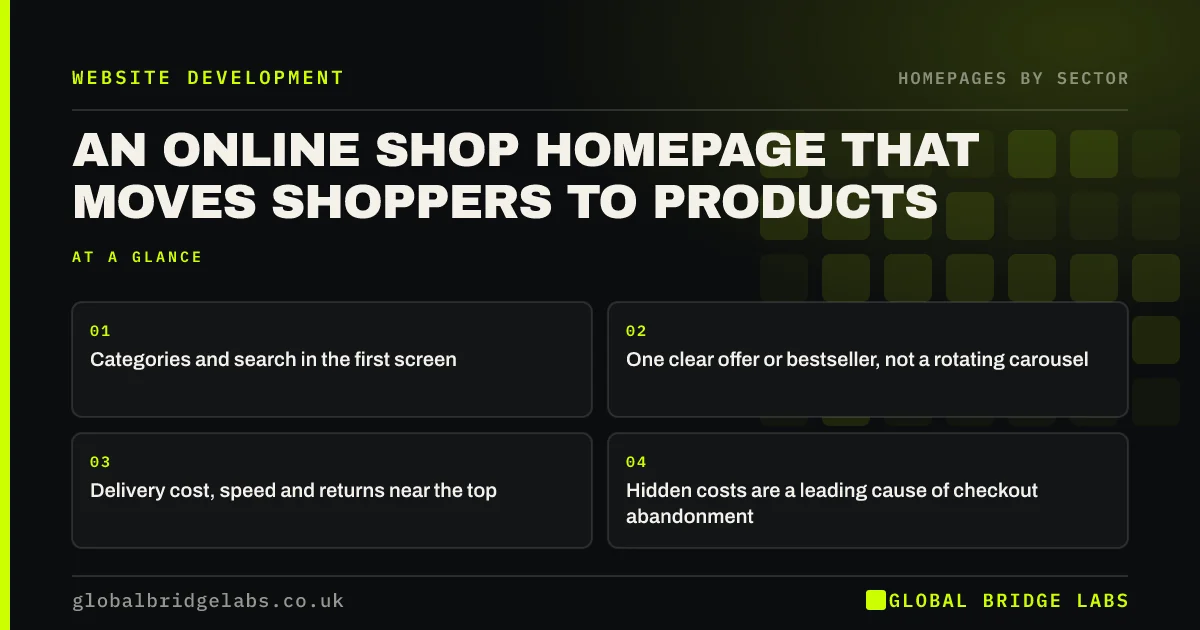
An ecommerce homepage works when it gets shoppers to products quickly: clear categories, visible search, one current offer or bestseller, and delivery and returns information near the top. It is a shop window, not a brochure. Slow carousels, vague hero banners and hidden delivery costs push shoppers away before they see a product.
- Categories and search in the first screen.
- One clear offer or bestseller, not a rotating carousel.
- Delivery cost, speed and returns near the top.
- Hidden costs are a leading cause of checkout abandonment.
Want your shop homepage reviewed? Message us on WhatsApp.
Chat on WhatsApp →What is an online shop homepage for?
An ecommerce homepage routes shoppers to products. Some arrive knowing what they want and need search or a category; others browse and need inspiration. Both need to trust the shop on delivery, returns and payment. The homepage should do those jobs fast and leave the selling to product pages.
What should the first screen show?
Clear category links, a visible search box, one hero with a current offer or bestseller that links to products, and a strip with delivery and returns: 'Free UK delivery over £40. 30-day returns.' Avoid a full-screen carousel of lifestyle images with no products.
Why put delivery and returns near the top?
Because unexpected costs are a leading reason shoppers abandon checkouts. Baymard Institute puts average documented cart abandonment at about 70%, with extra costs the most cited reason. Stating delivery costs and returns upfront removes the surprise. UK consumers also generally have a 14-day cancellation right for online purchases.
How should products appear on the homepage?
Show a small number of bestsellers or new arrivals with real product photos, prices and ratings, linking straight to product pages. Use the homepage to start a path, not to replace the category pages.
What slows shop homepages down?
Large banners, carousels, review widgets, chat tools, pop-ups and many apps on platforms like Shopify. Each adds scripts. Remove what is unused and compress images; speed matters especially on mobile, where most shopping traffic arrives.
What does this look like in practice?
A pattern we see: a shop homepage with a five-slide carousel, a pop-up on arrival and delivery costs only at checkout. Replacing the carousel with one product-led hero, removing the arrival pop-up and adding a delivery strip usually raises clicks to products and reduces abandoned baskets.
Ecommerce homepage checklist
- Show categories and search in the first screen.
- Use one product-led hero, not a carousel.
- State delivery costs, speed and returns near the top.
- Show a few bestsellers with prices and ratings.
- Remove arrival pop-ups on mobile.
- Audit apps and scripts that slow the page.
Next step
Ask a friend to buy a specific product from your shop on their phone, starting at the homepage, and watch where they hesitate.
Message us on WhatsApp for an ecommerce homepage review, or book a 30-minute consultation.
Chat on WhatsApp →Sources and further reading
- Cart abandonment rate statistics · Baymard Institute
- Consumer Contracts (Information, Cancellation and Additional Charges) Regulations 2013 · legislation.gov.uk
- Carousel usability: designing an effective UI · Nielsen Norman Group
Frequently asked questions
What should an ecommerce homepage include?
Clear categories, visible search, one current offer or bestseller, a few featured products with prices, and delivery, returns and payment information near the top. Keep it fast, especially on mobile, and avoid rotating carousels.
Are carousels bad for ecommerce homepages?
Often. They rotate messages away before shoppers read them, slow the page and are frequently ignored. A single hero linking to a current offer or bestseller usually works better for shoppers.
Should I show delivery costs on my homepage?
Yes, at least in summary. Unexpected costs are a major reason shoppers abandon checkouts, so stating delivery costs, thresholds and returns upfront reduces surprises, builds trust and saves customer service questions.
Written by

Global Bridge Labs (GBL) is a UK–Sri Lanka partner for social media, websites and BPO. Everything here comes from client delivery, not theory.


