On this page
- 01Key takeaways
- 02What is outsourced inbox management?
- 03Why does the inbox take over an owner's day?
- 04What does an inbox team actually do?
- 05How do you keep control of your email?
- 06What does outsourced inbox management cost?
- 07Is it safe to give someone access to business email?
- 08When is inbox outsourcing the wrong fit?
- 09What does this look like in practice?
- 10Checklist: hand over your inbox
- 11Next step
- 12Sources and further reading
- 13Frequently asked questions
Key takeaways
Outsourced inbox management means a trained team triages your business email every working hour: sorting, tagging, answering routine messages, drafting replies for approval and chasing anything waiting on someone else. It turns an inbox that runs your day into a queue somebody owns.
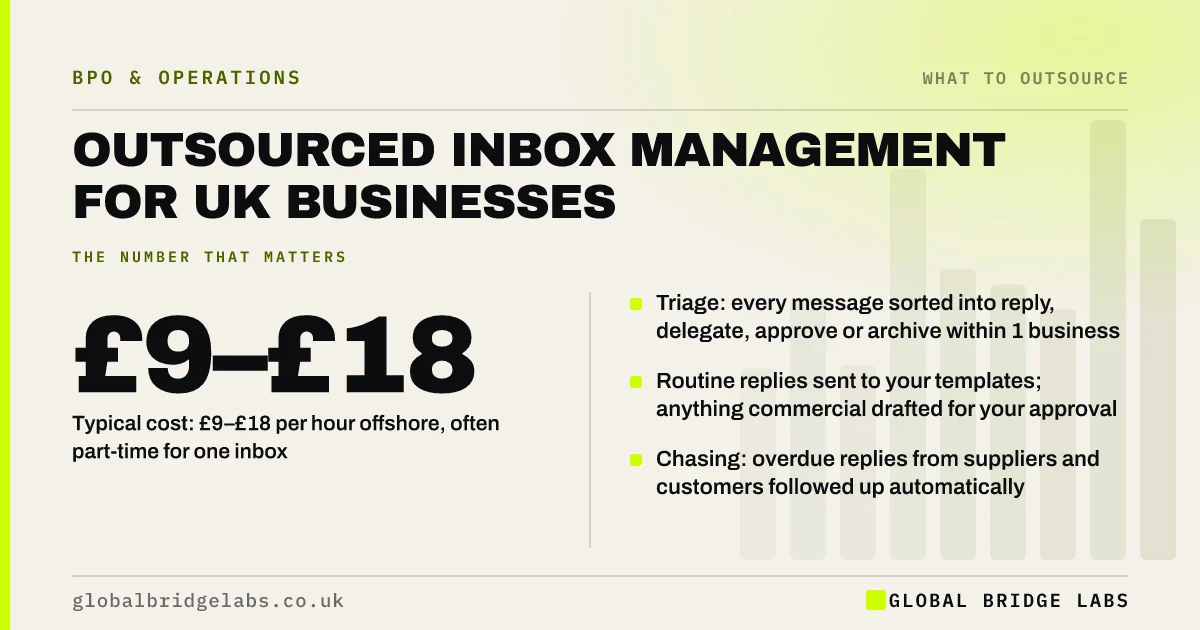
- Triage: every message sorted into reply, delegate, approve or archive within 1 business hour.
- Routine replies sent to your templates; anything commercial drafted for your approval.
- Chasing: overdue replies from suppliers and customers followed up automatically.
- Typical cost: £9–£18 per hour offshore, often part-time for one inbox.
- You keep decisions; the team clears everything around them.
Want your inbox triaged by someone else from next month? Message us on WhatsApp with roughly how many emails you get a day.
Chat on WhatsApp →What is outsourced inbox management?
Outsourced inbox management is a business process outsourcing (BPO) service in which a managed team handles a business email inbox to agreed rules: triaging each message, replying where a template or procedure applies, drafting replies that need approval, and following up anything outstanding.
It works for shared inboxes such as info@ or sales@, and for an owner's own inbox with tighter rules. The team works inside your email system with delegated access, so nothing is forwarded or copied elsewhere.
Why does the inbox take over an owner's day?
The inbox takes over because every message looks urgent until it is read. Owners check email between jobs, reply to the easy ones, leave the hard ones and lose track of what is waiting on whom. The result is slow replies to the messages that matter and time lost on the ones that do not.
A shared info@ inbox is worse, because it belongs to nobody. Messages get read by three people and answered by none.
What does an inbox team actually do?
An inbox team works through the inbox on a schedule, usually continuously during trading hours, applying a written rulebook. Every message ends in one of four states: replied, delegated to a named person, drafted for approval, or archived.
- Sort and tag messages by type: enquiry, customer, supplier, finance, internal.
- Reply to routine questions using approved templates.
- Draft replies to anything involving price, commitments or complaints.
- Log enquiries in the CRM and forward leads to sales with context.
- Chase overdue replies and flag anything stuck for more than 48 hours.
- Unsubscribe from and filter newsletters and spam.
How do you keep control of your email?
Keep control with a rulebook and permissions. The rulebook lists which message types the team can answer, which it must draft for approval, and which it must never touch, such as legal, HR or banking emails. Permissions limit what the team can see, using delegated access rather than your password.
Many owners start with draft-only for the first two weeks, then allow routine replies once they trust the tone and accuracy.
What does outsourced inbox management cost?
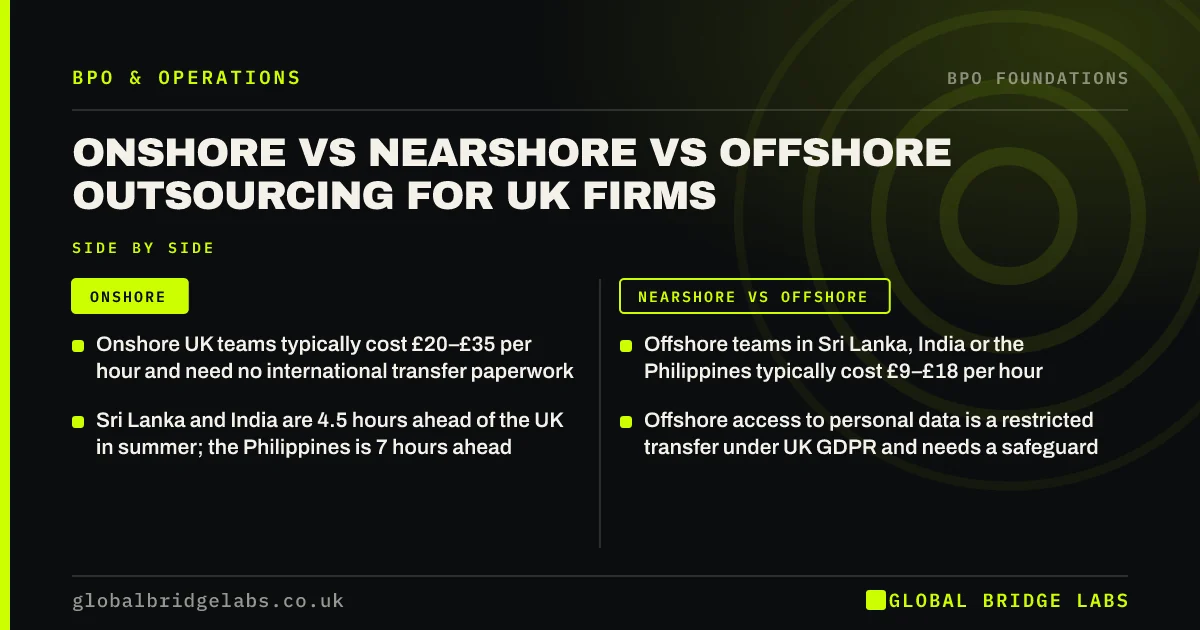
As indicative market ranges, managed offshore inbox support costs around £9–£18 per hour and onshore UK providers around £20–£35. A single inbox with 50 to 150 emails a day often needs a part-time seat rather than a full-time one.
Compare it with the value of your own time. If an owner spends two hours a day on email that a team could triage, that is about 10 hours a week, or roughly 450 hours a year once holidays are taken out. At any sensible value for an owner's hour, that time is worth more than the seat.
Want a costed plan for your inbox? Send us your daily email volume on WhatsApp and we will discuss your requirements.
Chat on WhatsApp →Is it safe to give someone access to business email?
It can be, with the right controls. Use delegated or shared mailbox access rather than sharing passwords, turn on multi-factor authentication, and exclude sensitive folders. Business email contains personal data, so UK GDPR applies: you need a written processor contract, and if the team is outside the UK, a transfer safeguard such as the ICO's International Data Transfer Agreement.
Email is also the most common route for cyber attacks. The DSIT Cyber Security Breaches Survey 2025/2026 found 43% of UK businesses reported a breach or attack in the previous year, with phishing the most common type. Train the team to spot and report suspicious messages.
When is inbox outsourcing the wrong fit?
It is the wrong fit when most emails need your personal judgement, when the inbox holds highly sensitive material such as legal or medical records without proper controls, or when volume is only a handful of messages a day. In those cases, better filters and templates may be enough.
What does this look like in practice?
A pattern we see in professional services firms: a partner's inbox holds 3,000 unread messages, clients chase replies by phone, and leads sit unanswered for days. A rulebook covering eight message types, draft-only for a fortnight, then routine replies sent directly, usually brings the inbox to zero unanswered within a few weeks and keeps it there.
Checklist: hand over your inbox
Use this to prepare the rulebook.
- Count emails per day and list the ten most common types.
- Write a template reply for each routine type.
- List message types that must be drafted for approval.
- List folders and senders the team must never open.
- Set up delegated access with multi-factor authentication.
- Agree a response-time target and a daily summary format.
- Start draft-only, then widen permissions after two weeks.
Next step
Tell us how many emails you get and what they are about, and we will draft the rulebook and team plan with you. 30 minutes, no pitch.
Message us on WhatsApp for an inbox plan, or book a 30-minute consultation.
Chat on WhatsApp →Sources and further reading
- Cyber security breaches survey 2025/2026 · DSIT and Home Office
- Contracts and liabilities between controllers and processors · Information Commissioner's Office
- International transfers of personal data · Information Commissioner's Office
Frequently asked questions
What is inbox management?
Inbox management is the ongoing work of triaging, answering, delegating and archiving email so nothing is missed and replies go out on time. Outsourced inbox management hands that work to a trained team following your rules, usually with delegated access to your own mailbox rather than forwarding.
Can an assistant reply to emails as me?
Yes, with delegated access they can send on your behalf or as you, depending on settings. Most owners allow routine replies to go out directly and require drafts for anything involving price, commitments, complaints or sensitive matters. Set this out in a written rulebook.
How many emails can one person manage a day?
It depends on complexity. A trained person can triage several hundred simple messages a day, but if many need a researched reply, 60 to 120 is more realistic. Start by counting and categorising a typical week, then size the team from that.
Does inbox management include the CRM?
It can and usually should. Logging enquiries, updating contact records and creating follow-up tasks from emails keeps the CRM accurate and stops leads going cold. Agree which emails create CRM entries and what information must be captured.
Written by

Global Bridge Labs (GBL) is a UK–Sri Lanka partner for social media, websites and BPO. Everything here comes from client delivery, not theory.