
On this page
Key takeaways
Migrations come with their own vocabulary, and misunderstandings between owner, developer and agency cause real problems. This glossary explains the terms you will meet in a migration plan in plain English: redirect types, status codes, canonical tags, noindex, robots.txt, sitemaps, staging, content parity and the Search Console reports you will use afterwards.
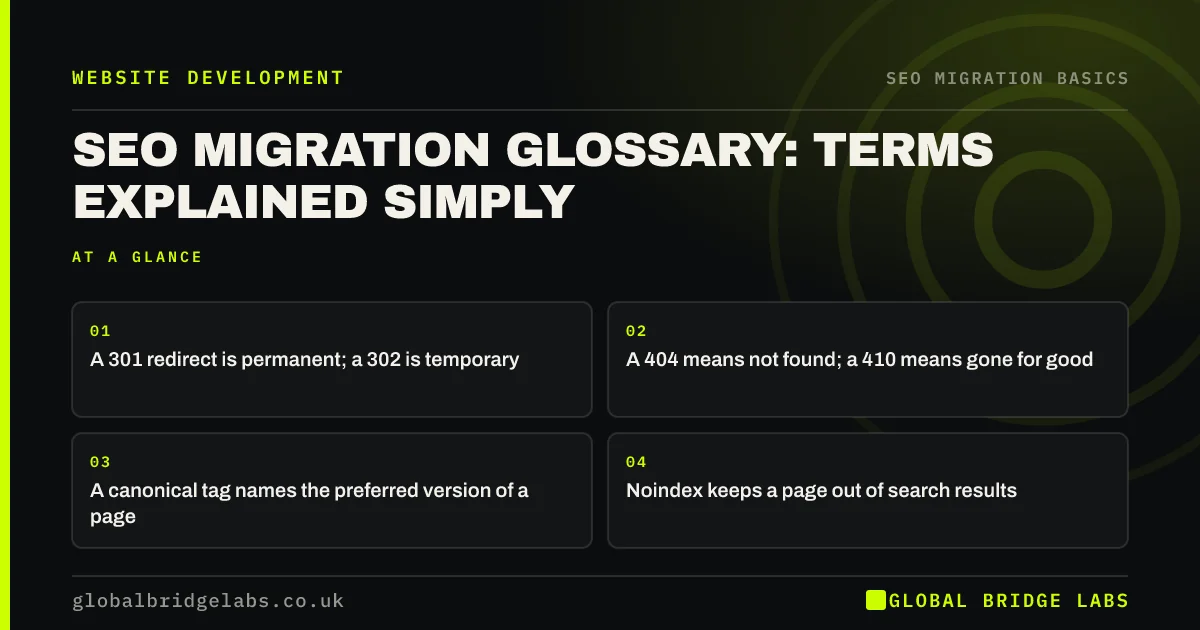
- A 301 redirect is permanent; a 302 is temporary.
- A 404 means not found; a 410 means gone for good.
- A canonical tag names the preferred version of a page.
- Noindex keeps a page out of search results.
Stuck on a term in your migration plan? Message us on WhatsApp.
Chat on WhatsApp →Which redirect and status code terms matter?
Status codes are the short numbers a server sends with every page. Google's documentation on HTTP status codes explains how each one affects search.
- 200: the page loaded normally.
- 301 and 308: permanent redirects, the right choice for a migration.
- 302 and 307: temporary redirects, for short-term changes.
- 404: not found. 410: gone, removed on purpose.
- 5xx: server errors, which slow crawling if they persist.
- Redirect chain: several redirects in a row before the final page.
Which indexing terms matter?
Indexing terms describe whether search engines can find and show a page. A canonical tag tells search engines which URL is the main version when several look alike. A noindex tag asks them not to show a page in results. Robots.txt is a file that tells crawlers which areas not to crawl, but it does not by itself remove pages from results. An XML sitemap lists the URLs you want crawled.
A soft 404 is a page that loads but looks empty or irrelevant, such as a redirect to an unrelated page, which Google may treat like a not found error.
Which project terms matter?
Staging is a private copy of the new site used for testing. A redirect map is the spreadsheet matching old URLs to new ones. Content parity means the new page carries the content that made the old one rank. A baseline is a saved record of traffic and rankings before launch. A content freeze is a pause on changes so the inventory stays accurate. A rollback is a return to the old site if launch goes badly wrong.
- How to build a redirect map in a spreadsheet
- Content parity: keep what ranks when you rebuild
- Record your search baseline before you migrate
Want a plain-English review of your plan? Send it to us on WhatsApp.
Chat on WhatsApp →What does this look like in practice?
A pattern we see: an owner is told that staging is blocked and assumes it cannot appear in Google. In fact it was only blocked in robots.txt, and some staging pages were already indexed. Knowing the difference between a robots.txt block, a noindex tag and password protection would have led to the right question at the start.
Glossary checklist
- Know the difference between 301 and 302.
- Know the difference between 404 and 410.
- Know what a canonical tag does.
- Know that robots.txt is not the same as noindex.
- Know what a redirect map and a baseline are.
Next step
Share this glossary with everyone working on your migration, so owner, developer and agency use the same words for the same things. Most migration mistakes start as misunderstandings.
Message us on WhatsApp with migration questions, or book a 30-minute consultation.
Chat on WhatsApp →Sources and further reading
- Redirects and Google Search · Google Search Central
- How HTTP status codes and network errors affect Google Search · Google Search Central
- How to specify a canonical URL with rel="canonical" and other methods · Google Search Central
- Block search indexing with noindex · Google Search Central
Frequently asked questions
What is the difference between a 301 and a 302 redirect?
A 301 is a permanent redirect: it tells search engines the page has moved for good and the new URL should be shown. A 302 is temporary: it suggests the old URL will return. For a migration, use 301 or 308 redirects so search engines transfer signals to the new pages.
What is a soft 404?
A soft 404 is a page that returns a normal status code but looks like an error or offers nothing useful, such as an empty page or a redirect to an unrelated page. Google may treat it as not found. Redirect old pages to genuinely relevant new pages to avoid them.
Does robots.txt stop a page appearing in Google?
Not reliably. Robots.txt tells crawlers not to crawl a page, but Google can still index the URL if other pages link to it. To keep a page out of results, use a noindex tag on a crawlable page, or protect a staging site with a password.
Written by

Global Bridge Labs (GBL) is a UK–Sri Lanka partner for social media, websites and BPO. Everything here comes from client delivery, not theory.


