
On this page
Key takeaways
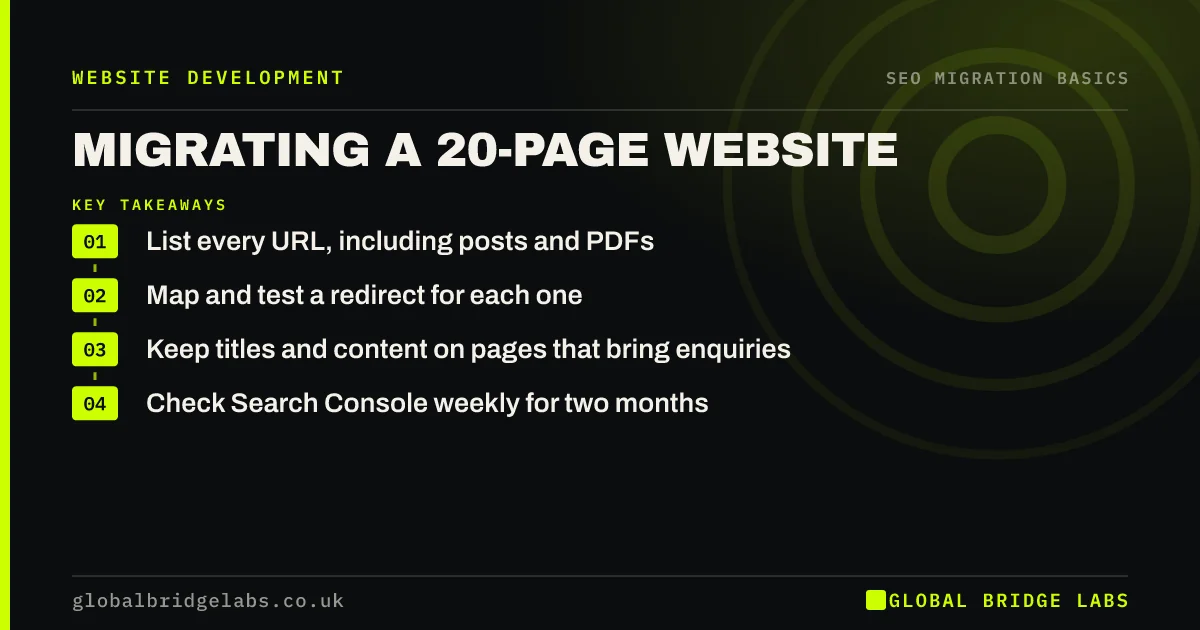
A 20-page website does not need an enterprise migration plan, but it does need the basics done properly. List every URL, including blog posts and PDFs. Map each one to its new page. Load and test the redirects. Carry across titles and content for the pages that bring enquiries. Then check Search Console weekly for two months.
- List every URL, including posts and PDFs.
- Map and test a redirect for each one.
- Keep titles and content on pages that bring enquiries.
- Check Search Console weekly for two months.
Moving a small website? Message us on WhatsApp and we will check your list.
Chat on WhatsApp →Why does a small site still need a plan?
Small sites often rely on a handful of pages for most of their search traffic, such as a main service page, a location page and one popular blog post. Losing one of those can halve enquiries. Small sites also tend to have forgotten URLs: an old price list PDF, a page from a past campaign or blog posts from years ago that still attract links.
A short plan protects those few pages without turning the project into a large exercise.
What is the short plan?
Five steps cover most small site migrations. Each can be done in a spreadsheet and a free crawler.
- Record: crawl the site and export URLs from Search Console.
- Rank: mark the pages that bring most clicks and enquiries.
- Map: give every old URL a new URL in one column.
- Test: load redirects on staging and check each one.
- Watch: check Search Console weekly for eight weeks.
Where do small sites usually slip?
The common slips are small but costly. Blog posts get left behind because they are not in the menu. A PDF that ranked for a product name is deleted. The new site launches with the staging password removed but a noindex tag still in place. And the Google Business Profile still links to an old page that now returns a 404.
Check each of these on launch day, and the risk drops sharply.
- Noindex left on after launch: how to check and fix
- Redirecting images, PDFs and files, not just pages
- Google Business Profile and citations after a migration
Want a quick check on launch day? Message us on WhatsApp.
Chat on WhatsApp →What does this look like in practice?
A pattern we see on small service sites: 22 pages in the menu, but 64 URLs in Search Console once old blog posts, tag pages and PDFs are counted. Mapping all 64 takes an afternoon. Sites that do it usually hold their search traffic through launch; sites that map only the 22 menu pages often lose the posts that brought steady enquiries.
Small site migration checklist
- Export URLs from a crawl and from Search Console.
- Mark the pages that bring enquiries.
- Map every URL, not just menu pages.
- Test redirects and remove noindex at launch.
- Update the Google Business Profile link.
Next step
Export the pages report from Search Console and count the URLs. If the number is higher than the pages in your menu, those extra URLs need a home on the new site.
Message us on WhatsApp about your small site move, or book a 30-minute consultation.
Chat on WhatsApp →Sources and further reading
- Site moves with URL changes · Google Search Central
- Redirects and Google Search · Google Search Central
- Google Search Console · Google
Frequently asked questions
How long does it take to migrate a small website?
The SEO work for a 20-page site usually takes one or two days: an afternoon for the inventory and redirect map, a few hours of staging tests, an hour of launch-day checks and short weekly reviews for two months. The build itself is separate and depends on the platform.
Do small websites need redirects?
Yes, whenever a URL changes. Small sites often depend on a few pages for most of their search traffic, so losing one can hurt badly. Redirects also keep old links, bookmarks and Google Business Profile links working. Mapping a small site usually takes an afternoon.
Can I migrate a small website myself?
Often, yes, if you are comfortable with a crawler, a spreadsheet and your platform's redirect settings. Follow a checklist, test every redirect before launch and check Search Console weekly afterwards. If the move includes a new domain or a new platform as well, a second pair of eyes is worth having.
Written by

Global Bridge Labs (GBL) is a UK–Sri Lanka partner for social media, websites and BPO. Everything here comes from client delivery, not theory.


