
On this page
Key takeaways
A soft 404 is a page that returns a normal status but looks like an error or offers nothing useful. After a migration, they often come from redirects to irrelevant pages, such as the homepage, empty category pages or error pages that return 200 instead of 404. Search Console lists them in the Page indexing report. Fix the redirect or the page behind each one.
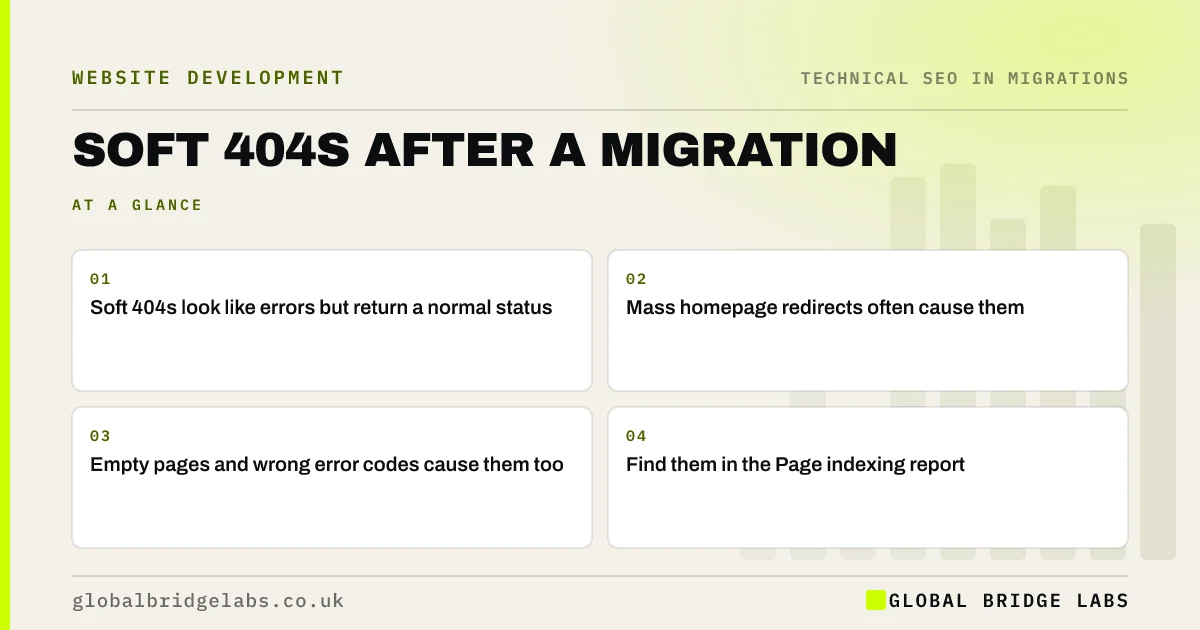
- Soft 404s look like errors but return a normal status.
- Mass homepage redirects often cause them.
- Empty pages and wrong error codes cause them too.
- Find them in the Page indexing report.
Seeing soft 404s after your migration? Message us on WhatsApp.
Chat on WhatsApp →What causes soft 404s in a migration?
Google's documentation on status codes explains that it may treat a page as a soft 404 if the content suggests it is not really there. After a migration, the usual causes are clear.
- Old URLs redirected to the homepage or an unrelated page.
- New category or tag pages with no content.
- Not found pages that return 200 instead of 404.
- Pages that fail to render their content.
- Very thin placeholder pages.
How do you find them?
Open the Page indexing report in Search Console and look for the soft 404 reason. Export the examples and group them. Check whether each URL is an old address that redirects, a new page with little content or a page that should return a real 404. Crawl a sample to see what visitors actually get.
How do you fix them?
For old URLs redirected to the homepage, redirect them to a relevant page instead, or let them return a 404 or 410 if nothing matches. For empty new pages, add useful content or remove them. Make sure your not found page returns a real 404 status. For pages that fail to render, fix the template. Then validate the fix in Search Console.
- How to build a redirect map in a spreadsheet
- Moving to a JavaScript framework: SEO checks
- 404 page design: turn a broken link into a next step
Want help sorting your soft 404 list? Send it to us on WhatsApp.
Chat on WhatsApp →What does this look like in practice?
A pattern we see: a migration sends 300 retired product URLs to the shop homepage. Search Console reports them as soft 404s within weeks. Redirecting the products with close replacements to those replacements, and letting the rest return a 410, clears the report and gives visitors a clearer experience.
Soft 404 checklist
- Check the soft 404 reason in Page indexing.
- Group examples by cause.
- Redirect to relevant pages, or return 404 or 410.
- Fix empty pages and error status codes.
- Validate fixes in Search Console.
Next step
Open the Page indexing report and check whether soft 404 has grown since launch. If it has, export the examples and look for redirects to the homepage first.
Message us on WhatsApp about soft 404s, or book a 30-minute consultation.
Chat on WhatsApp →Sources and further reading
- How HTTP status codes and network errors affect Google Search · Google Search Central
- Page indexing report · Search Console Help
- Redirects and Google Search · Google Search Central
Frequently asked questions
What is a soft 404 error?
A soft 404 is when a URL returns a normal success status, but the page looks like an error, is empty or is irrelevant, such as a redirect to the homepage. Google may treat it as not found and stop indexing it. Search Console lists them in the Page indexing report.
Are soft 404s bad for SEO?
They mean Google is not indexing those URLs, and any value from links to them may be lost. They also suggest a poor experience for visitors. A few are normal; a large rise after a migration usually points to redirects sending old URLs to irrelevant pages.
How do I fix soft 404s from redirects?
Change the redirect so the old URL goes to a genuinely relevant page. If no relevant page exists, let the URL return a 404 or 410 instead of redirecting. Then use the validate fix option in Search Console and watch the count fall over the following weeks.
Written by

Global Bridge Labs (GBL) is a UK–Sri Lanka partner for social media, websites and BPO. Everything here comes from client delivery, not theory.


