
On this page
Key takeaways
A 301 redirect tells browsers and search engines that a page has moved permanently, so the new URL should replace the old one in search results. A 302 says the move is temporary and the old URL will return. For a migration, use 301 or 308 redirects. Use 302 or 307 only for genuinely short-term changes, such as a page down for maintenance.
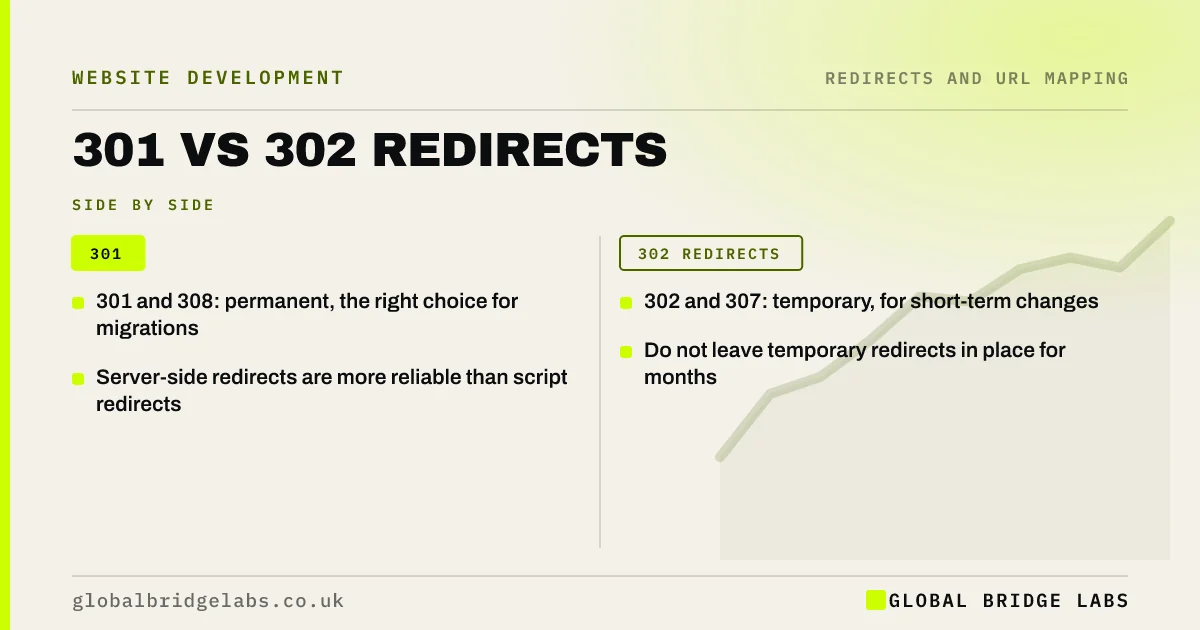
- 301 and 308: permanent, the right choice for migrations.
- 302 and 307: temporary, for short-term changes.
- Server-side redirects are more reliable than script redirects.
- Do not leave temporary redirects in place for months.
Not sure which redirect your site uses? Message us on WhatsApp.
Chat on WhatsApp →What is the difference?
Google's guidance on redirects explains that a permanent redirect is a strong signal that the target URL should be shown in search results, while a temporary redirect is a weaker signal that the original URL should stay. Both send visitors to the new page; the difference is what search engines keep in their index.
308 and 307 are newer versions of 301 and 302 that keep the request method the same, which matters mostly for forms and applications. For ordinary pages, 301 and 308 behave the same in search.
When should you use each?
Choose based on whether the old URL will ever come back.
- 301 or 308: migrations, domain changes, merged or renamed pages.
- 302 or 307: a seasonal page, a short promotion, or maintenance.
- Meta refresh and JavaScript redirects: only when server-side redirects are impossible.
What happens if you use the wrong one?
If a migration uses 302s, search engines may keep showing the old URLs for longer, because the move looks temporary. Google says long-running temporary redirects may eventually be treated as permanent, but that takes time you do not need to lose. Check the status code of a sample of redirects with a crawler or a header checker before launch, and fix the server rule if it returns 302.
Want us to check your redirect types? Send us a few URLs on WhatsApp.
Chat on WhatsApp →What does this look like in practice?
A pattern we see: a platform's redirect setting defaults to temporary, and a migration launches with hundreds of 302s. The new URLs are slow to replace the old ones in search results. Changing the setting to permanent and re-testing a sample speeds the move up within a few weeks.
Redirect type checklist
- Use 301 or 308 for migrations.
- Use 302 or 307 only for short-term moves.
- Prefer server-side redirects.
- Check status codes on a sample before launch.
- Fix platform defaults that use 302.
Next step
Run a header check on five old URLs that already redirect on your site. If any return 302 for a permanent move, change them to 301 before your migration.
Message us on WhatsApp about your redirects, or book a 30-minute consultation.
Chat on WhatsApp →Sources and further reading
- Redirects and Google Search · Google Search Central
- How HTTP status codes and network errors affect Google Search · Google Search Central
- Site moves with URL changes · Google Search Central
Frequently asked questions
Should I use a 301 or 302 redirect for a new website?
Use a 301, or a 308, for every old URL that has permanently moved to a new address. Permanent redirects tell search engines to replace the old URL with the new one in their results. Use 302 only when the old URL will return soon, such as during maintenance.
Is a 308 redirect better than a 301?
For ordinary web pages, they behave the same in search: both are permanent. A 308 also keeps the request method, which matters for forms and applications that send data. Most platforms use 301 by default, and that is fine for a migration.
Do JavaScript redirects work for SEO?
Google can follow JavaScript redirects once it renders the page, but they are less reliable and slower to process than server-side redirects. Use them only when you cannot set redirects on the server or platform. For a migration, ask your developer for server-side 301 redirects.
Written by

Global Bridge Labs (GBL) is a UK–Sri Lanka partner for social media, websites and BPO. Everything here comes from client delivery, not theory.


