
On this page
- 01Key takeaways
- 02How do internal links shape the customer journey?
- 03Where should journey links point?
- 04What makes good anchor text?
- 05How many internal links should a page have?
- 06Do journey links help search rankings too?
- 07When do internal links hurt the journey?
- 08What does this look like in practice?
- 09Internal linking checklist
- 10Next step
- 11Sources and further reading
- 12Frequently asked questions
Key takeaways
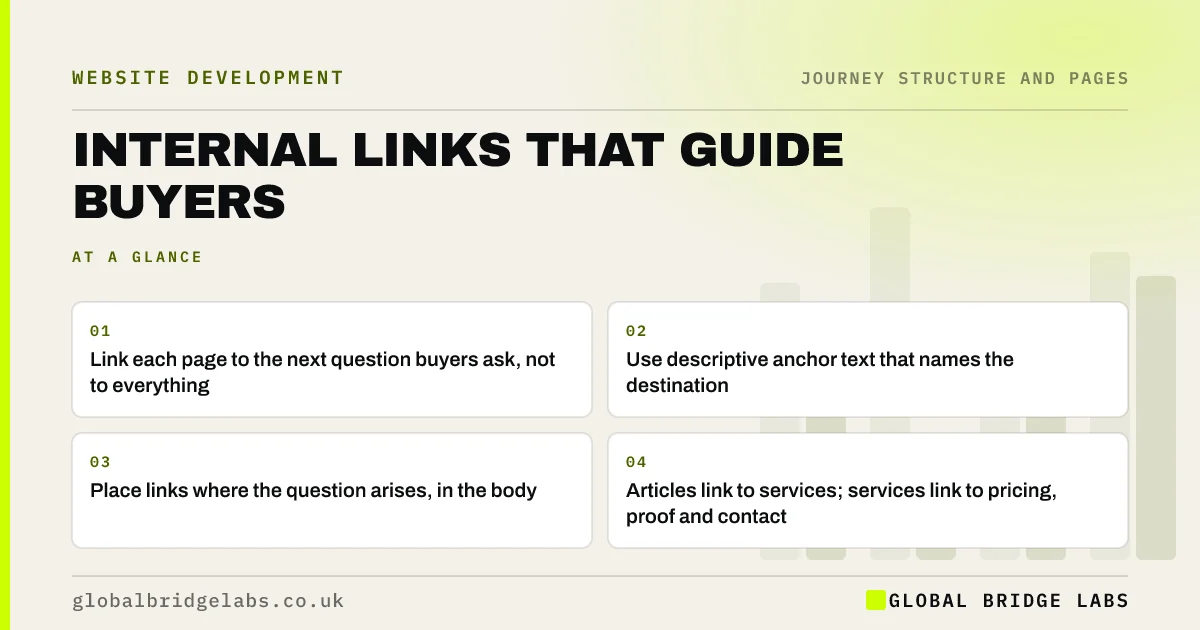
Internal links are the routes between your pages, and they should follow the order in which buyers ask questions, not only help search engines. Link each page to the next question a buyer at that stage will have, with anchor text that says where the link goes. A few well-placed contextual links do more for the journey than long lists of related posts.
- Link each page to the next question buyers ask, not to everything.
- Use descriptive anchor text that names the destination.
- Place links where the question arises, in the body.
- Articles link to services; services link to pricing, proof and contact.
Want your internal links planned around the customer journey? Message us on WhatsApp.
Chat on WhatsApp →How do internal links shape the customer journey?
Internal links shape the customer journey because they are the routes visitors actually take between pages. The menu offers every destination; a link in the body offers the right one at the right moment. A reader who has just learned that their problem needs a professional is ready for the service page, and a link there carries them forward.
Where should journey links point?
Journey links should point to the next stage. Awareness articles link to the matching service. Service pages link to pricing, proof, process and contact. Case studies link to the service and contact. Pricing pages link to the service details and the quote form. Return-stage pages link to help and rebooking. Each link answers 'what would they want next?'.
- Article to service: 'See our damp-proofing service'.
- Service to pricing: 'See typical damp-proofing costs'.
- Service to proof: 'Read how we fixed a damp basement in Leeds'.
- Case study to contact: 'Ask about a similar job'.
- Help page to rebook: 'Book your annual service'.
What makes good anchor text?
Good anchor text says where the link goes and why the reader would want to go there. Google's SEO starter guide recommends descriptive link text that gives people and search engines a sense of the destination. 'See loft conversion prices' is better than 'click here' or 'learn more'. Keep anchors short and consistent for the same destination across the site.
How many internal links should a page have?
As many as help the reader, and no more. A service page might have five to eight contextual links to pricing, proof, process and related services. An article might have three to five, mostly to services and closely related guides. Too many links compete for attention; Hick's law describes how more choices increase the time to decide.
Do journey links help search rankings too?
Yes. Internal links help search engines discover pages and understand how they relate, and pages that receive more relevant links from within the site are easier to find. Linking articles to services, with descriptive anchors, also tells search engines which page is the main one for a topic. The journey view and the search view usually agree.
Want your articles linked to the right service pages? Send us your site on WhatsApp.
Chat on WhatsApp →When do internal links hurt the journey?
Internal links hurt when they distract from the next step, such as a contact page full of links to articles, or when they pull visitors backwards in the journey, such as a pricing page linking to beginner guides. They also hurt when they mislead: a link labelled 'Prices' that opens a page with no prices breaks trust.
What does this look like in practice?
A pattern we see on content-heavy sites: articles link generously to other articles, and almost never to services. Readers move sideways through the blog and leave, and the service pages get few visits. Search engines also see the articles as more important than the services.
Adding one or two contextual links from each article to the matching service, with descriptive anchors, changes both the routes and the signals. Across our client work we have seen a 2.4x enquiry rate from conversion changes of this kind. Global Bridge Labs (GBL) plans links from the journey map.
Internal linking checklist
- Link every article to its matching service in the body.
- Link service pages to pricing, proof, process and contact.
- Use descriptive anchors that name the destination.
- Keep anchors consistent for the same page.
- Remove links that pull buyers backwards or distract.
- Check that links deliver what they promise.
Next step
Your internal links are the routes buyers take. We will map them against your customer journey and show which routes are missing.
Message us on WhatsApp for an internal linking review, or book a 30-minute consultation.
Chat on WhatsApp →Sources and further reading
- SEO Starter Guide · Google Search Central
- Hick's Law: designing long menu lists · Nielsen Norman Group
- Information scent: how users decide where to go next · Nielsen Norman Group
Frequently asked questions
How do internal links help the user journey?
They offer the right next page at the moment a visitor needs it, in the body of the content rather than only in menus. Linking each page to the next question a buyer will ask, such as from an article to the service or from a service to pricing, keeps the journey moving.
What is good internal link anchor text?
Short, descriptive text that says where the link goes, such as 'See loft conversion prices'. Google recommends descriptive link text. Avoid 'click here' and 'learn more', and use consistent anchors for the same destination across the site.
How many internal links should a page have?
As many as genuinely help the reader. A service page might have five to eight links to pricing, proof, process and related services; an article three to five, mostly to services and closely related guides. Too many compete for attention.
Written by

Global Bridge Labs (GBL) is a UK–Sri Lanka partner for social media, websites and BPO. Everything here comes from client delivery, not theory.


