On this page
- 01Key takeaways
- 02What makes a website lead poor quality?
- 03What causes a website to attract the wrong enquiries?
- 04How do you find where poor leads come from?
- 05Which changes improve lead quality fastest?
- 06When does lead quality point to a redesign?
- 07What is the trade-off in filtering leads?
- 08Should poor leads get a reply?
- 09What does this look like in practice?
- 10Lead quality checklist
- 11Next step
- 12Sources and further reading
- 13Frequently asked questions
Key takeaways
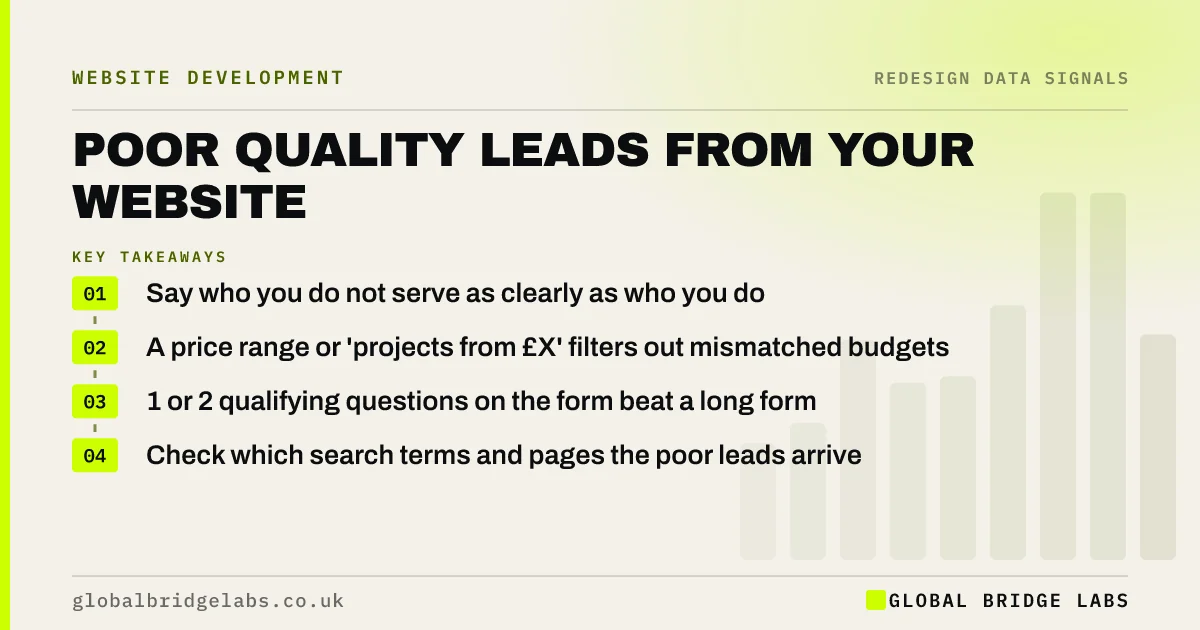
Poor quality website leads usually come from vague messaging, no pricing guidance, and pages that rank for the wrong searches. The fix is to say clearly who you serve, show a price range or minimum, and ask one or two qualifying questions on the form. These changes rarely need a full redesign.
- Say who you do not serve as clearly as who you do.
- A price range or 'projects from £X' filters out mismatched budgets.
- 1 or 2 qualifying questions on the form beat a long form.
- Check which search terms and pages the poor leads arrive from.
Getting lots of enquiries you cannot use? Tell us on WhatsApp.
Chat on WhatsApp →What makes a website lead poor quality?
A poor quality website lead is an enquiry that does not fit the business: the wrong service, the wrong location, a budget far below your minimum, or a buyer who is only collecting prices. They cost time to answer and crowd out the enquiries worth winning.
What causes a website to attract the wrong enquiries?
The site is usually too vague or ranking for the wrong things. If your pages could describe any business in your trade, they attract anyone in your trade's market, including the buyers you do not want.
- Generic headlines that do not name the audience or the type of job.
- No pricing guidance, so every budget enquires.
- Service pages ranking for 'cheap' or DIY searches.
- Covering areas or services you no longer want to serve.
- A form with no way to say budget, timescale or location.
How do you find where poor leads come from?
Tag every enquiry for a month as good, maybe or poor, and record its source and landing page. Then check Search Console queries for those pages. Patterns appear quickly: a single page or search term is often responsible for most of the poor leads.
Want help tagging and reading a month of enquiries? Ask us on WhatsApp.
Chat on WhatsApp →Which changes improve lead quality fastest?
Changes to words and forms work fastest, usually within weeks. They filter out mismatched buyers while making the right ones more confident.
- Name your ideal customer and job type in the homepage headline.
- Add a price range, a minimum or 'typical projects from £X'.
- State the areas you cover and the jobs you do not take.
- Add one or two form questions: budget band and timescale.
- Show case studies of the work you want more of.
When does lead quality point to a redesign?
When the business has moved upmarket or changed focus and the site's whole structure still reflects the old offer: services you no longer want are prominent, the proof shows small jobs, and the visual design signals a budget provider. Then the fix is structural, and a redesign is justified.
What is the trade-off in filtering leads?
Fewer enquiries. That is the point, but it can feel uncomfortable in the first month. Judge the change on qualified enquiries and jobs won, not total enquiries. If qualified enquiries fall too, the filter is too strict or the wording is putting off good buyers as well.
Should poor leads get a reply?
Yes, a brief and helpful one. A polite reply that explains what you do, suggests where they might find help and invites them back if their needs change protects your reputation and reviews. Some poor-fit enquiries become good customers later, or refer someone who is a good fit.
Save time with two or three prepared replies for the most common mismatches: budget too low, location not covered, service not offered. Using the same wording also makes it easier to spot patterns, because you can count how often each reply is sent and trace the cause back to a page.
- Prepare replies for the three most common mismatches.
- Reply within one working day, even to decline.
- Suggest an alternative where you can.
- Count replies by type to find the source pages.
What does this look like in practice?
A pattern in UK construction: a firm that now does extensions and loft conversions still gets most web enquiries for small repairs, because its highest-ranking page is an old 'general builder' page. Rewriting that page, adding 'projects typically from £30,000' and showing three recent extensions shifts the mix within a couple of months.
Lead quality checklist
Work through these over one month.
- Tag every enquiry as good, maybe or poor.
- Record source and landing page for each.
- Check Search Console queries for the worst pages.
- Add pricing guidance and areas covered.
- Add one or two qualifying questions to the form.
- Compare qualified enquiries before and after.
Next step
If your website brings in enquiries you cannot use, we will review a month of them with you in 30 minutes and show which pages and words are attracting the wrong buyers.
Message us on WhatsApp for a lead quality review, or book a 30-minute consultation.
Chat on WhatsApp →Sources and further reading
- Performance report (Search results) · Search Console Help
- About key events · Google Analytics Help
- Structuring forms · GOV.UK Service Manual
Frequently asked questions
Why is my website getting bad leads?
Usually because the messaging is too general, there is no pricing guidance, or pages rank for the wrong searches. The site attracts anyone in your market, including buyers whose budget, location or needs do not fit. Clearer audience, pricing and form questions fix most of it.
How do I get better quality leads from my website?
Name the customers and jobs you want, show a price range or minimum, state the areas you cover, add one or two qualifying form questions, and feature case studies of the work you want more of. Measure qualified enquiries rather than total enquiries.
Should I put prices on my website to filter leads?
Often yes. A price range, a minimum project value or 'typical projects from £X' removes buyers with mismatched budgets and gives good buyers confidence. It works for most services even when every job is quoted individually. Keep the wording helpful rather than defensive.
Will asking more questions on my form reduce leads?
Each extra field can reduce submissions, so add only one or two questions that genuinely qualify, such as budget band and timescale. The small fall in volume is usually outweighed by the time saved on enquiries you would never have won.
Written by

Global Bridge Labs (GBL) is a UK–Sri Lanka partner for social media, websites and BPO. Everything here comes from client delivery, not theory.