
On this page
Key takeaways
When a migration has lost traffic for more than a few weeks, stop guessing and run a recovery audit. Work in order: compare traffic by page with the baseline, check redirects for every old URL, review indexing errors, compare content and titles on pages that lost most, check technical settings and confirm tracking works. Fix the biggest losses first.
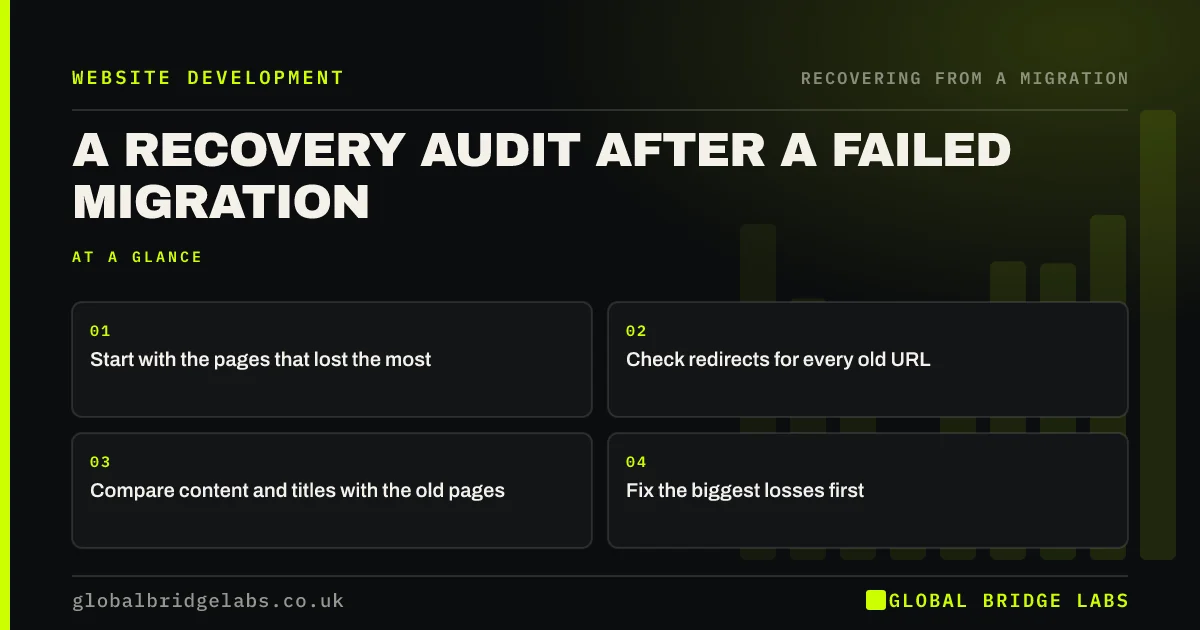
- Start with the pages that lost the most.
- Check redirects for every old URL.
- Compare content and titles with the old pages.
- Fix the biggest losses first.
Migration lost traffic? Message us on WhatsApp about a recovery audit.
Chat on WhatsApp →Where do you start?
Start with the data, not the theories. Match old and new URLs through the redirect map and put each page's clicks before and after launch side by side. Sort by the biggest loss. Usually a small number of pages explain most of the drop, and they become the focus of the audit. If no baseline was saved, Search Console's history for the old URLs can rebuild one.
What do you check, in order?
Work down this list for the pages that lost the most, then for the site as a whole.
- Redirects: does each old URL redirect once to the right page?
- Indexing: is the new page indexed, and what does URL Inspection say?
- Content: does the new page carry the old page's answers and depth?
- Titles and headings: did they change?
- Internal links: does the page still get links from the menu and related pages?
- Technical: canonicals, noindex, speed and mobile layout.
- Tracking: are enquiries really down, or just unrecorded?
How do you prioritise fixes?
Fix site-wide problems first, such as a noindex tag, a broken redirect rule or wrong canonicals, because one change helps many pages. Then fix the top losing pages one by one, starting with those that brought the most enquiries. Record each fix with its date, and watch the effect weekly. Avoid making many unrelated changes at once, or you will not know what worked.
- Found missing redirects weeks after launch?
- Pages dropped out of Google after a migration
- The 90-day monitoring plan after a migration
Want us to run the audit with you? Message us on WhatsApp.
Chat on WhatsApp →What does this look like in practice?
A pattern we see: a recovery audit finds three causes behind one large drop: a redirect rule that missed older blog posts, service pages rewritten to half their former length and a canonical tag error on the shop. Fixing the rule and canonicals first, then restoring service page content, brings traffic back over two to three months.
Recovery audit checklist
- Compare clicks by page with the baseline.
- Check redirects for every old URL.
- Check indexing and URL Inspection.
- Compare content, titles and links.
- Fix site-wide issues first, then top pages.
Next step
Export clicks by page for the eight weeks before and after launch and sort by the biggest loss. Your top ten losing pages are where the recovery audit begins.
Message us on WhatsApp about a recovery audit, or book a 30-minute consultation.
Chat on WhatsApp →Sources and further reading
- Site moves with URL changes · Google Search Central
- Page indexing report · Search Console Help
- Performance report (Search results) · Search Console Help
Frequently asked questions
How do I recover from a failed website migration?
Compare traffic by page with the pre-launch baseline, then check redirects, indexing, content, titles, internal links, technical settings and tracking for the pages that lost most. Fix site-wide problems first, then top pages one by one. Recovery usually takes weeks to months.
How long does recovery take after a bad migration?
Once the causes are fixed, many sites see improvement within a few weeks, and fuller recovery over two to three months. Domain moves and large sites can take longer. The sooner problems are found and fixed, the faster and more complete the recovery tends to be.
Can I recover rankings without a baseline?
Yes, though it is harder. Search Console keeps up to 16 months of data, so you can rebuild a baseline from the old URLs' history. Analytics landing page data helps too. Match old and new URLs through the redirect map and compare their performance.
Written by

Global Bridge Labs (GBL) is a UK–Sri Lanka partner for social media, websites and BPO. Everything here comes from client delivery, not theory.


