
On this page
Key takeaways
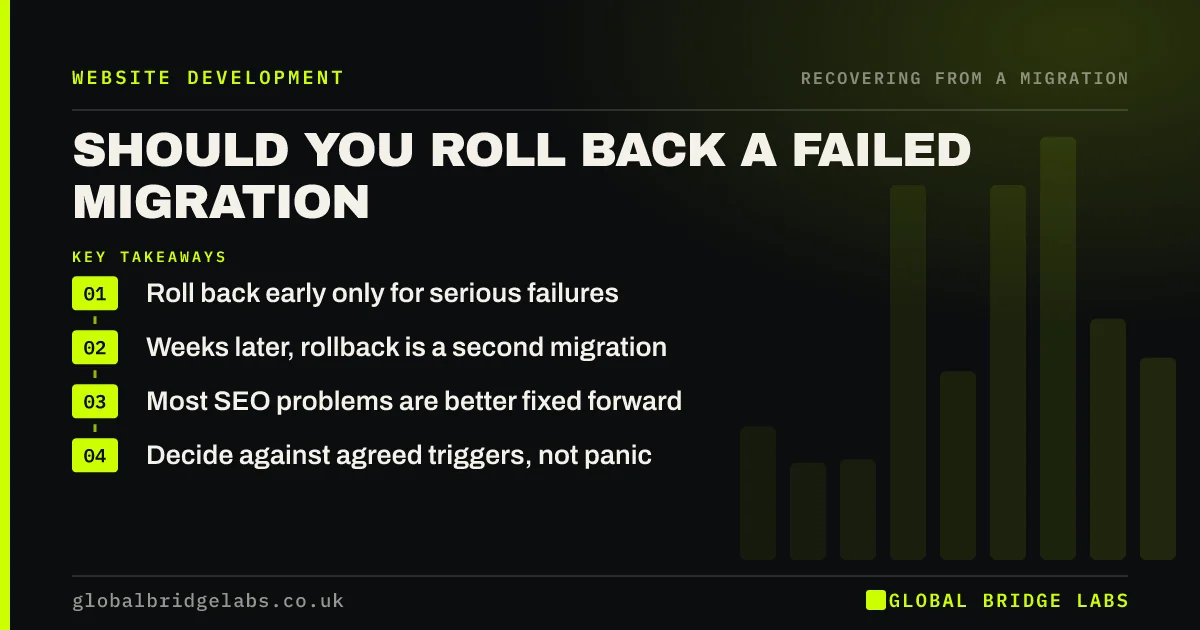
Rolling back to the old site is a serious step that can help or hurt. It makes sense in the first days if core functions fail, such as checkout or enquiries, and cannot be fixed quickly. Weeks after launch, rolling back usually causes a second migration and more disruption. Most SEO problems are better fixed forward on the new site.
- Roll back early only for serious failures.
- Weeks later, rollback is a second migration.
- Most SEO problems are better fixed forward.
- Decide against agreed triggers, not panic.
Thinking of rolling back? Message us on WhatsApp first.
Chat on WhatsApp →When does rolling back help?
Rolling back helps when the new site cannot do its basic job and the problem cannot be fixed within hours or a day or two: payments failing, forms not sending, large parts of the site erroring or a security issue. If the old site and hosting are still in place, switching back early is quick, and search engines have barely started processing the move.
When does it make things worse?
Once search engines have crawled the redirects and started indexing new URLs, rolling back means reversing all of that. Old URLs return, new URLs need redirecting back, and Google processes a second move. Weeks after launch, that usually causes more disruption than fixing the problems.
- SEO problems such as missing redirects or lost content.
- A slow recovery that is still trending upwards.
- Design complaints rather than broken functions.
- Problems on a few pages rather than the whole site.
How do you decide?
Go back to the rollback triggers agreed before launch. Ask whether the problem stops the business working, whether it can be fixed on the new site within an agreed time and how long the new site has been live. If you do roll back, reverse the redirects, cancel any Change of Address request, and relaunch only once the cause is fixed and tested.
Want a calm second opinion before deciding? Message us on WhatsApp.
Chat on WhatsApp →What does this look like in practice?
A pattern we see: three weeks after launch, traffic is down and the directors want to switch back. An audit shows a redirect rule missed a large group of old URLs. Fixing the rule takes a day, and traffic recovers over the following weeks. Rolling back would have meant a second migration and a longer dip.
Rollback decision checklist
- Check the agreed rollback triggers.
- Ask whether core functions are failing.
- Ask whether it can be fixed forward quickly.
- Consider how long the new site has been live.
- If rolling back, reverse redirects and Change of Address.
Next step
Before deciding, write down the problem, whether it can be fixed on the new site and how long that would take. In most cases, the answer points to fixing forward.
Message us on WhatsApp about a struggling migration, or book a 30-minute consultation.
Chat on WhatsApp →Sources and further reading
- Site moves with URL changes · Google Search Central
- Redirects and Google Search · Google Search Central
- How HTTP status codes and network errors affect Google Search · Google Search Central
Frequently asked questions
Should I go back to my old website after a bad migration?
Only if core functions are failing and cannot be fixed quickly, ideally within the first few days. For SEO problems, such as missing redirects or lost content, fixing the new site is usually faster and less disruptive than reverting, which creates a second migration.
Will rolling back restore my rankings?
Not necessarily. Rolling back weeks after launch forces search engines to process another move, which can cause a second dip. An early rollback, within days, does less harm. Usually the faster route back to normal is fixing the causes of the drop on the new site.
How do I roll back a website migration?
Point DNS back to the old host, remove redirects from old URLs to new ones, add redirects from any new URLs that were indexed back to the old pages, and cancel any Change of Address request. Then fix the cause before relaunching.
Written by

Global Bridge Labs (GBL) is a UK–Sri Lanka partner for social media, websites and BPO. Everything here comes from client delivery, not theory.


