
On this page
Key takeaways
Sometimes the old site keeps running after a migration, on the old domain, a subdomain or the old host, without redirecting. Search engines then see two versions of your content and must choose between them, splitting signals and sometimes showing the old pages. Find every version still loading and redirect it page by page.
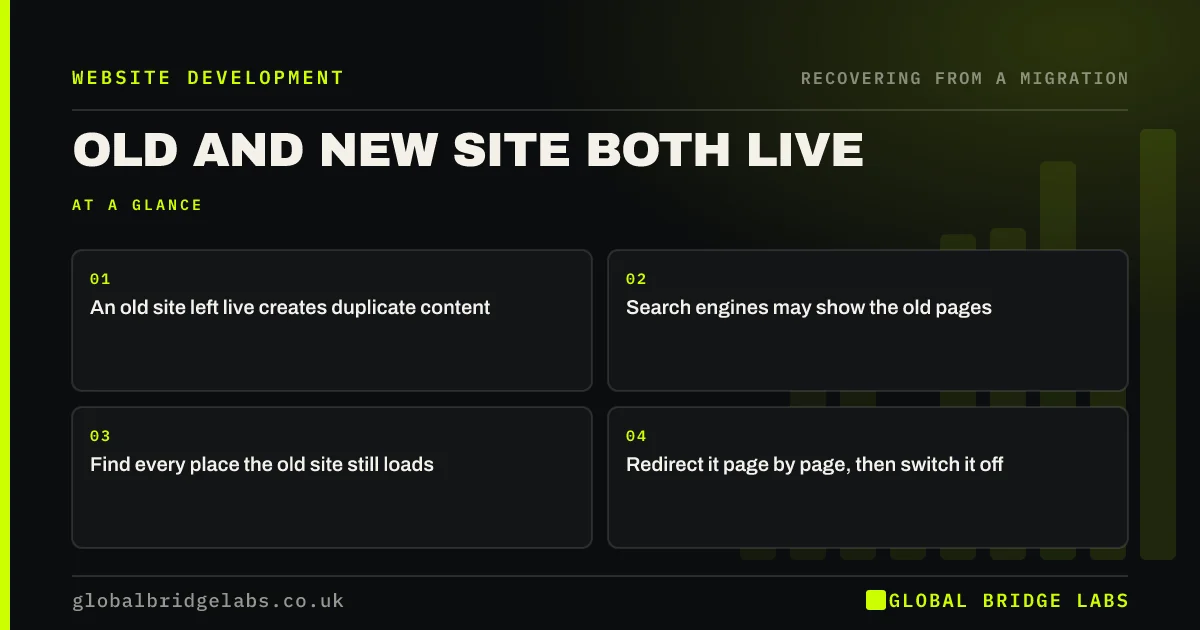
- An old site left live creates duplicate content.
- Search engines may show the old pages.
- Find every place the old site still loads.
- Redirect it page by page, then switch it off.
Is your old website still online? Message us on WhatsApp.
Chat on WhatsApp →How does the old site stay live?
It happens more often than you would expect. The old domain still points at the old host, which is still paid for. A development subdomain with a copy of the site was never removed. The www version redirects but the non-www version serves the old site. Or the new site launched on a new domain and nobody set up redirects from the old one at all.
How do you find it?
Check every route by which someone might reach the old content.
- Visit the old domain with and without www, on HTTP and HTTPS.
- Search Google for a phrase unique to the old site.
- Search with the site: operator for old domains and subdomains.
- Check the old host account and DNS records.
- Look in Search Console for old properties still gaining impressions.
How do you fix it?
Replace the old site with redirects: each old URL pointing to its matching new URL, as in the redirect map. Once redirects work on every host version, the old site's files can be removed. Keep the domain and the redirects; switch off only the old site itself. Check canonicals on the new site point to its own URLs. Duplicates usually clear within weeks.
- How to build a redirect map in a spreadsheet
- Canonical tags in a migration: point to the new URLs
- Changing web host: SEO checks for a server move
Want us to check for old versions of your site? Message us on WhatsApp.
Chat on WhatsApp →What does this look like in practice?
A pattern we see: months after a move, Google still shows some old pages for brand searches. The old host was never cancelled, and the old domain without www still served the old site in full. Adding page-level redirects on that version and then closing the old hosting clears the duplicates within weeks.
Old site live checklist
- Check every version of the old domain.
- Search for phrases unique to the old site.
- Check old hosts and subdomains.
- Replace the old site with page-level redirects.
- Keep the domain; remove the old site.
Next step
Type your old domain into a browser in every variation: www, non-www, HTTP and HTTPS. Each should redirect to the new site; if any shows the old pages, fix it now.
Message us on WhatsApp about duplicate sites, or book a 30-minute consultation.
Chat on WhatsApp →Sources and further reading
- How to specify a canonical URL with rel="canonical" and other methods · Google Search Central
- Redirects and Google Search · Google Search Central
- Site moves with URL changes · Google Search Central
Frequently asked questions
Is it bad to have my old website still live?
Yes, if it is not redirecting. Search engines see two versions of the same content, split signals between them and may show the old pages instead of the new ones. Visitors may find outdated information. Replace the old site with page-level redirects to the new one.
Should I delete my old website after migrating?
Delete the old site's content, but keep the domain and replace the site with redirects to the new URLs. Keep those redirects for at least a year and ideally permanently. Simply deleting everything without redirects loses old links and visitors.
How do I check if my old site is indexed?
Search Google with the site: operator for the old domain and any subdomains, and search for a phrase unique to the old site. Check old Search Console properties for impressions. If old pages appear, make sure every version of the old domain redirects page by page.
Written by

Global Bridge Labs (GBL) is a UK–Sri Lanka partner for social media, websites and BPO. Everything here comes from client delivery, not theory.


