
On this page
Key takeaways
If pages drop out of Google after a migration, the cause is usually technical and fixable: noindex tags, robots.txt blocks, canonical tags pointing elsewhere, server errors, or pages with too little content. Use URL Inspection on a few affected pages to see the reason, check the Page indexing report for patterns, fix the cause and request indexing of key pages.
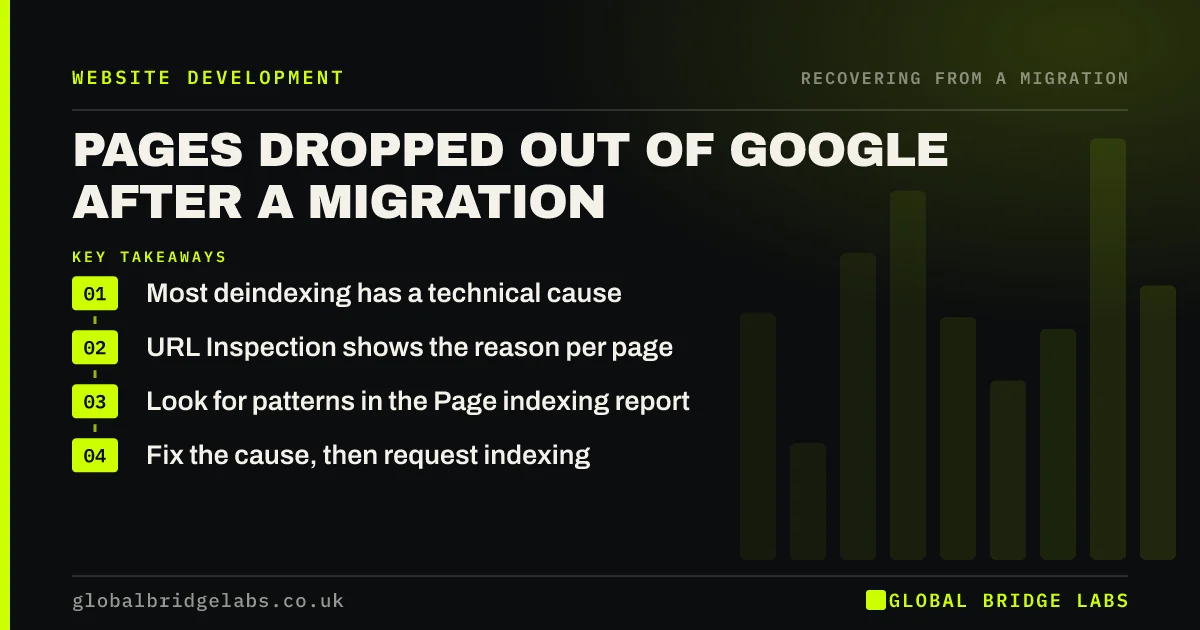
- Most deindexing has a technical cause.
- URL Inspection shows the reason per page.
- Look for patterns in the Page indexing report.
- Fix the cause, then request indexing.
Pages missing from Google? Message us on WhatsApp.
Chat on WhatsApp →What causes pages to drop out?
Each cause leaves a clue in Search Console.
- Noindex tags left from staging.
- Robots.txt blocking pages or whole folders.
- Canonical tags pointing to other or old URLs.
- Server errors or timeouts.
- Thin or near-duplicate pages Google chose not to index.
- Pages that only show content after scripts run.
How do you diagnose it?
Pick five affected pages and inspect each with URL Inspection. The result shows whether crawling and indexing are allowed, the canonical Google chose and when it last crawled. Then open the Page indexing report and look for a reason that has grown since launch. If most affected pages share one reason, you have found the cause.
How do you fix it?
Remove noindex or robots.txt blocks, correct canonicals, fix server errors or render content in the initial HTML, depending on the cause. For thin pages, add useful content or merge them into stronger pages. Then request indexing for the most important pages, resubmit the sitemap and validate the fix in Search Console. Watch indexed counts recover over the following weeks.
- Server errors at launch: 5xx, timeouts and crawl drops
- Merging similar pages during a migration
- Moving to a JavaScript framework: SEO checks
Want help diagnosing missing pages? Send us examples on WhatsApp.
Chat on WhatsApp →What does this look like in practice?
A pattern we see: a third of the blog drops out of the index after launch. URL Inspection shows each post's canonical tag pointing to the blog's main page, a setting in the new template. Correcting the template to self-referencing canonicals brings the posts back over the next few weeks.
Deindexing checklist
- Inspect five affected pages.
- Find the shared reason in Page indexing.
- Fix noindex, robots.txt or canonicals.
- Improve or merge thin pages.
- Request indexing and validate the fix.
Next step
Search Google for a key page you think is missing, then inspect it in Search Console. The reason it gives is the starting point for the fix.
Message us on WhatsApp about deindexed pages, or book a 30-minute consultation.
Chat on WhatsApp →Sources and further reading
- Page indexing report · Search Console Help
- URL Inspection tool · Search Console Help
- Block search indexing with noindex · Google Search Central
Frequently asked questions
Why are my pages not in Google after my new website launched?
Common reasons are noindex tags left from staging, robots.txt blocks, canonical tags pointing elsewhere, server errors and content that only loads with scripts. Sometimes Google has simply not crawled the pages yet. URL Inspection in Search Console shows the reason for each page.
How do I get pages reindexed after a migration?
Fix the cause first, such as removing noindex or correcting canonicals. Then request indexing for key pages with URL Inspection, resubmit the sitemap and validate the fix in the Page indexing report. Important pages are usually recrawled sooner, and the rest follow over the coming weeks.
What does crawled but not indexed mean after migration?
It means Google fetched the page but chose not to index it, often because it judged the page thin, a near-duplicate or less useful than other pages. Improve the content, merge similar pages and make sure internal links point to it. Some pages simply take time.
Written by

Global Bridge Labs (GBL) is a UK–Sri Lanka partner for social media, websites and BPO. Everything here comes from client delivery, not theory.


