
On this page
Key takeaways
Migrations often redirect pages but forget files. Images, PDFs and documents can bring search traffic, appear in image search and be linked from other websites, emails and QR codes. List them in the inventory, keep file names where you can, redirect the ones that bring visits or links, and check that new pages still reference images at addresses that work.
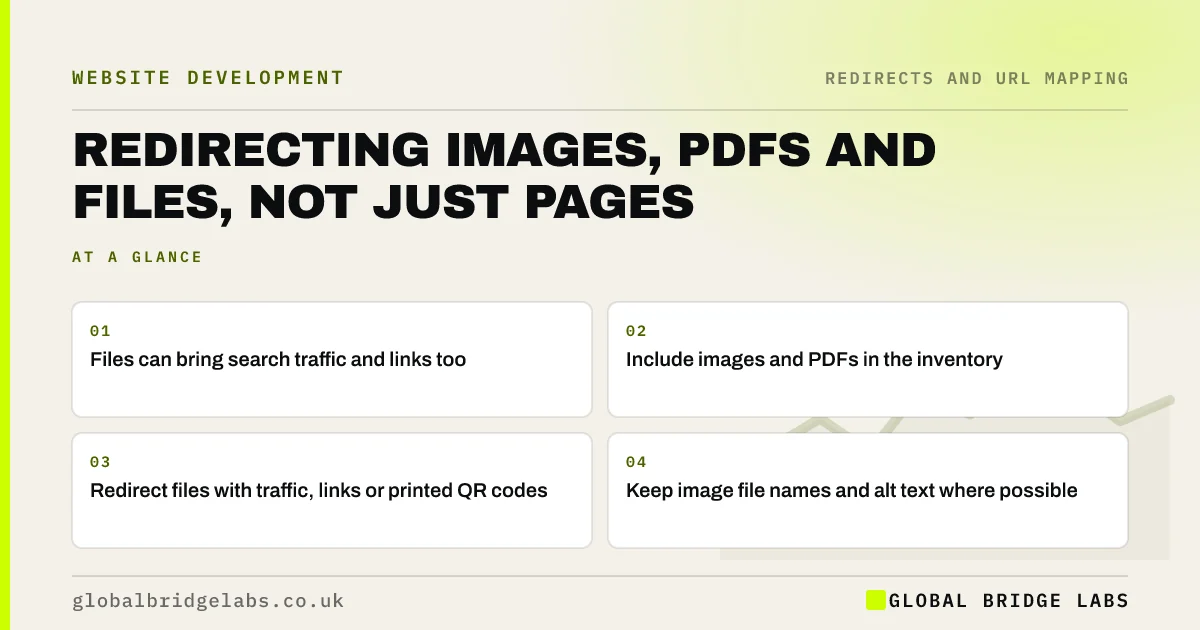
- Files can bring search traffic and links too.
- Include images and PDFs in the inventory.
- Redirect files with traffic, links or printed QR codes.
- Keep image file names and alt text where possible.
Worried about losing your PDFs in the move? Message us on WhatsApp.
Chat on WhatsApp →Why do files matter?
A price list, brochure, menu or technical sheet in PDF form is often one of the most visited URLs on a small business site, because people search for it by name and share it. Product and project images can bring visits from image search. And old printed materials, emails and QR codes link straight to files. When the platform changes, file locations usually change too.
How do you find and redirect them?
Find files from several sources, then decide which to move and redirect.
- A crawl set to include images and PDFs.
- Search Console, including clicks from image search.
- Analytics, for file downloads and landing pages.
- Backlink reports, for linked files.
- Printed materials and QR codes, from the marketing team.
What about PDFs that should become pages?
A migration is a good moment to turn important PDFs into web pages, which are easier to read on phones and easier for search engines to understand. If you do, redirect the old PDF URL to the new page. Keep the PDF available for download from that page if people need to print it. For images, keep file names descriptive and carry alt text across.
- Content parity: keep what ranks when you rebuild
- Alt text for business website images: how to write it
Want help deciding which files to keep? Message us on WhatsApp.
Chat on WhatsApp →What does this look like in practice?
A pattern we see: a restaurant's menu PDF is printed as a QR code on table cards and in a local magazine. The new site stores files in a different folder, and every QR code leads to a 404 on launch day. A single redirect from the old PDF address to the new menu page restores every printed code.
File redirect checklist
- Include files in the URL inventory.
- Check traffic and links for each file.
- Ask about printed QR codes and links.
- Redirect files that matter.
- Carry image file names and alt text across.
Next step
Ask your team which files are printed, shared or emailed often, and add their URLs to the redirect map. Then add any files Search Console shows with clicks.
Message us on WhatsApp about file redirects, or book a 30-minute consultation.
Chat on WhatsApp →Sources and further reading
- Google Images SEO best practices · Google Search Central
- Redirects and Google Search · Google Search Central
- Site moves with URL changes · Google Search Central
Frequently asked questions
Should I redirect PDFs in a website migration?
Yes, for any PDF that gets search traffic, has links from other sites or appears in printed materials and QR codes. Redirect each to its new location, or to a web page that replaces it. Files with no traffic or links can be removed and allowed to return a 404.
Do image URLs need redirects?
Images that bring visits from image search or are linked from other sites benefit from redirects to their new locations. For most images, it matters more that new pages reference images that load correctly, with descriptive file names and alt text carried across from the old site.
What happens to QR codes when my website changes?
A QR code usually stores a fixed URL. If that URL stops working after the migration, every printed code leads to an error. Redirect each old QR code address to the right new page, and keep those redirects for as long as the printed materials are in circulation.
Written by

Global Bridge Labs (GBL) is a UK–Sri Lanka partner for social media, websites and BPO. Everything here comes from client delivery, not theory.


