
On this page
Key takeaways
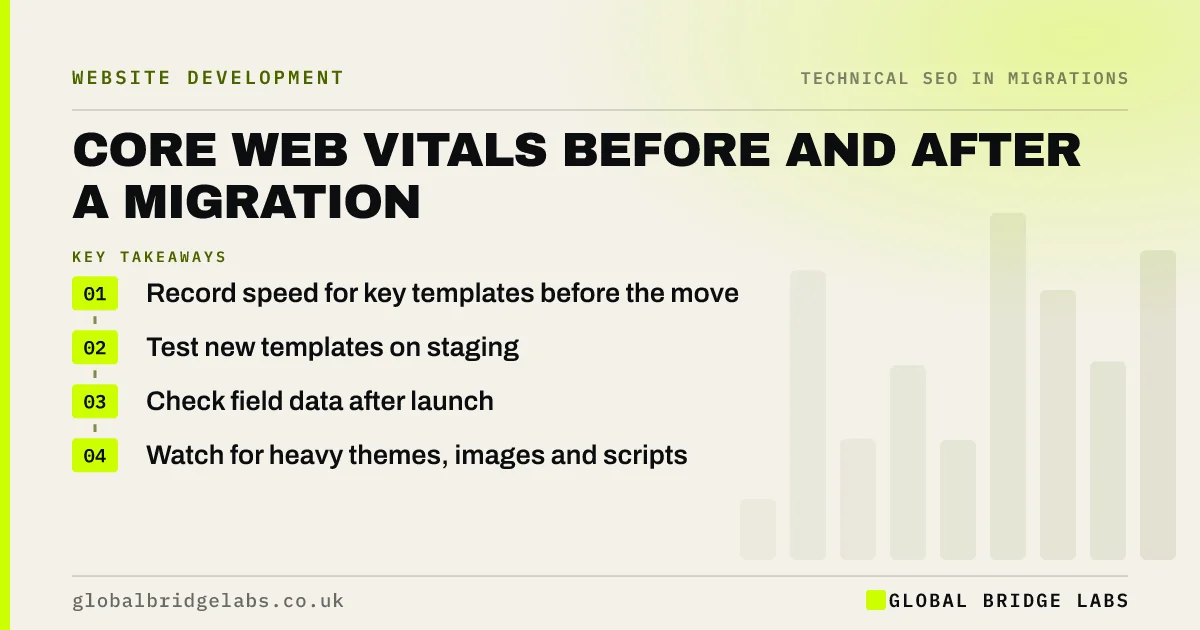
A migration can make a site faster or slower. Record Core Web Vitals and page speed for key templates before the move, test the new templates on staging, and check field data after launch. New themes, heavy images, sliders and extra scripts are common causes of slower pages. Speed is part of page experience, and slow pages also lose visitors.
- Record speed for key templates before the move.
- Test new templates on staging.
- Check field data after launch.
- Watch for heavy themes, images and scripts.
Want a speed check on your new templates? Message us on WhatsApp.
Chat on WhatsApp →Why check speed in a migration?
Core Web Vitals measure loading, responsiveness and visual stability. Google's guidance says they are used in its ranking systems as part of page experience, though great content still matters more. The bigger cost is usually visitors: slower pages lose people before they act. A migration changes templates, hosting and scripts at once, so it is easy for speed to slip.
What should you measure?
Measure by template, because pages built on the same template behave alike.
- Homepage, service page, blog post, product and category pages.
- Largest Contentful Paint, Interaction to Next Paint and layout shift.
- Field data from the Core Web Vitals report where available.
- Lab tests from PageSpeed Insights for staging.
- Page weight and number of scripts.
How do you catch problems before launch?
Test staging templates with a lab tool and compare with the old site's numbers. If a new template is slower, look first at hero images, sliders, web fonts, third-party scripts and unused code. Fix it in the template, so every page using it improves. After launch, field data takes several weeks to build up, so keep running lab tests in the meantime.
- Third-party scripts: the hidden reason your site is slow
- Optimise website images for speed and search
- Crawl the staging site before launch: what to check
Want us to compare old and new speed? Message us on WhatsApp.
Chat on WhatsApp →What does this look like in practice?
A pattern we see: a new theme adds a full-screen video header and several tracking scripts. Lab tests on staging show the homepage taking far longer to load its main content than the old site. Swapping the video for a compressed image and delaying non-essential scripts brings it back in line before launch.
Core Web Vitals migration checklist
- Record speed by template before the move.
- Test staging templates.
- Fix slow templates, not single pages.
- Check field data after launch.
- Keep testing while field data builds up.
Next step
Run PageSpeed Insights on five key templates of your current site and save the results. Use them as the bar the new templates must meet.
Message us on WhatsApp about site speed, or book a 30-minute consultation.
Chat on WhatsApp →Sources and further reading
- Understanding Core Web Vitals and Google search results · Google Search Central
- Web Vitals: essential metrics for a healthy site · web.dev (Google)
- Core Web Vitals report · Search Console Help
Frequently asked questions
Can a migration affect Core Web Vitals?
Yes. New templates, themes, hosting and scripts all affect loading, responsiveness and layout stability. A migration can improve speed considerably or make it worse. Measure key templates before the move, test staging and check field data after launch so any slowdown is caught.
How long until Core Web Vitals data updates after launch?
Field data in the Core Web Vitals report is based on real visits over a rolling period of about 28 days, so it takes several weeks to reflect the new site fully. Lab tools such as PageSpeed Insights give instant results in the meantime.
Is speed more important than content for rankings?
No. Google says relevant, helpful content matters more, and page experience is one factor among many. But a slow page loses visitors whatever its ranking, so keeping the new site at least as fast as the old one protects enquiries as well as visibility.
Written by

Global Bridge Labs (GBL) is a UK–Sri Lanka partner for social media, websites and BPO. Everything here comes from client delivery, not theory.


