
On this page
Key takeaways
Structured data is code that describes a page to search engines, such as your organisation, address, products, prices or reviews. It can make pages eligible for rich results. Migrations often lose it because it lived in a plugin, an app or a template that does not move across. List it, rebuild it and test it before launch.
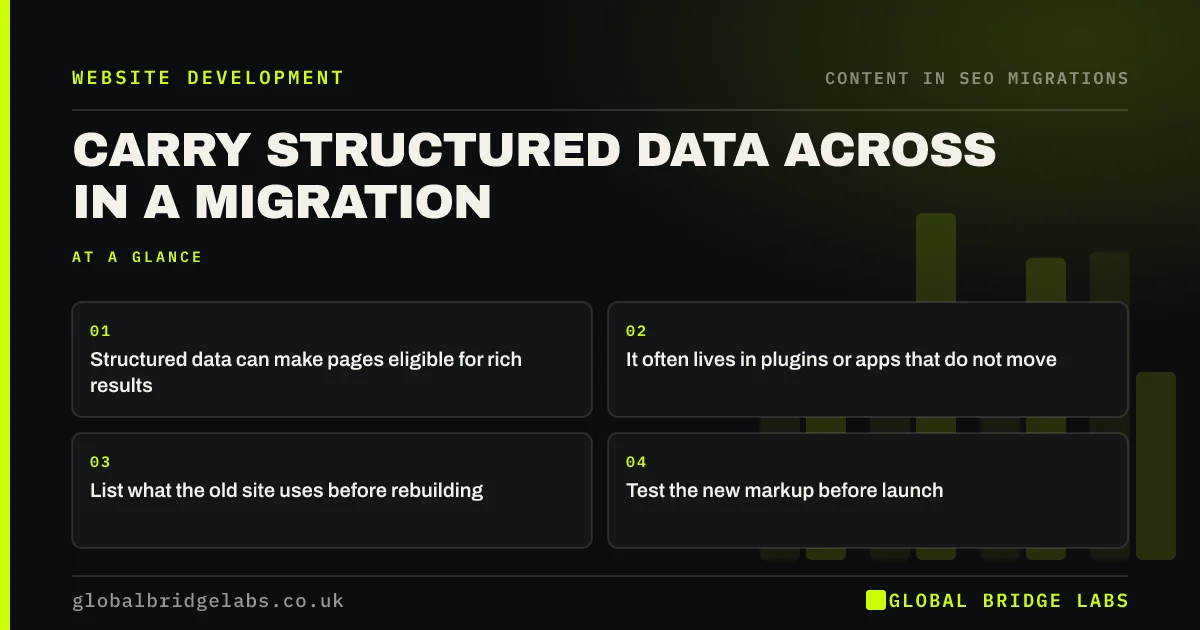
- Structured data can make pages eligible for rich results.
- It often lives in plugins or apps that do not move.
- List what the old site uses before rebuilding.
- Test the new markup before launch.
Want to know what structured data your site has? Message us on WhatsApp.
Chat on WhatsApp →What structured data is at risk?
Check which types your old pages use. Google's introduction to structured data lists the types it supports.
- Organisation and local business details.
- Product, price and availability.
- Reviews and ratings.
- Breadcrumbs.
- Articles, events or recipes, depending on your site.
How do you rebuild it?
Crawl the old site with structured data extraction turned on, or test a sample of each page type with a rich results testing tool, and record which types appear where. On the new platform, decide whether the theme, a plugin or custom code will output each type. Rebuild it to match, using real, visible information from each page, then test samples of every template on staging.
What should you check after launch?
Search Console's enhancement reports show which structured data Google has found and any errors. Watch them for the first few weeks; a sudden drop in valid items often means a template lost its markup. Check that rich results such as review stars or product prices still appear for key searches. If they disappear, compare the old and new markup first.
Want us to test your new site's structured data? Message us on WhatsApp.
Chat on WhatsApp →What does this look like in practice?
A pattern we see: a shop's product pages showed prices and availability in search results through markup added by an old app. On the new platform, no equivalent was installed, and the rich results vanished after launch. Adding product markup to the template restores them within weeks.
Structured data checklist
- List structured data types on the old site.
- Decide how the new platform will output each.
- Use real, visible page information.
- Test each template on staging.
- Watch Search Console reports after launch.
Next step
Test one page of each type on your current site with a rich results testing tool and note what it finds. That list is what your new site must match.
Message us on WhatsApp about structured data, or book a 30-minute consultation.
Chat on WhatsApp →Sources and further reading
- Introduction to structured data markup in Google Search · Google Search Central
- Organization structured data · Google Search Central
- LocalBusiness type · Schema.org
Frequently asked questions
Will I lose structured data in a migration?
You might, if it was added by a plugin, app or template that does not move to the new platform. List the types on the old site before the build, decide how the new site will output each one and test samples of every template on staging before launch.
How do I test structured data before launch?
Use a rich results testing tool or a schema validator on staging pages, which may need to be temporarily reachable or tested by pasting code. Test one page of each template, such as a product, a service page and an article. Fix errors in templates rather than page by page.
Does structured data help rankings?
Structured data does not directly raise rankings, but it can make pages eligible for rich results, such as review stars, prices or breadcrumbs, which can improve how pages appear and how often they are clicked. Losing it in a migration can reduce clicks even if positions hold.
Written by

Global Bridge Labs (GBL) is a UK–Sri Lanka partner for social media, websites and BPO. Everything here comes from client delivery, not theory.


