
On this page
- 01Key takeaways
- 02What should a homepage dashboard show?
- 03What are the five numbers?
- 04Where do the numbers come from?
- 05How do you read the dashboard?
- 06When do you need more than five numbers?
- 07What does this look like in practice?
- 08Homepage dashboard checklist
- 09Next step
- 10Sources and further reading
- 11Frequently asked questions
Key takeaways
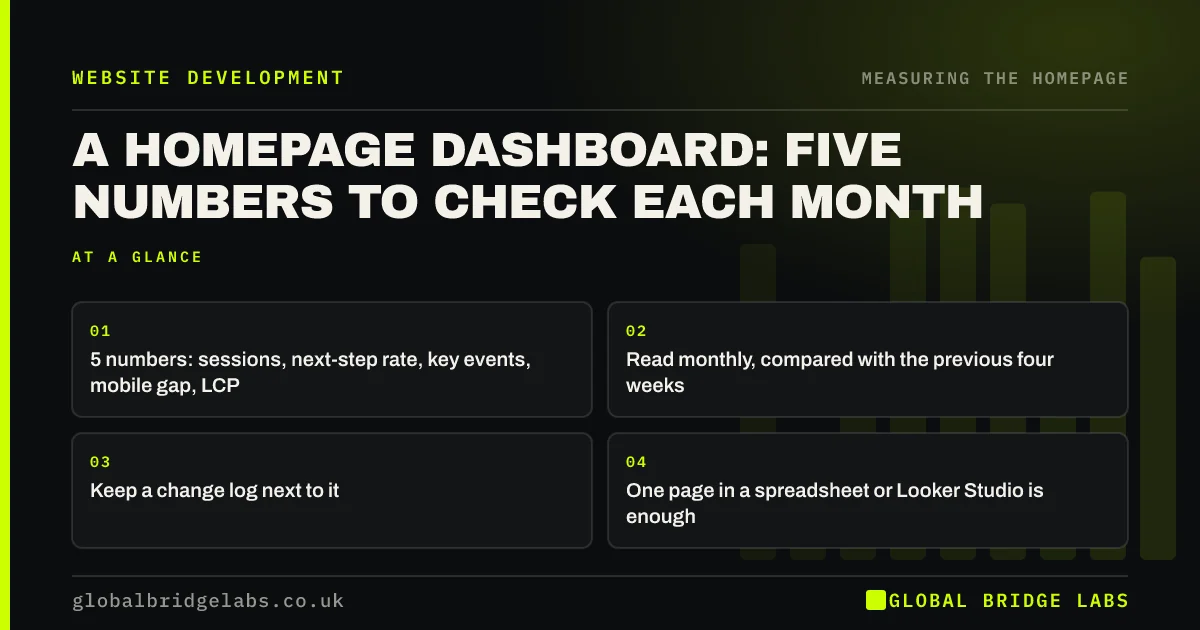
A homepage dashboard needs only five numbers each month: homepage sessions, the share that click to a service page or contact route, key events from homepage sessions, the mobile-versus-desktop gap and Largest Contentful Paint on mobile. Read them together with a change log, and you will spot most homepage problems within a month.
- 5 numbers: sessions, next-step rate, key events, mobile gap, LCP.
- Read monthly, compared with the previous four weeks.
- Keep a change log next to it.
- One page in a spreadsheet or Looker Studio is enough.
Want a homepage dashboard set up for you? Message us on WhatsApp.
Chat on WhatsApp →What should a homepage dashboard show?
A homepage dashboard should show whether the right visitors arrive, whether they move forward and whether the page works on phones. Five numbers cover that for most small businesses. More metrics usually mean less attention to the ones that matter.
What are the five numbers?
These are the GBL homepage dashboard metrics, a working rule of thumb rather than a standard.
- Homepage sessions: is traffic stable?
- Next-step rate: share of homepage sessions that click to a service page or contact route.
- Key events from homepage sessions: enquiries, calls, bookings.
- Mobile gap: mobile key event rate compared with desktop.
- Mobile LCP: how fast the hero appears on phones.
Where do the numbers come from?
Sessions, next-step clicks and key events come from GA4. The mobile gap comes from the same report split by device. LCP comes from PageSpeed Insights or Search Console's Core Web Vitals report. Put them in a spreadsheet or a free Looker Studio dashboard, one row per month.
How do you read the dashboard?
Look for changes, then explain them. Sessions down with everything else steady points to traffic. Next-step rate down points to the page. A growing mobile gap points to the mobile layout. Check the change log and the season before acting.
When do you need more than five numbers?
When you are investigating a specific problem, such as a drop in one channel or a test of a new hero. Then add the extra metrics for that investigation and remove them afterwards. The monthly dashboard should stay small enough to read in 15 minutes.
What does this look like in practice?
A pattern we see: a 20-tab analytics report nobody reads. Replacing it with five homepage numbers on one page, reviewed on the first Monday of each month, usually leads to the first real homepage improvement within a quarter, simply because problems become visible.
Homepage dashboard checklist
- Set up click tracking so next-step rate can be measured.
- Create one row per month for the five numbers.
- Add a column for changes and notes.
- Review it monthly in 15 minutes.
- Act only on changes you can explain.
Next step
Create a spreadsheet with five columns and fill in last month's numbers today. That is your baseline.
Message us on WhatsApp for a template, or book a 30-minute consultation.
Chat on WhatsApp →Sources and further reading
- About key events · Google Analytics Help
- PageSpeed Insights · Google
- Core Web Vitals report · Search Console Help
Frequently asked questions
What metrics should I track for my homepage?
Track homepage sessions, the share that click to a service page or contact route, key events from homepage sessions, the mobile versus desktop gap and Largest Contentful Paint on mobile. Read them monthly with a log of changes.
What tool should I use for a website dashboard?
A simple spreadsheet works well for five monthly numbers. Looker Studio is free and connects to GA4 and Search Console if you want it updated automatically. The tool matters less than reviewing it regularly.
How often should I check my homepage metrics?
Monthly is enough for most small businesses, comparing with the previous four weeks and the same month last year where possible. Check more often only after a significant change or when investigating a problem.
Written by

Global Bridge Labs (GBL) is a UK–Sri Lanka partner for social media, websites and BPO. Everything here comes from client delivery, not theory.


