
On this page
- 01Key takeaways
- 02Why does homepage data get dirty?
- 03How do you exclude internal traffic in GA4?
- 04What about bot and spam traffic?
- 05How does cookie consent affect the numbers?
- 06When should you stop worrying about accuracy?
- 07What does this look like in practice?
- 08Clean data checklist
- 09Next step
- 10Sources and further reading
- 11Frequently asked questions
Key takeaways
Before judging your homepage, clean the data. Exclude internal traffic in GA4 so your own team's visits do not inflate sessions, check for odd spikes that look like bots, and understand that visitors who decline analytics cookies may not be recorded. Dirty data makes a homepage look better or worse than it is.
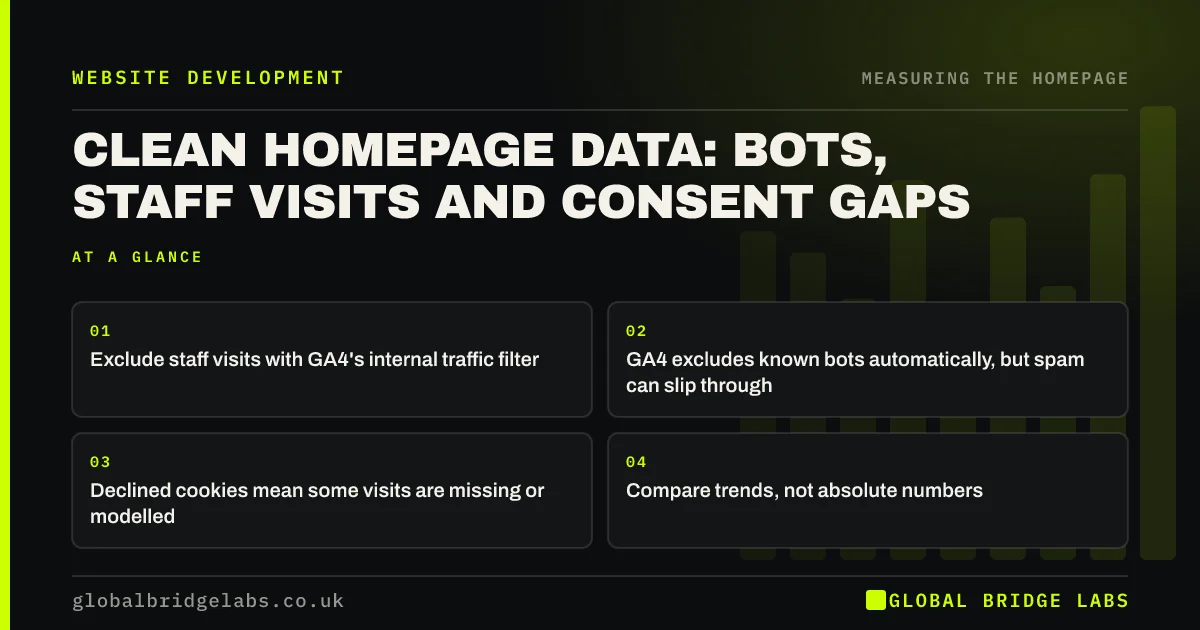
- Exclude staff visits with GA4's internal traffic filter.
- GA4 excludes known bots automatically, but spam can slip through.
- Declined cookies mean some visits are missing or modelled.
- Compare trends, not absolute numbers.
Want your homepage analytics cleaned up? Message us on WhatsApp.
Chat on WhatsApp →Why does homepage data get dirty?
The homepage is the page most likely to be distorted, because staff open it every day, test visits land there, bots hit the root address first and campaign links often point there. In a small business, staff visits alone can be a noticeable share of homepage sessions.
How do you exclude internal traffic in GA4?
In GA4, go to Admin, Data streams, your web stream, then Configure tag settings and Define internal traffic. Add your office IP addresses, then activate the internal traffic data filter in Admin under Data filters. For staff working from home, a browser extension or a cookie-based approach may be needed.
What about bot and spam traffic?
GA4 automatically excludes traffic from known bots and spiders. Some spam still appears as sudden spikes from one city, very short sessions or odd referrers. Look for traffic that does not fit your business, compare with server logs if you can and exclude it from your reading rather than your decisions.
How does cookie consent affect the numbers?
Under PECR, analytics cookies generally need consent, although the Data (Use and Access) Act 2025 creates exceptions for some low-risk analytics as its provisions come into force. When visitors decline, GA4 may not record them, or may model their behaviour if consent mode is configured. Either way, absolute counts are less reliable than trends.
When should you stop worrying about accuracy?
Once internal traffic is excluded and obvious spam is set aside, accept that analytics is a guide. Decide based on consistent trends over several weeks, confirmed by enquiries in your inbox and calls on your phone, rather than chasing perfect numbers.
What does this look like in practice?
A pattern we see: a homepage that looks busy but converts badly, because a large share of sessions come from staff opening it as their browser home page. Excluding internal traffic often makes the true conversion rate look healthier and the real problem easier to see.
Clean data checklist
- Define internal traffic and activate the filter.
- Ask staff not to use the homepage as a browser start page.
- Look for spikes from odd locations or referrers.
- Note your cookie consent setup and its effect.
- Read trends, confirmed by real enquiries.
Next step
Check today whether GA4's internal traffic filter is active. If not, set it up before you read another homepage report.
Message us on WhatsApp if you need help, or book a 30-minute consultation.
Chat on WhatsApp →Sources and further reading
- Cookies and similar technologies under PECR · Information Commissioner's Office
- Data (Use and Access) Act 2025 · legislation.gov.uk
- About key events · Google Analytics Help
Frequently asked questions
How do I exclude my own visits from GA4?
Define internal traffic in your web stream's tag settings using your office IP addresses, then activate the internal traffic data filter under Admin, Data filters. For remote staff with changing IP addresses, consider a browser extension or cookie-based exclusion.
Does GA4 filter out bot traffic?
Yes, GA4 automatically excludes traffic from known bots and spiders, and this cannot be turned off. Some spam may still appear as unusual spikes, so look out for traffic that does not fit your business.
Why are my GA4 numbers lower than expected?
Visitors who decline analytics cookies may not be recorded, ad blockers can stop the tag loading and some browsers limit tracking. Compare trends over time and check against real enquiries rather than relying on absolute counts.
Written by

Global Bridge Labs (GBL) is a UK–Sri Lanka partner for social media, websites and BPO. Everything here comes from client delivery, not theory.


