
On this page
Key takeaways
To track button clicks in GA4 on your homepage, set up events for the main call to action, phone links, WhatsApp, email and links to service pages, using Google Tag Manager or your site's built-in integration. Mark the ones that show buying intent as key events. Without click tracking, you cannot tell which homepage routes visitors use.
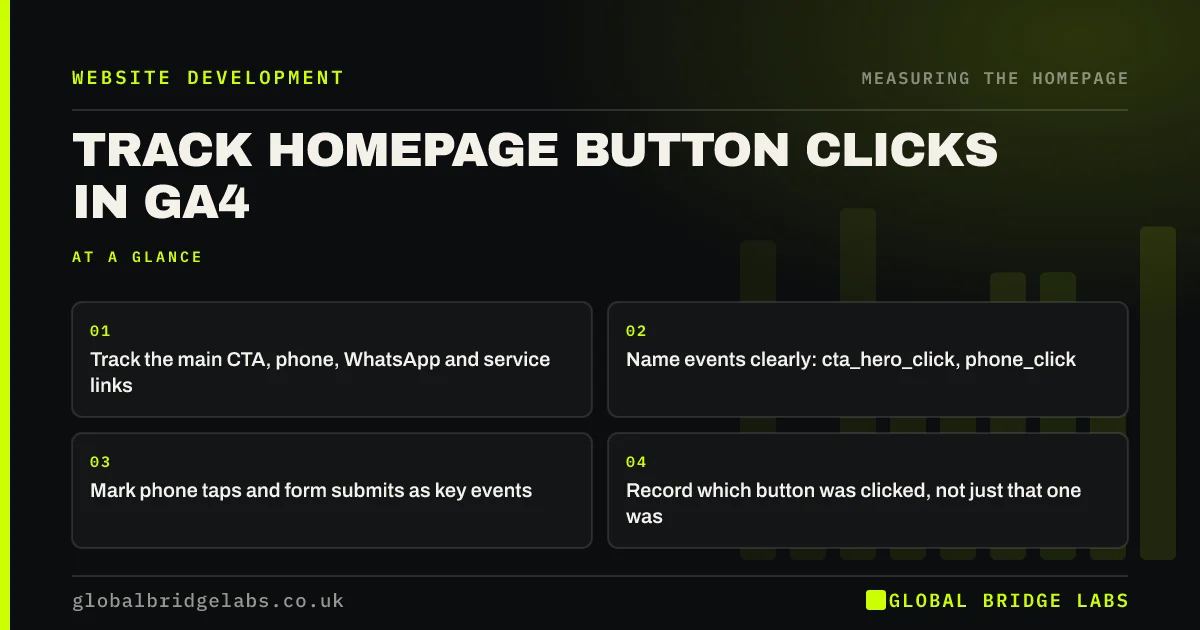
- Track the main CTA, phone, WhatsApp and service links.
- Name events clearly: cta_hero_click, phone_click.
- Mark phone taps and form submits as key events.
- Record which button was clicked, not just that one was.
Want click tracking set up on your homepage? Message us on WhatsApp.
Chat on WhatsApp →Why track homepage clicks?
Click tracking shows which routes visitors actually take from the homepage, which is the clearest sign of whether the page works. It also catches calls and WhatsApp messages that would otherwise be invisible in analytics, because they happen off the website after the tap.
Which clicks should you track?
Start with the routes that lead to work.
- Main call to action buttons, with their position (hero, mid, end).
- Phone number taps (tel: links).
- WhatsApp and email links.
- Links to each service page.
- Booking buttons and directions links.
How do you set it up?
GA4's enhanced measurement tracks outbound link clicks automatically, but not internal buttons or phone links in a useful way. Use Google Tag Manager to fire an event when specific links or buttons are clicked, with a parameter saying which one. Many website builders and WordPress plugins can do the same.
Which clicks should be key events?
Mark as key events only actions that show buying intent: phone taps, WhatsApp clicks, booking starts and form submissions. Do not mark every button click, or your conversion rate becomes meaningless. Service page clicks are useful signals but are better left as ordinary events.
When can click data mislead?
A phone tap is not a completed call, and a booking start is not a booking. Pair click data with your phone log or booking system where you can. Clicks also drop if visitors decline analytics cookies, so compare trends rather than absolute numbers.
What does this look like in practice?
A pattern we see: an owner thinks the homepage form is the main route because it is the only thing GA4 counts. Once phone taps are tracked, they turn out to be most of the homepage's enquiries, which changes what the hero should lead with.
Click tracking checklist
- List every route from the homepage that leads to work.
- Create an event for each, with a position parameter.
- Mark buying-intent actions as key events.
- Test each event in GA4's DebugView.
- Compare with phone logs and bookings monthly.
Next step
List the five routes from your homepage that most often lead to work, and check whether GA4 records a click on each one today.
Message us on WhatsApp for help with the setup, or book a 30-minute consultation.
Chat on WhatsApp →Sources and further reading
- About key events · Google Analytics Help
- Enhanced measurement events · Google Analytics Help
- URL builders: collect campaign data with custom URLs · Google Analytics Help
Frequently asked questions
How do I track button clicks in GA4?
Use Google Tag Manager to fire a GA4 event when a specific button or link is clicked, with a parameter naming the button. Some website builders and plugins offer this without Tag Manager. Test each event in DebugView before relying on it.
How do I track phone number clicks on my website?
Set up an event that fires when a tel: link is clicked, using Google Tag Manager or a plugin, and mark it as a key event in GA4. Remember a tap is not a completed call, so compare with your phone records or use call tracking.
Should every button click be a key event?
No. Mark only actions that show buying intent, such as phone taps, WhatsApp clicks, booking starts and form submissions. Track other clicks as ordinary events so your key event rate stays meaningful.
Written by

Global Bridge Labs (GBL) is a UK–Sri Lanka partner for social media, websites and BPO. Everything here comes from client delivery, not theory.


