On this page
- 01Key takeaways
- 02Does your website affect recruitment?
- 03What do candidates look for?
- 04What should a small business careers page include?
- 05What legal points apply?
- 06When does recruitment point to a redesign?
- 07Where else should roles appear?
- 08How quickly should you respond to applicants?
- 09What does this look like in practice?
- 10Careers page checklist
- 11Next step
- 12Sources and further reading
- 13Frequently asked questions
Key takeaways
Candidates check your website before applying, and a missing or out of date careers page costs you applicants. A good careers page shows current roles, pay ranges, what the work is really like and real people. It is usually a single page or section, not a redesign, unless the whole site signals a business in decline.
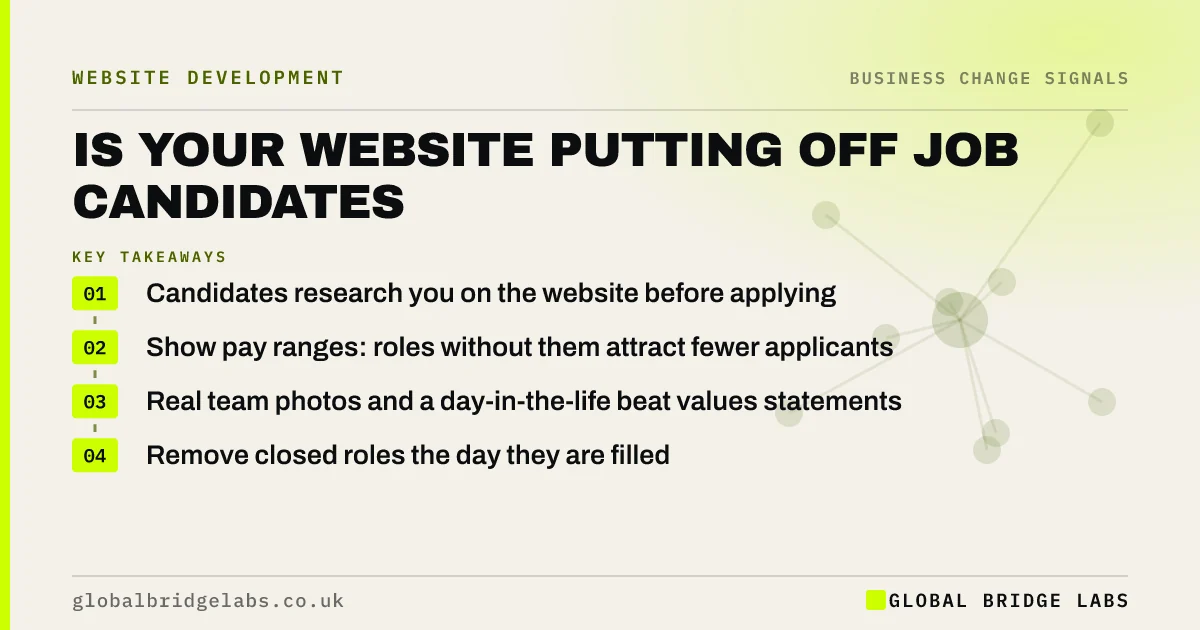
- Candidates research you on the website before applying.
- Show pay ranges: roles without them attract fewer applicants.
- Real team photos and a day-in-the-life beat values statements.
- Remove closed roles the day they are filled.
Struggling to hire? We will review your careers page on WhatsApp.
Chat on WhatsApp →Does your website affect recruitment?
Yes. Candidates use your website to judge whether a business is stable, well run and worth leaving their current job for. A site that looks neglected, lists roles that closed months ago, or says nothing about working there puts off the candidates with the most options.
What do candidates look for?
The same things buyers look for, with a different question in mind: can I trust this employer?
- Current vacancies with clear duties, hours and location.
- Pay ranges and benefits.
- Photos and names of real team members.
- What a typical week involves.
- How to apply, and how quickly you respond.
- Signs of stability: recent work, reviews, growth.
Want a careers page outline for your business? Ask us on WhatsApp.
Chat on WhatsApp →What should a small business careers page include?
A short introduction to working there, current roles each with its own section or page, pay ranges, benefits, two or three short quotes from staff, photos of the team at work, and a simple application route. Add a line for speculative applications if you hire regularly.
What legal points apply?
Job adverts must avoid discriminatory wording under the Equality Act 2010, and application forms collect personal data, so candidates need privacy information explaining how their data is used and how long it is kept. Keep application forms short and store CVs securely.
When does recruitment point to a redesign?
Rarely by itself. A careers section can be added to almost any site. It becomes part of a redesign case when the whole site signals a business in decline, such as old photos, stale news and dead links, because candidates read that as a warning about job security.
Where else should roles appear?
Job boards and social channels bring candidates; the careers page convinces them. Link every job ad back to the role on your site, where candidates can see the full picture of the business.
How quickly should you respond to applicants?
Within a few working days, and say so on the careers page. Candidates with options often accept the first good offer, and a small business that replies quickly can compete with larger employers that take weeks to respond.
Send an acknowledgement as soon as an application arrives, even an automatic one, and a clear yes or no within the timescale you promised. Candidates who hear nothing tell others, and review sites for employers mean that silence can affect future hiring and even customer perceptions.
- State your response time on the careers page.
- Acknowledge every application automatically.
- Give a decision within the promised time.
- Keep candidate data only as long as you need it.
What does this look like in practice?
A pattern in UK trades: a growing firm advertises for electricians on job boards, but candidates who check the site find no careers page and a gallery from years ago. Adding a careers page with pay ranges, van and tool details, training offered and a photo of the current team gives candidates a reason to apply.
Careers page checklist
Build or review your page with these.
- List current roles with duties, hours and location.
- Show pay ranges and benefits.
- Add real team photos and short staff quotes.
- Explain how to apply and when you respond.
- Add candidate privacy information.
- Remove closed roles immediately.
Next step
If hiring is harder than it should be, we will review your website from a candidate's point of view with you in 30 minutes.
Message us on WhatsApp for a careers page review, or book a 30-minute consultation.
Chat on WhatsApp →Sources and further reading
- Equality Act 2010 · legislation.gov.uk
- Right to be informed (privacy information) · Information Commissioner's Office
- Employee earnings in the UK (Annual Survey of Hours and Earnings) · Office for National Statistics
Frequently asked questions
Does a small business need a careers page?
If you hire regularly, yes. Candidates research employers on their websites before applying, and a careers page with current roles, pay ranges and real people answers their questions and makes job adverts work harder. Link to it from every job advert you post.
Should I include salary on job adverts?
Showing a pay range usually helps. Candidates can see whether a role fits before applying, which saves everyone time, and roles without pay information often attract fewer applicants. It also signals that you are open and fair about pay. State the range clearly in every advert.
What should a careers page include?
An introduction to working there, current roles with duties, hours, location and pay, benefits, short staff quotes, real team photos, an application route with response times, and candidate privacy information. Keep it updated as roles open and close. Remove closed roles promptly.
Can my website put people off applying for jobs?
Yes. An out of date or neglected site can suggest a business in decline, which worries candidates about job security. Closed roles still listed, old photos and no information about working there all reduce applications. Fix the basics before posting new roles.
Written by

Global Bridge Labs (GBL) is a UK–Sri Lanka partner for social media, websites and BPO. Everything here comes from client delivery, not theory.