
On this page
- 01Key takeaways
- 02How do you check if your homepage is indexed?
- 03What commonly blocks a new homepage?
- 04How long should a new homepage take to appear?
- 05What if it is indexed but not ranking?
- 06When is the fix not technical?
- 07What does this look like in practice?
- 08Homepage indexing checklist
- 09Next step
- 10Sources and further reading
- 11Frequently asked questions
Key takeaways
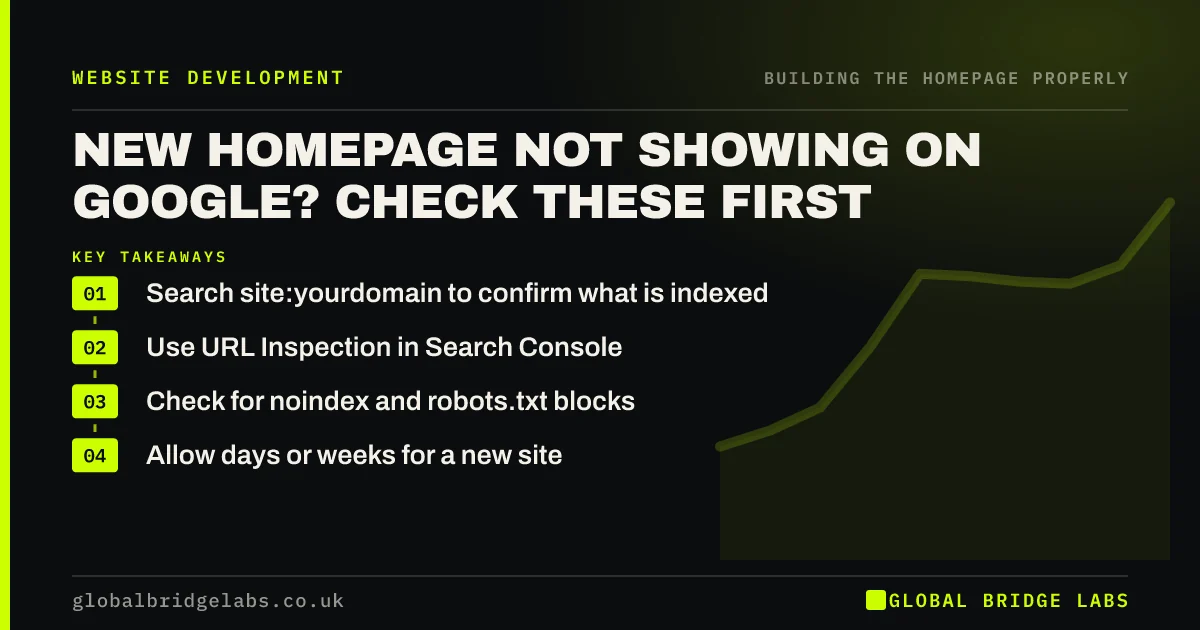
If your homepage is not showing on Google, first find out whether it is indexed. Use a site: search and the URL Inspection tool in Search Console, then check for noindex tags, robots.txt blocks and canonical errors. New pages can take days or weeks to appear, so a technical block is not always the cause.
- Search site:yourdomain to confirm what is indexed.
- Use URL Inspection in Search Console.
- Check for noindex and robots.txt blocks.
- Allow days or weeks for a new site.
Homepage missing from Google? Message us on WhatsApp.
Chat on WhatsApp →How do you check if your homepage is indexed?
Search Google for site:yourdomain.co.uk. If your homepage appears, it is indexed, even if it does not rank for other searches. For a definite answer, use the URL Inspection tool in Google Search Console, which reports whether the URL is on Google and why not.
What commonly blocks a new homepage?
The most common block is a leftover noindex tag from staging. In WordPress, check that 'Discourage search engines' is unticked under Reading settings. Others include a robots.txt block, a password on the site, a canonical pointing elsewhere or a redirect loop. Each one is quick to fix when found.
- A noindex tag left over from staging.
- WordPress 'Discourage search engines' still ticked.
- A robots.txt rule blocking the site.
- A password or coming-soon mode still active.
- A canonical pointing to another URL.
How long should a new homepage take to appear?
Google says that crawling and indexing can take anything from a few days to a few weeks. A brand new domain with no links may take longer. Submitting a sitemap and requesting indexing can help, though neither guarantees inclusion, and requesting it repeatedly does not speed things up.
What if it is indexed but not ranking?
Then indexing is not your problem. A new page competes with older pages that have more links and history. Check that you rank for your own business name first. Then look at your content, local signals and links. A new site should expect to wait for general search terms.
When is the fix not technical?
If nothing is blocked, the issue may be quality or authority. Google does not guarantee to index everything. Thin pages, unedited template text and copied content are less likely to be chosen. Build a real Google Business Profile, earn a few genuine links and add useful original detail.
What does this look like in practice?
A pattern worth checking first: a business decides that Google has penalised its new website, and weeks later someone notices that the 'Discourage search engines' box is still ticked from the build. It is the quickest check on the list, so it comes first.
Homepage indexing checklist
- Run a site: search.
- Verify the site in Search Console.
- Inspect the homepage URL.
- Remove noindex and passwords.
- Check robots.txt.
- Submit an XML sitemap.
- Request indexing once.
Next step
Set up Search Console today if you have not, and inspect your homepage URL. It will usually tell you the reason in plain language.
Message us on WhatsApp if your homepage is missing, and we will help you find out why.
Chat on WhatsApp →Sources and further reading
- Google Search Console · Google
- What is a sitemap · Google Search Central
- Google Search Essentials · Google Search Central
- SEO Starter Guide · Google Search Central
Frequently asked questions
Why is my homepage not showing on Google?
It may not be indexed yet, or something may be blocking it, such as a noindex tag, robots.txt or a password. If it is indexed but hard to find, the issue is ranking rather than indexing. Search Console will show you which it is.
How do I get Google to index my homepage?
Verify your site in Search Console, submit a sitemap, use URL Inspection to request indexing and make sure nothing is blocking crawlers. Links from other sites and a Google Business Profile also help Google to discover your site.
How long does it take for a new website to appear on Google?
Often a few days to a few weeks, and sometimes longer for a brand new domain. Google does not guarantee a time. Check Search Console for errors, and do not keep requesting indexing, as that will not speed it up.
Written by

Global Bridge Labs (GBL) is a UK–Sri Lanka partner for social media, websites and BPO. Everything here comes from client delivery, not theory.


