
On this page
- 01Key takeaways
- 02What does a homepage problem section do?
- 03How do you write it?
- 04Where should the problem section go?
- 05How far should you push the fear?
- 06When should you skip it?
- 07What does this look like in practice?
- 08Homepage problem section checklist
- 09Next step
- 10Sources and further reading
- 11Frequently asked questions
Key takeaways
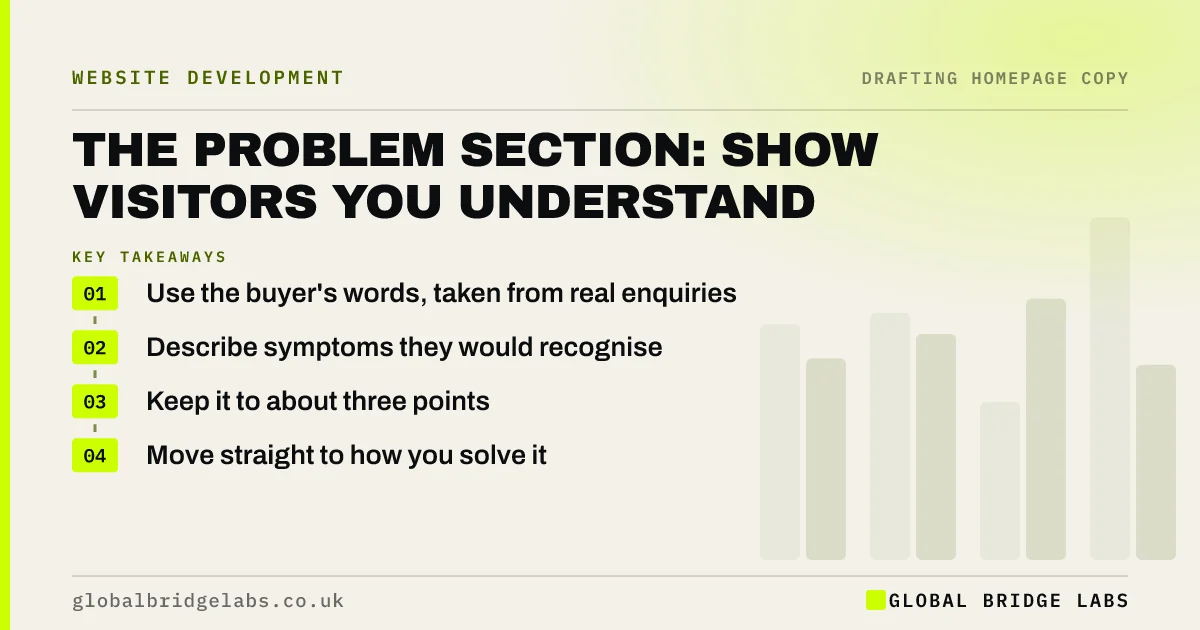
A problem section on a homepage describes what buyers are dealing with now, in their own words, before you present your answer. It tells visitors you understand their situation. Keep it to three or so concrete symptoms, avoid frightening people and move on quickly, so the page feels like help and not a lecture.
- Use the buyer's words, taken from real enquiries.
- Describe symptoms they would recognise.
- Keep it to about three points.
- Move straight to how you solve it.
Want your problem section written? Message us on WhatsApp.
Chat on WhatsApp →What does a homepage problem section do?
A homepage problem section creates recognition. When visitors read their own situation described accurately, they trust that you understand it, which makes your solution easier to believe. It works especially well when buyers are not sure what they need, because they can recognise the symptoms long before they know the right service name.
How do you write it?
Take phrases from enquiries and describe the situation as customers experience it. Use short, concrete statements, not abstract ones. 'You are chasing invoices at 9pm' is stronger than 'Inefficient accounts receivable'. Three such lines are usually enough, then a bridge sentence that leads into your offer.
- Weak: 'Poor operational efficiency.'
- Strong: 'Your best engineer spends Friday afternoons on paperwork.'
- Weak: 'Website underperformance.'
- Strong: 'People visit your site, then call your competitor.'
Where should the problem section go?
It normally sits directly after the hero, before you list services. The hero says what you do, and the problem section confirms the visitor is in the right place. On pages where people arrive already knowing what they want, such as a local emergency service, it can be shortened or removed.
How far should you push the fear?
Not far. Naming a real problem helps, but heavy fear tactics feel manipulative and can create regulatory issues in sectors such as health and finance. The CMA has warned about pressure and misleading practices online. Aim for 'that sounds like us' rather than alarm, and state the risks accurately.
When should you skip it?
Skip it when the need is obvious and the visitor only wants a provider, such as restaurants, shops and simple repeat purchases. A person searching for a Sunday lunch does not need their hunger explained. In these cases, lead with the offer, the proof and how to book.
What does this look like in practice?
A pattern we see with service firms: the page jumps straight to a list of capabilities, and buyers who cannot name their need never see themselves in it. Adding a few lines that describe a bad week in the buyer's own terms often does more than another paragraph on the firm's expertise.
Homepage problem section checklist
- Collect phrases from enquiries.
- Write three concrete symptoms.
- Avoid abstract business language.
- Keep the tone calm and accurate.
- Add a bridge into your offer.
- Skip it if the need is obvious.
Next step
Find three sentences from recent enquiries in which customers describe their problem. Put them on your homepage, almost unchanged, and see how much more it sounds like them.
Message us on WhatsApp for a homepage copy review, with no pitch.
Chat on WhatsApp →Sources and further reading
- Online choice architecture: how digital design can harm competition and consumers · Competition and Markets Authority
- UK Code of Non-broadcast Advertising and Direct & Promotional Marketing (CAP Code) · ASA / CAP
- Mental models and user experience design · Nielsen Norman Group
Frequently asked questions
Should a homepage talk about the customer's problem?
Usually yes, especially for services bought to fix something. Describing the problem in the customer's words shows that you understand them and helps people who are not sure what they need. Keep it brief, then move on to the solution.
How do you describe pain points on a website?
Use concrete situations in the buyer's own words, taken from enquiries and sales calls. Describe what is happening and how it feels, in short lines. Avoid jargon and exaggeration, and move quickly to how you fix it.
Is it OK to use fear in website copy?
Stating a genuine risk is fine, if it is accurate. Exaggerated fear damages trust and can breach advertising rules, especially for health, money and safety. A calm description of the problem usually persuades more than alarm does.
Written by

Global Bridge Labs (GBL) is a UK–Sri Lanka partner for social media, websites and BPO. Everything here comes from client delivery, not theory.


