
On this page
- 01Key takeaways
- 02What are the most damaging homepage mistakes?
- 03Which message mistakes lose visitors?
- 04Which layout mistakes hide the next step?
- 05Which technical mistakes stop visitors early?
- 06Which mistakes can wait?
- 07What does this look like in practice?
- 08Homepage mistakes checklist
- 09Next step
- 10Sources and further reading
- 11Frequently asked questions
Key takeaways
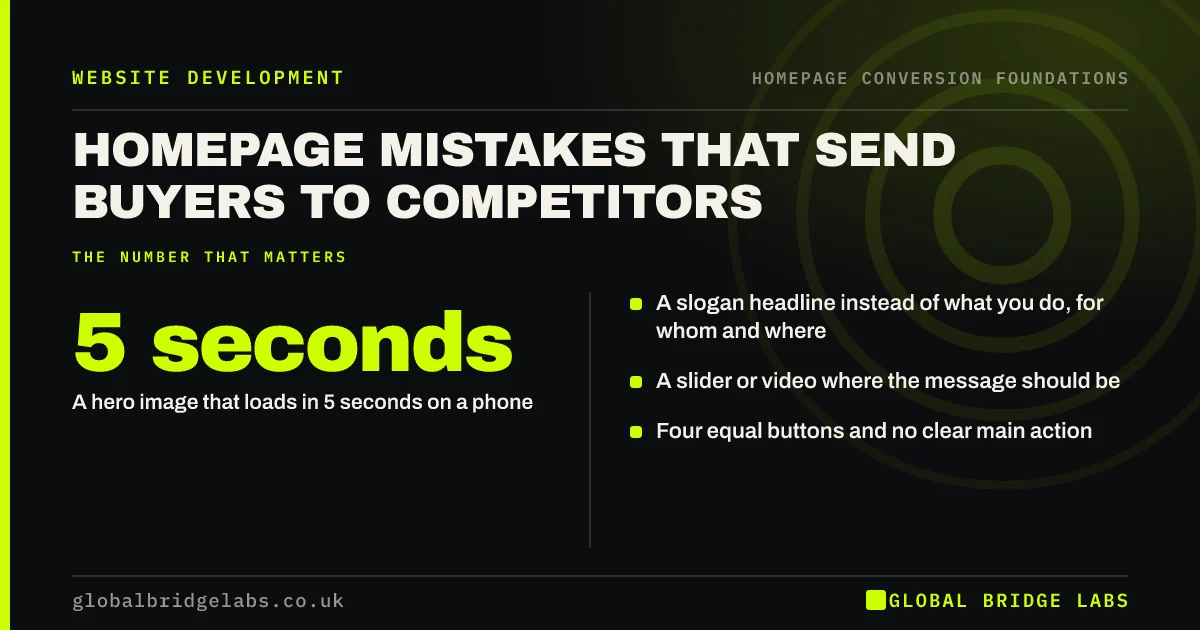
The homepage mistakes that cost the most enquiries are a vague headline, a slider instead of a message, several equal buttons, proof buried at the bottom, a contact route that is hard to use on a phone and a hero image that loads slowly. Most are fixed with words and order, not a redesign.
- A slogan headline instead of what you do, for whom and where.
- A slider or video where the message should be.
- Four equal buttons and no clear main action.
- Proof and contact details buried at the bottom.
- A hero image that loads in 5 seconds on a phone.
Want your homepage checked for these mistakes? Message us on WhatsApp.
Chat on WhatsApp →What are the most damaging homepage mistakes?
The most damaging homepage mistakes are the ones that break a low rung of the ladder: unclear messages, slow loading and missing next steps. They are more costly than cosmetic issues because they stop visitors before anything else on the page has a chance to work. Fix them before colours, fonts or icons.
Which message mistakes lose visitors?
The common message mistakes are a slogan instead of a description, 'Welcome to our website' as the opening line, a mission statement in the hero and copy that talks about the business rather than the customer. Each spends the first seconds of attention without telling visitors whether they are in the right place.
Which layout mistakes hide the next step?
Sliders rotate the message away before people read it, and Nielsen Norman Group has long found that carousels are often ignored. Full-screen hero images with no text push everything below the fold. Several equal buttons make people hesitate, and contact forms placed only at the very bottom are missed by visitors who never scroll that far.
Which technical mistakes stop visitors early?
Slow heroes, layout that jumps as it loads, pop-ups that cover the first screen on mobile and phone numbers that cannot be tapped all stop visitors before the message lands. Google treats intrusive interstitials as a poor experience on mobile, and visitors treat them the same way.
Which mistakes can wait?
Fonts, colours, icons and photo styles matter less than owners expect, as long as text is readable and buttons stand out. If the message, proof and next step work, a dated look costs some credibility but rarely stops enquiries outright. Fix those after the rungs are sound.
What does this look like in practice?
A pattern we see: an owner asks for a new homepage design because the old one 'looks tired'. A ladder check finds the real problems are a slogan headline and a contact form that fails on iPhones. Fixing those two issues takes a day; the redesign can then be judged on its own merits.
Homepage mistakes checklist
- Replace any slogan or welcome line in the headline.
- Replace a slider with one fixed message and image.
- Reduce the hero to one main button.
- Move a short proof strip directly under the hero.
- Make the phone number tappable and visible on mobile.
- Remove pop-ups that cover the first screen on phones.
- Check the hero loads within 2.5 seconds on mobile.
Next step
Go through the checklist on your phone, not your laptop, and mark each mistake you find. Fix the message ones first.
Message us on WhatsApp for a second pair of eyes, or book a 30-minute consultation.
Chat on WhatsApp →Sources and further reading
- Carousel usability: designing an effective UI · Nielsen Norman Group
- Avoid intrusive interstitials and dialogs · Google Search Central
- Web Vitals: essential metrics for a healthy site · web.dev (Google)
Frequently asked questions
What are common homepage mistakes?
A vague slogan instead of a clear description, a rotating slider, several equal buttons, proof and contact details buried at the bottom, pop-ups covering the page on mobile and slow-loading hero images. Most are fixed by changing words and order rather than redesigning.
Are sliders bad for a homepage?
Usually, yes. Sliders rotate key messages away before people read them, slow the page and are often ignored. Replace them with one fixed headline, one strong image and one action. If you must keep one, stop autoplay and make the first slide carry the main message.
What should not be on a homepage?
Anything that competes with the main action without helping buyers decide: newsletter pop-ups on arrival, social media feeds, long company histories, mission statements and several equal buttons. Move them to inner pages or the footer where they do not delay the decision.
Written by

Global Bridge Labs (GBL) is a UK–Sri Lanka partner for social media, websites and BPO. Everything here comes from client delivery, not theory.


