
On this page
- 01Key takeaways
- 02Why do homepages break on other people's phones?
- 03Which devices should you test?
- 04What should you check on each device?
- 05Can you test without owning lots of phones?
- 06When is device testing most important?
- 07What does this look like in practice?
- 08Device check checklist
- 09Next step
- 10Sources and further reading
- 11Frequently asked questions
Key takeaways
A homepage broken on iPhone, older Android phones or small laptops is common and invisible to owners who only check on their own device. Use GA4 to list your visitors' real devices and browsers, then test the homepage and enquiry route on the top ones each month. Most faults are layout, forms or widgets that fail on one browser.
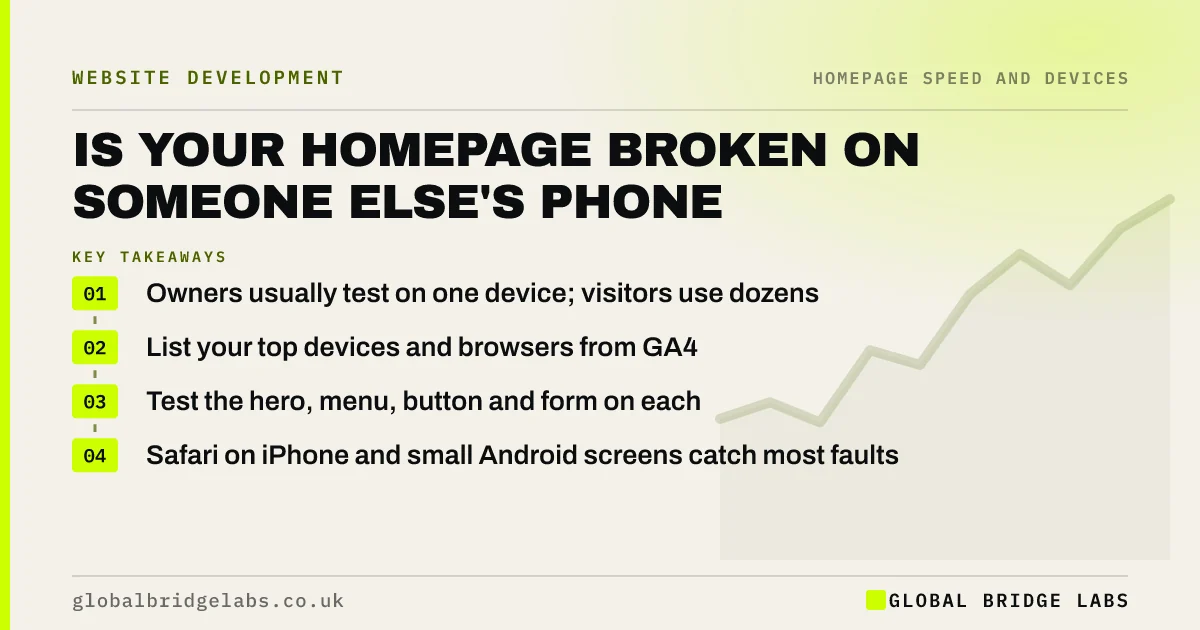
- Owners usually test on one device; visitors use dozens.
- List your top devices and browsers from GA4.
- Test the hero, menu, button and form on each.
- Safari on iPhone and small Android screens catch most faults.
Want your homepage tested on real devices? Message us on WhatsApp.
Chat on WhatsApp →Why do homepages break on other people's phones?
Homepages break on other devices because browsers, screen sizes and settings differ. A layout that looks fine on the designer's large monitor can overflow on a small Android phone; a booking widget may fail in Safari; larger text settings can push buttons off screen. Owners rarely see these faults because they use one device.
Which devices should you test?
Use GA4's tech details report to list the devices, browsers and screen sizes your visitors actually use. Test the top five, plus one older or cheaper Android phone and Safari on an iPhone. GOV.UK's service manual takes the same approach: test on what your users really use.
What should you check on each device?
Spend a few minutes per device on the parts that cost enquiries.
- Does the headline and button appear in the first screen?
- Does anything scroll sideways or overlap?
- Does the menu open and close properly?
- Can you tap the phone number and does it dial?
- Can you complete the form or booking and see a confirmation?
Can you test without owning lots of phones?
Chrome DevTools' device mode simulates screen sizes quickly, which catches most layout problems. It does not catch browser-specific bugs, so also borrow real phones from staff and family, or use a cloud testing service for the occasional deeper check.
When is device testing most important?
After any change to the theme, plugins, booking tool or chat widget, and after browser updates. Many homepage faults arrive silently with an automatic update. A monthly check catches them before weeks of enquiries are lost.
What does this look like in practice?
A pattern we see: enquiries from mobile drop to almost nothing after a plugin update, and nobody notices for weeks because the owner's laptop works fine. A five-minute test on an iPhone would have shown the form's submit button hidden behind a chat bubble.
Device check checklist
- List your top devices and browsers in GA4.
- Test on those plus an older Android and an iPhone.
- Check the first screen, menu, phone link and form.
- Look for sideways scrolling and overlapping elements.
- Repeat after every plugin, theme or widget update.
Next step
Borrow two phones that are not yours this week, one iPhone and one Android, and try to enquire through your homepage on each.
Message us on WhatsApp with what you find, or book a 30-minute consultation.
Chat on WhatsApp →Sources and further reading
- Tech details report · Google Analytics Help
- Simulate mobile devices with device mode · Chrome for Developers
- Designing for different browsers and devices · GOV.UK Service Manual
Frequently asked questions
Why does my website look different on different phones?
Phones differ in screen size, browser, text settings and how they handle certain code. A layout or widget that works on one can overflow, overlap or fail on another. Test on the devices your visitors actually use, which GA4 can list.
How do I test my homepage on different devices?
Check GA4 for your visitors' top devices and browsers, then test on real phones where you can and use Chrome DevTools' device mode for screen sizes. Check the first screen, menu, phone link and enquiry route on each.
How often should I test my website on mobile?
At least monthly, and always after updates to the theme, plugins, booking tools or chat widgets. Many faults arrive with automatic updates and go unnoticed because owners only check on their own device.
Written by

Global Bridge Labs (GBL) is a UK–Sri Lanka partner for social media, websites and BPO. Everything here comes from client delivery, not theory.


