
On this page
- 01Key takeaways
- 02Why do competing calls to action hurt?
- 03How do you rank the buttons?
- 04How should secondary actions look?
- 05What about menus and headers?
- 06When are several equal options right?
- 07What does this look like in practice?
- 08Competing buttons checklist
- 09Next step
- 10Sources and further reading
- 11Frequently asked questions
Key takeaways
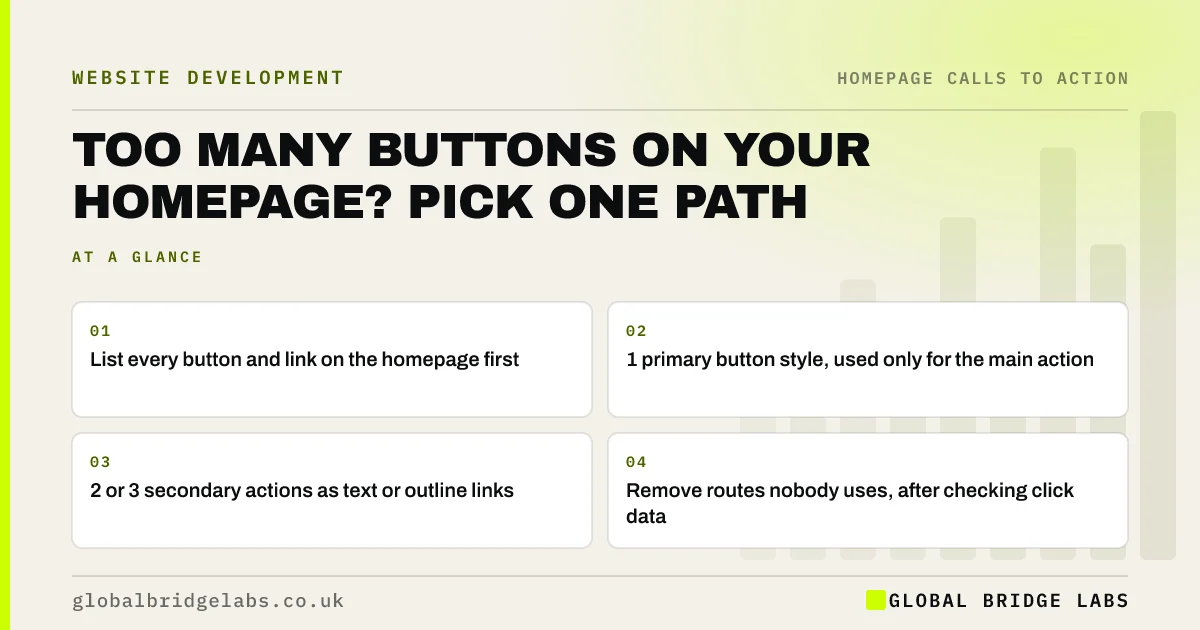
Too many buttons on a homepage make visitors choose before they are ready, so many choose nothing. Rank every button by how often it leads to a sale, keep one as the primary style, turn two or three into text links and remove the rest. You keep every route but only one asks for attention.
- List every button and link on the homepage first.
- 1 primary button style, used only for the main action.
- 2 or 3 secondary actions as text or outline links.
- Remove routes nobody uses, after checking click data.
Want your homepage buttons ranked for you? Message us on WhatsApp.
Chat on WhatsApp →Why do competing calls to action hurt?
Competing calls to action hurt because each extra equal option adds a decision. Hick's law describes how choice time rises as options increase, and on a homepage that delay often becomes an exit. When 'Call', 'Quote', 'Book', 'Brochure' and 'Newsletter' all look the same, none looks like the obvious next step.
How do you rank the buttons?
List every button and link above the footer. For each, note how often it is clicked (from GA4 click events) and how often that route leads to paid work. The top one becomes primary. The next two or three become secondary. Anything with few clicks and no sales either moves to the footer or goes.
How should secondary actions look?
Secondary actions should look clearly less important: text links, outline buttons or a smaller size in a neutral colour. They stay findable for people who want them without competing with the main path. Never give two different actions the same strong button style.
What about menus and headers?
The header often adds its own 'Contact' button, a phone number and social icons, which compete with the hero button. Make the header button the same action as the hero so they reinforce each other, and move social icons to the footer.
When are several equal options right?
Several equal options are right when visitors must self-select before they can act, such as choosing between three clinics or 'I want to buy' and 'I want to sell'. Then the options are routes, not competing actions, and they should be clearly labelled by who they are for.
What does this look like in practice?
A pattern we see: seven bright buttons on one homepage, each added by a different person over the years. Ranking them and keeping one primary style usually raises clicks on the main action without any new design.
Competing buttons checklist
- List every button and link above the footer.
- Note clicks and sales for each route.
- Make one action primary.
- Style 2 or 3 secondary actions as links.
- Match the header button to the hero button.
- Move or remove the rest.
Next step
Screenshot your homepage and circle every button. If more than two look equally important, start ranking.
Message us on WhatsApp with the screenshot, or book a 30-minute consultation.
Chat on WhatsApp →Sources and further reading
- Hick's Law: designing long menu lists · Nielsen Norman Group
- Minimize cognitive load to maximize usability · Nielsen Norman Group
- Enhanced measurement events · Google Analytics Help
Frequently asked questions
Can a homepage have too many calls to action?
Yes. When several buttons look equally important, visitors must decide between them before deciding to act, and many leave instead. Keep one primary action and a few clearly secondary links, ranked by how often each leads to a sale.
What is the difference between a primary and secondary call to action?
The primary call to action is the main step you want visitors to take, shown with the strongest button style. Secondary calls to action are alternatives for visitors not ready for that step, shown as lighter links or outline buttons.
Should I remove buttons nobody clicks?
Check click data over at least a month first. If a button gets very few clicks and its route never leads to a sale, move it to the footer or remove it. Fewer, clearer options usually increase clicks on the ones that matter.
Written by

Global Bridge Labs (GBL) is a UK–Sri Lanka partner for social media, websites and BPO. Everything here comes from client delivery, not theory.


