
On this page
- 01Key takeaways
- 02What is a homepage benefits section for?
- 03How do you choose which benefits to include?
- 04What does a strong benefit look like?
- 05Should the section use icons or images?
- 06When do features matter more than benefits?
- 07What does this look like in practice?
- 08Homepage benefits checklist
- 09Next step
- 10Sources and further reading
- 11Frequently asked questions
Key takeaways
A homepage benefits section tells buyers what changes for them if they choose you. Pick the three outcomes they care about most, write each in their words and add a short reason to believe it. Most benefits sections fail because they repeat 'quality, service, value', which every competitor can claim too.
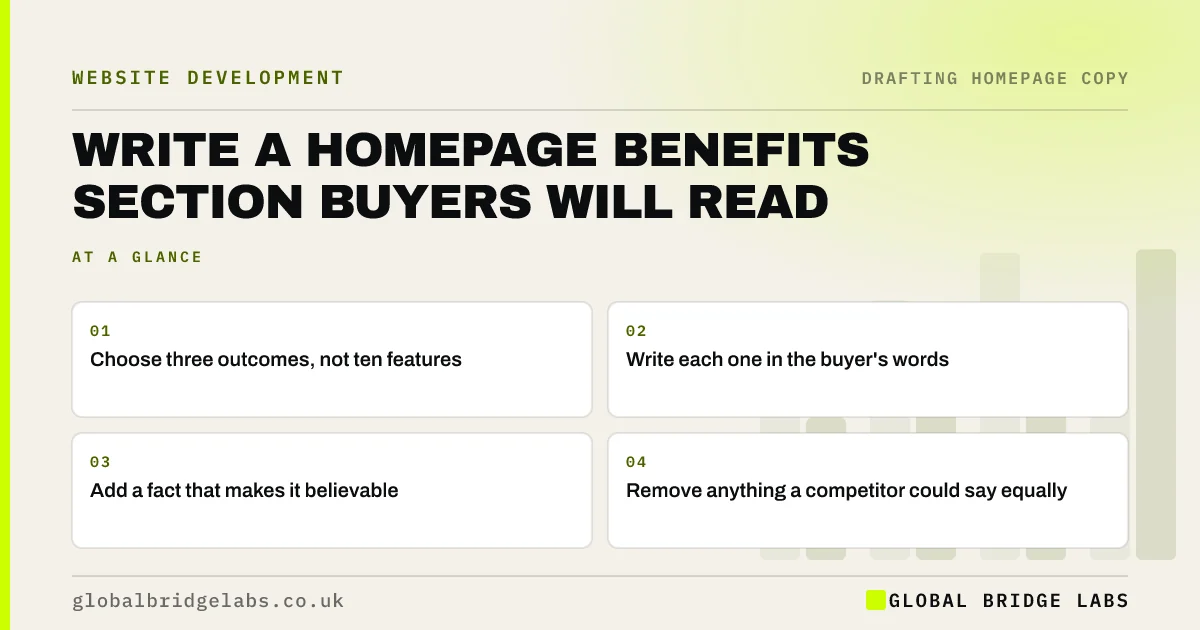
- Choose three outcomes, not ten features.
- Write each one in the buyer's words.
- Add a fact that makes it believable.
- Remove anything a competitor could say equally.
Want your benefits section sharpened? Message us on WhatsApp.
Chat on WhatsApp →What is a homepage benefits section for?
A homepage benefits section answers 'why should I care?' after the hero has said what you do. It connects your work to the outcome a buyer wants: less admin, a quicker fix, fewer surprises. It should sit early on the page, because people who understand the offer will next ask what it does for them.
How do you choose which benefits to include?
Choose from your research, not your assumptions. Look through reviews and enquiries for outcomes customers mention repeatedly. Rank them by how much they matter to buyers and how well you can prove them. Three is a sensible number, because longer lists are harder to take in and tend to dilute the point.
What does a strong benefit look like?
A strong benefit has a clear heading that states the outcome and a short line that proves or explains it. 'Quotes within 24 hours, with the price fixed before we start' is better than 'Great customer service'. Numbers and specifics do the work, as long as you can back them up.
- Weak: 'Fast response.' Strong: 'A reply within 2 working hours.'
- Weak: 'Trusted experts.' Strong: 'Gas Safe registered engineers on every job.'
- Weak: 'Great value.' Strong: 'Fixed price agreed before work starts.'
Should the section use icons or images?
Simple icons can help people scan three short points, but they add nothing by themselves, and decorative ones are forgettable. If you have a real photograph that proves the point, use it instead. Keep the text as live text, so that it stays readable on phones and to search engines.
When do features matter more than benefits?
Features matter more when buyers already know what they want and are comparing specifications, such as in IT, manufacturing or equipment sales. A technical buyer may need the exact standard, capacity or integration. In those cases, list the features, and use benefits to explain why they matter.
What does this look like in practice?
A pattern we see: three boxes titled Quality, Reliability and Value, each with a sentence of filler and a line icon. Replacing them with three specific commitments taken from real reviews tends to make the section shorter and far more convincing, without any change to the design.
Homepage benefits checklist
- List outcomes from reviews and enquiries.
- Pick the top three.
- Write each as a clear result.
- Add a fact, number or process detail.
- Remove claims a competitor could copy.
- Keep the section in live text.
Next step
Read your benefits section and ask whether your biggest competitor could publish it unchanged. If so, swap in one fact only you can state.
Message us on WhatsApp for a benefits rewrite, or book a 30-minute consultation.
Chat on WhatsApp →Sources and further reading
- How users read on the web · Nielsen Norman Group
- Substantiation: advice on backing up marketing claims · ASA and CAP
- Icon usability · Nielsen Norman Group
Frequently asked questions
What is the difference between features and benefits?
A feature is what something is or does; a benefit is what the buyer gets from it. '24-hour call-out' is a feature, and 'someone with you the same night' is the benefit. Strong copy joins the two, showing the outcome and the fact behind it.
How many benefits should I list on my homepage?
Three is a sensible default, because people can hold that many in mind and each one gets proper attention. Add more only if buyers truly need them. Long lists tend to be scanned without being remembered.
Where should the benefits section go on a homepage?
Usually soon after the hero and any trust bar. Visitors first need to know what you do, and then they want to know why it matters to them. Adjust the placement if your buyers need proof or pricing first.
Written by

Global Bridge Labs (GBL) is a UK–Sri Lanka partner for social media, websites and BPO. Everything here comes from client delivery, not theory.


