
On this page
- 01Key takeaways
- 02What counts as text in images?
- 03Why does it hurt accessibility?
- 04Why does it hurt search and AI visibility?
- 05Why does it hurt visitors on mobile?
- 06Why is it bad for the business?
- 07What should you do instead?
- 08When is text in an image acceptable?
- 09What does this look like in practice?
- 10Text in images checklist
- 11Next step
- 12Sources and further reading
- 13Frequently asked questions
Key takeaways
Putting important text inside images, such as offers in a banner graphic, price lists as pictures or headings baked into a photo, hurts a business website. Search engines and AI tools cannot reliably read it, screen readers skip it unless alt text repeats it, it blurs when zoomed and it is slow to change. Use real text laid over or beside the image instead.
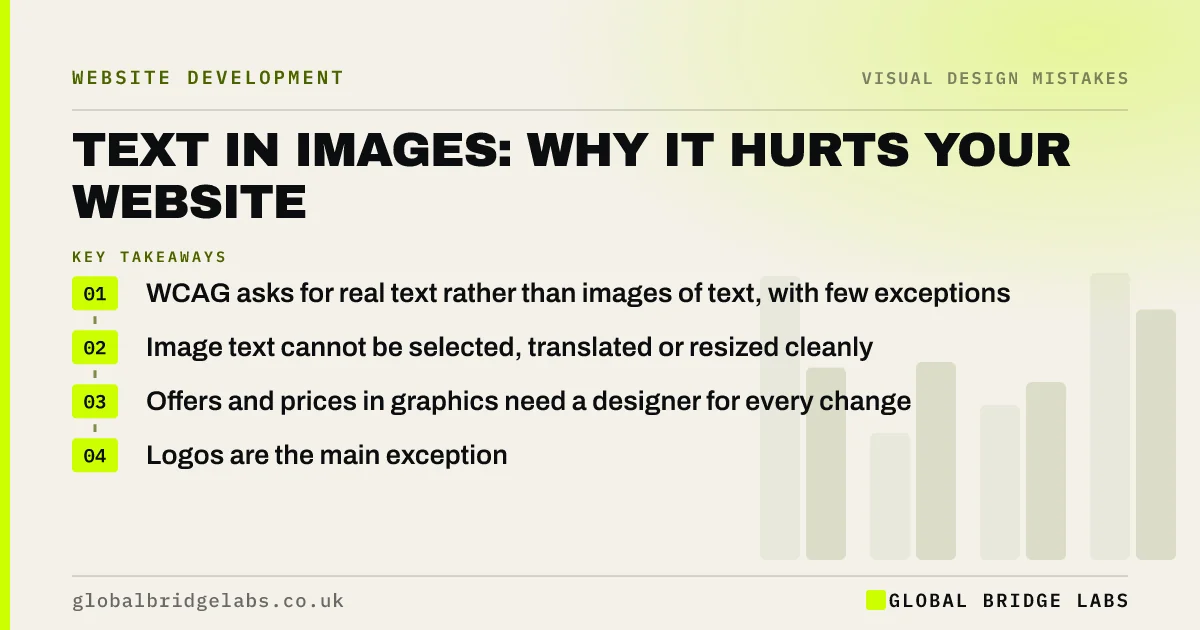
- WCAG asks for real text rather than images of text, with few exceptions.
- Image text cannot be selected, translated or resized cleanly.
- Offers and prices in graphics need a designer for every change.
- Logos are the main exception.
Want your banner graphics turned into real text? Message us on WhatsApp.
Chat on WhatsApp →What counts as text in images?
Text in images is any wording that exists only as pixels in a picture: a JPEG banner reading '20% off this month', a menu or price list uploaded as an image, a headline designed into a hero photo, or an infographic with no text version. WCAG calls these images of text.
Why does it hurt accessibility?
Screen readers cannot read text inside an image unless it is repeated in alt text, and alt text for a long price list is impractical. People who enlarge text or use high-contrast settings cannot restyle it. WCAG's Images of Text criterion asks for real text wherever the same visual result can be achieved with it.
Why does it hurt search and AI visibility?
Search engines and AI answer engines rely mainly on page text to understand what a page offers. An offer, service list or price table locked in an image gives them little to work with. Google's image guidance advises against embedding important text in images. Real text can be indexed, quoted and linked.
Why does it hurt visitors on mobile?
A banner designed for a wide desktop screen shrinks on a phone until the text is unreadable. Visitors pinch to zoom and the text blurs. Real text reflows to fit the screen at a readable size.
Why is it bad for the business?
Every change to an image-based offer or price list needs a designer, so they go out of date. Visitors cannot copy a phone number or address from an image. And image text cannot be translated by the browser for visitors who read another language.
Want your offers and price lists converted to editable text? Message us on WhatsApp and we will discuss your requirements.
Chat on WhatsApp →What should you do instead?
Place real text over the image with a solid or semi-opaque panel behind it for contrast, or beside the image. Turn price lists and menus into HTML text or tables. For infographics, include the key facts as text on the page. Keep text out of carousels and social graphics reused on the site.
When is text in an image acceptable?
Logos and brand marks are exempt. Product photos showing packaging text, screenshots and decorative lettering are fine as long as the important information is also in the page text. The rule is that no fact a visitor needs should exist only inside a picture.
What does this look like in practice?
A pattern we see: a restaurant or salon uploads its price list as a photo of a printed sheet. Converting it to text makes it readable on phones, searchable and quick to update, and removes a regular job for the designer.
Text in images checklist
- Find every image that contains words.
- Move headlines and offers into real text.
- Convert price lists and menus to HTML.
- Add a contrast panel behind text over photos.
- Repeat infographic facts in page text.
- Keep logos as images with alt text.
Next step
Scroll through your homepage and note every image that contains words you would want a buyer to read.
Message us on WhatsApp for help converting them, or book a 30-minute consultation.
Chat on WhatsApp →Sources and further reading
- Understanding SC 1.4.5: Images of Text · W3C
- Google Images SEO best practices · Google Search Central
- Understanding SC 1.1.1: Non-text Content · W3C
Frequently asked questions
Is it bad to put text on images on a website?
Putting real text over an image is fine if contrast is good. Baking text into the image file is the problem: search engines and screen readers miss it, it blurs on mobile and it is hard to update. Keep important wording as real text.
Can Google read text in images?
Google can sometimes extract text from images, but it relies mainly on page text, alt text and context. Google's image guidance advises against embedding important text in images. Put offers, prices and headings in real text.
Is a price list image accessible?
Not usually. Screen readers cannot read it and visitors cannot zoom or copy it cleanly. Convert price lists and menus to HTML text or tables, which are accessible, searchable and easier to keep up to date.
Written by

Global Bridge Labs (GBL) is a UK–Sri Lanka partner for social media, websites and BPO. Everything here comes from client delivery, not theory.


