
On this page
- 01Key takeaways
- 02Why do designers choose full-screen menus?
- 03What are the usability costs?
- 04How do you make an overlay menu accessible?
- 05What are better options on desktop?
- 06What does this look like in practice?
- 07Overlay menu checklist
- 08Next step
- 09Sources and further reading
- 10Frequently asked questions
Key takeaways
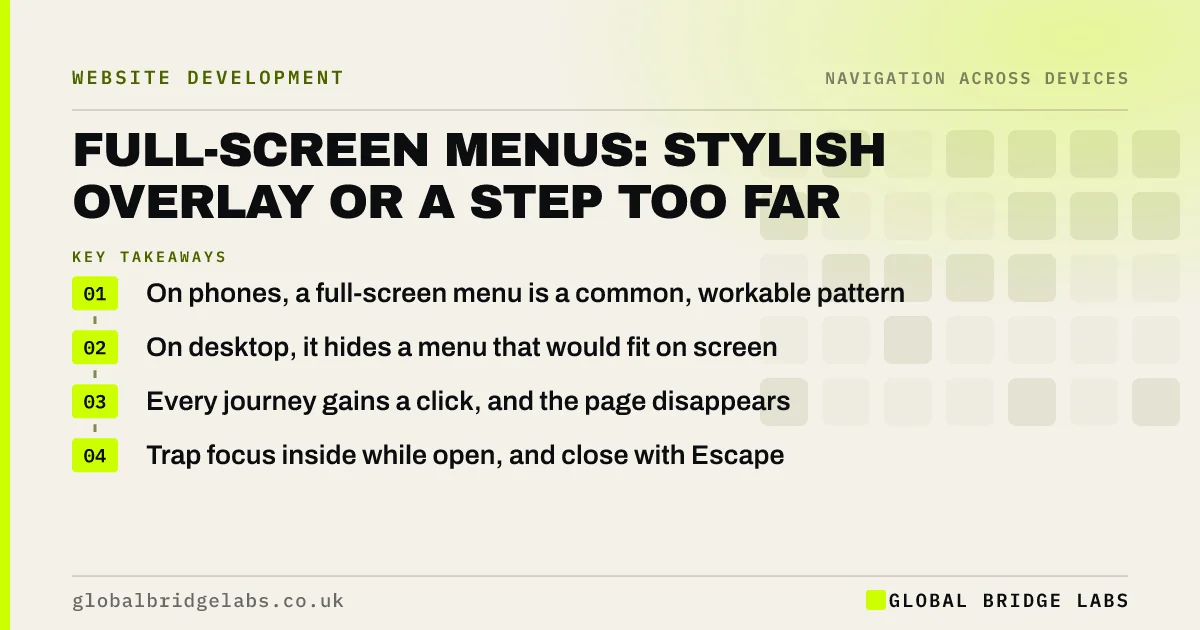
A full-screen menu covers the whole page when opened. On phones it is a reasonable way to show a mobile menu. On desktop it usually hides navigation that would fit on screen, adds a click to every journey and removes the page from view. Use a visible menu on desktop, and if you use an overlay, make it fast, labelled and easy to close.
- On phones, a full-screen menu is a common, workable pattern.
- On desktop, it hides a menu that would fit on screen.
- Every journey gains a click, and the page disappears.
- Trap focus inside while open, and close with Escape.
Want to know if your overlay menu is costing you visitors? Message us on WhatsApp.
Chat on WhatsApp →Why do designers choose full-screen menus?
Full-screen menus look clean and dramatic, leave the header minimal and allow large type and imagery in the menu itself. They suit portfolio and brand sites where browsing is the point. For a business site where visitors need services, prices and contact quickly, the look rarely justifies the cost.
What are the usability costs?
Hidden menus are used less. Nielsen Norman Group's research on hidden navigation found that people use visible menus more often and find content faster with them. A full-screen overlay adds to that by hiding the page, so visitors cannot compare the menu with what they were reading.
- An extra click to see any option.
- The page vanishes while the menu is open.
- Animations can make opening feel slow.
- Visitors may not realise there is a menu at all.
How do you make an overlay menu accessible?
When an overlay opens, keyboard focus should move into it and stay inside until it closes, and Escape should close it. The close button must be visible and labelled. Screen readers need to know the menu has opened. Respect reduced motion settings for any animation.
- Keyboard accessibility: can your site work without a mouse?
- Parallax and scroll effects: when motion hurts a website
Want your overlay menu made accessible or replaced? Message us on WhatsApp and we will discuss your requirements.
Chat on WhatsApp →What are better options on desktop?
Show the main items across the top, with dropdowns or a mega menu for larger sites. You can keep the full-screen style for mobile, where the menu must be hidden anyway. That way the brand look survives on phones and desktop visitors see the options straight away.
What does this look like in practice?
A pattern we see: a design-led site uses a full-screen overlay on every screen size, opened by a small icon at the top right. On desktop, visitors scroll the homepage looking for services instead. Showing five items across the top on desktop, and keeping the overlay for phones, puts the services in view.
Overlay menu checklist
- Use visible navigation on desktop.
- Label the open button 'Menu'.
- Move and trap focus while open.
- Close with Escape and a labelled button.
- Keep animations short and respect reduced motion.
Next step
If your desktop menu is behind an icon, count how many items would fit across the header instead.
Message us on WhatsApp for a menu review, or book a 30-minute consultation.
Chat on WhatsApp →Sources and further reading
- Hamburger menus and hidden navigation hurt UX metrics · Nielsen Norman Group
- Menus tutorial · W3C Web Accessibility Initiative
- prefers-reduced-motion · MDN Web Docs
Frequently asked questions
Are full-screen menus good for UX?
On phones they are a reasonable way to present a hidden menu. On desktop they usually hurt, because they hide navigation that could be visible, add a step and remove the page from view. Visible menus are used more.
How should a full-screen menu close?
With a clearly labelled close button in a predictable place, the Escape key, and ideally the same button that opened it. Focus should return to the menu button when it closes.
Do overlay menus affect SEO?
Not if the links are standard HTML anchors present in the page. Problems come from menus built only with scripts. The bigger cost of overlays is to visitors, who use hidden navigation less.
Written by

Global Bridge Labs (GBL) is a UK–Sri Lanka partner for social media, websites and BPO. Everything here comes from client delivery, not theory.


