
On this page
- 01Key takeaways
- 02When is an announcement bar useful?
- 03When does it become clutter?
- 04How should it be designed?
- 05What about rotating messages?
- 06Should the bar appear on every page?
- 07What does this look like in practice?
- 08Announcement bar checklist
- 09Next step
- 10Sources and further reading
- 11Frequently asked questions
Key takeaways
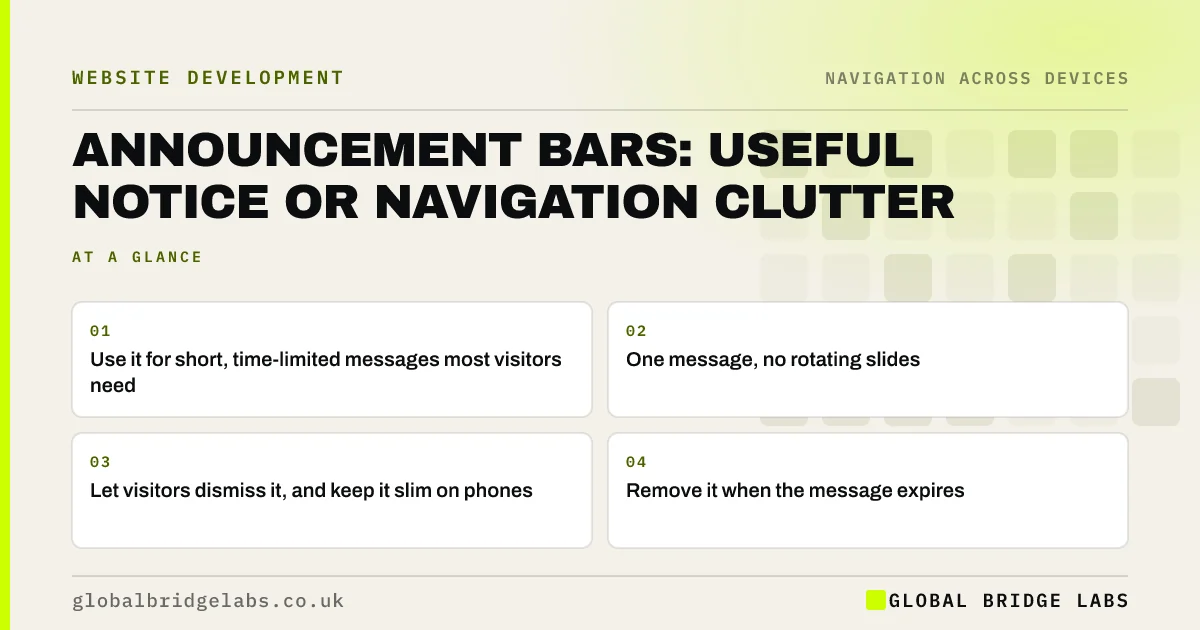
An announcement bar is a thin strip above the header for a time-limited message: a holiday closure, free delivery threshold or an urgent service update. It helps when the message matters to most visitors and is short. It hurts when it is permanent, rotates, pushes the menu down on phones or cannot be dismissed. Use one message, and remove it when it expires.
- Use it for short, time-limited messages most visitors need.
- One message, no rotating slides.
- Let visitors dismiss it, and keep it slim on phones.
- Remove it when the message expires.
Want your header and announcement bar tidied up? Message us on WhatsApp.
Chat on WhatsApp →When is an announcement bar useful?
It is useful for information that changes what visitors do today: holiday opening hours, delivery cut-off dates, a service outage, a new booking system. It sits above the navigation where everyone sees it, without needing a pop-up.
When does it become clutter?
Announcement bars become clutter when they are left up permanently, carry marketing slogans, rotate between several messages or stack with a cookie banner and a sticky header. On phones, each strip pushes the menu and content further down. Visitors learn to ignore a bar that never changes.
How should it be designed?
Keep it slim and plain, with one short sentence and at most one link.
- One short message, under about 80 characters.
- One link to details, if needed.
- A clear close button with an accessible name.
- Sufficient colour contrast for the text.
- No auto-rotating messages.
- Not sticky on phones.
Want a header layout that leaves room for notices? Message us on WhatsApp and we will discuss your requirements.
Chat on WhatsApp →What about rotating messages?
Rotating messages move before visitors finish reading and draw attention away from the page. WCAG 2.2 success criterion 2.2.2, Pause, Stop, Hide, requires a way to pause content that moves automatically for more than five seconds. One fixed message is simpler and more effective.
Should the bar appear on every page?
Only if the message applies everywhere, such as a closure or a site-wide delivery change. A message about one service belongs on that service's page, not above every page of the site. Showing irrelevant notices across the site teaches visitors to skip the bar, so the next important message gets missed too.
Treat the bar as part of the navigation: it sits above the menu and pushes it down, so every message has a cost. Give someone the job of removing each message on its end date, and keep a short log of what ran and when, so seasonal notices can be reused next year.
What does this look like in practice?
A pattern we see: a shop's header has a rotating three-message bar, a sticky header and a cookie banner, leaving less than half the phone screen for content. Replacing the rotating bar with one dismissible delivery message, shown only in the run-up to a cut-off date, frees the screen.
Announcement bar checklist
- Only for time-limited, useful messages.
- One message, no rotation.
- Dismissible.
- Slim and not sticky on phones.
- Removed when it expires.
Next step
Check whether your announcement bar's message is still true today. If not, remove it.
Message us on WhatsApp for a header review, or book a 30-minute consultation.
Chat on WhatsApp →Sources and further reading
- Understanding SC 2.2.2: Pause, Stop, Hide · W3C Web Accessibility Initiative
- Understanding SC 1.4.3: Contrast (Minimum) · W3C
- Sticky headers: 5 ways to make them better · Nielsen Norman Group
Frequently asked questions
What should go in a website announcement bar?
Short, time-limited information most visitors need: holiday hours, delivery deadlines, service changes or urgent notices. Avoid permanent slogans and general promotions, which visitors quickly learn to ignore.
Should an announcement bar be dismissible?
Yes. Let visitors close it, and remember the choice for the session. A bar that cannot be dismissed takes permanent space, especially on phones.
Do rotating announcement bars work?
Usually not. Messages change before visitors finish reading, and movement distracts from the page. WCAG also requires a pause control for content moving for more than five seconds. Show one message instead.
Written by

Global Bridge Labs (GBL) is a UK–Sri Lanka partner for social media, websites and BPO. Everything here comes from client delivery, not theory.


