
On this page
Key takeaways
Estate and letting agent websites serve four groups with different goals: buyers, renters, sellers and landlords. Give each a clear top-level route, such as Buy, Rent, Sell and Landlords, keep property search prominent, make 'Book a valuation' the header action and make branches, fees and contact easy to find. Search should keep filters when visitors go back.
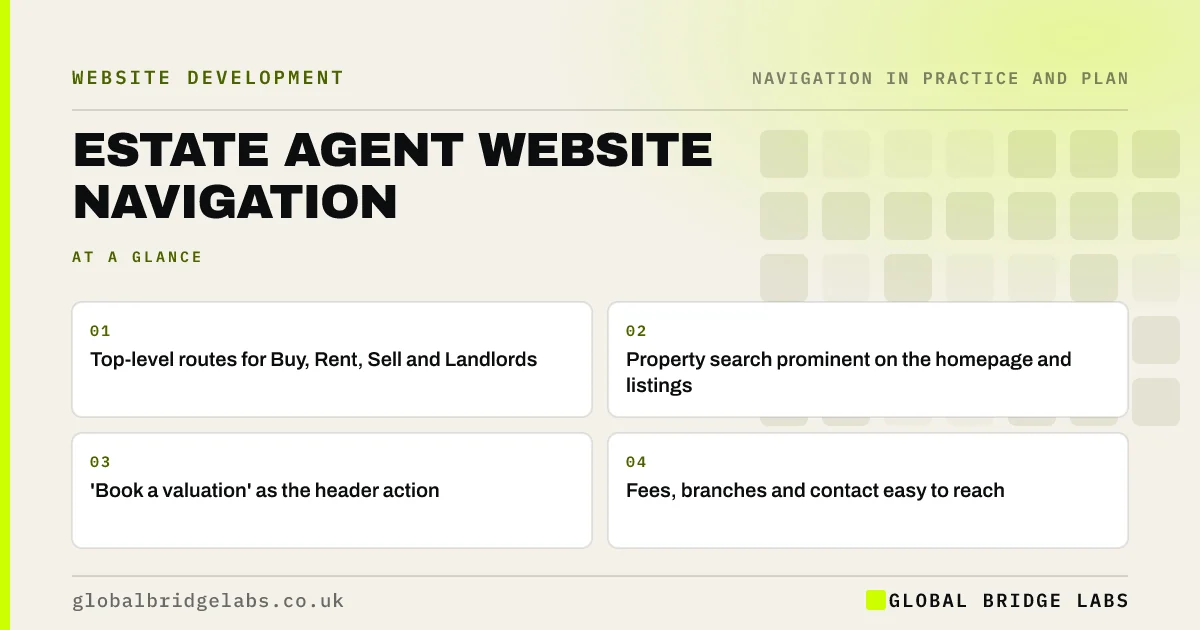
- Top-level routes for Buy, Rent, Sell and Landlords.
- Property search prominent on the homepage and listings.
- 'Book a valuation' as the header action.
- Fees, branches and contact easy to reach.
Want your agency website navigation reviewed? Message us on WhatsApp.
Chat on WhatsApp →Who uses an estate agent's website?
Buyers and renters search for property; sellers and landlords look for an agent. The first group is larger, but the second brings instructions, which is how agents earn. Navigation should serve the searchers well and make the route to a valuation unmissable for owners.
What should the menu include?
A typical agency menu splits by audience, then adds trust and contact.
- Buy: property search, buying guides, mortgage support.
- Rent: property search, tenant information.
- Sell: why us, fees, sold examples, valuation.
- Landlords: lettings and management services, fees, compliance.
- Branches or Contact.
- Book a valuation, as a header button.
How should property search work?
Search should be prominent on the homepage and listing pages, with location, price, bedrooms and property type as the main filters. Filters must survive the back button, and results should show the key facts at a glance. Listings should include the material information buyers and renters need; check current National Trading Standards guidance.
- Product filters and faceted navigation for small shops
- Search results pages: make site search find things
Want property search and filters made easier to use? Message us on WhatsApp and we will discuss your requirements.
Chat on WhatsApp →How should branches be handled?
Agencies with several branches need a branch finder and a page per branch, with its team, contact details and local listings. Link branches from the menu or header. Make sure each page carries real local content rather than only a changed town name.
What does this look like in practice?
A pattern we see: an agency's menu reads 'Properties', 'Services', 'About', 'News', 'Contact', and the valuation form sits at the bottom of 'Services'. Splitting into Buy, Rent, Sell and Landlords and adding a 'Book a valuation' button gives owners a direct route.
Estate agent navigation checklist
- Buy, Rent, Sell and Landlords routes.
- Prominent property search with lasting filters.
- Book a valuation in the header.
- Fees linked for sellers and landlords.
- Branch pages with local content.
- Contact and phone visible on phones.
Next step
On a phone, time how long it takes a homeowner to request a valuation from your homepage.
Message us on WhatsApp for an estate agent website review, or book a 30-minute consultation.
Chat on WhatsApp →Sources and further reading
- Filters vs. facets: definitions · Nielsen Norman Group
- Menu-design checklist: 17 UX guidelines · Nielsen Norman Group
- Search: visible and simple · Nielsen Norman Group
Frequently asked questions
What should be in an estate agent's website menu?
Routes for each audience, usually Buy, Rent, Sell and Landlords, plus branches or contact, and a 'Book a valuation' button in the header. Put news, careers and policies in secondary positions.
Where should the valuation button go?
In the header on every page, styled as a distinct button and visible on phones. Valuations bring instructions, so the route should never be buried in a services page.
How should property search filters work?
Offer the main filters buyers and renters use, such as location, price, bedrooms and type, show results quickly, and keep the filters when visitors go back from a listing.
Written by

Global Bridge Labs (GBL) is a UK–Sri Lanka partner for social media, websites and BPO. Everything here comes from client delivery, not theory.


