
On this page
- 01Key takeaways
- 02What is customer self-service on a website?
- 03Which requests should move to self-service?
- 04How should a small business help section be structured?
- 05What does accessibility guidance say about help?
- 06Should you add a chatbot for self-service?
- 07When does self-service harm the customer journey?
- 08What does this look like in practice?
- 09Self-service checklist
- 10Next step
- 11Sources and further reading
- 12Frequently asked questions
Key takeaways
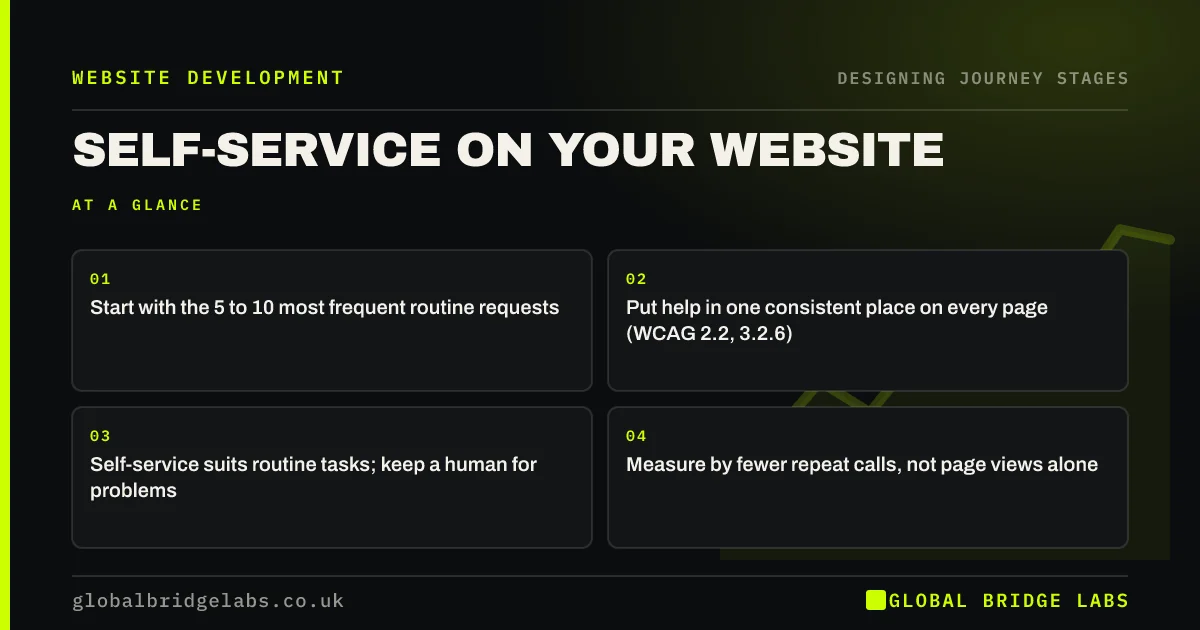
Customer self-service on a website means letting customers find answers and complete routine tasks, such as rebooking, tracking or downloading an invoice, without contacting you. Start with the five to ten requests your team handles most, answer them in a simple help section, and keep a human easy to reach. WCAG 2.2 asks that help is found in a consistent place across pages.
- Start with the 5 to 10 most frequent routine requests.
- Put help in one consistent place on every page (WCAG 2.2, 3.2.6).
- Self-service suits routine tasks; keep a human for problems.
- Measure by fewer repeat calls, not page views alone.
Want to know which requests could move online? Message us on WhatsApp.
Chat on WhatsApp →What is customer self-service on a website?
Customer self-service on a website is any help that lets customers answer their own questions or complete routine tasks without contacting staff: FAQs, guides, troubleshooting pages, booking changes, order tracking, invoice downloads and returns forms. It serves the return stage of the customer journey and frees staff for conversations that need them.
Which requests should move to self-service?
Move requests that are frequent, routine and the same every time. Count a month of support calls and emails, group them, and look at the top five to ten. Typical candidates are opening hours and areas, how to prepare, delivery or appointment status, rebooking, invoices and returns. Leave complaints, complex problems and anything needing judgement with people.
- Frequent: asked several times a week.
- Routine: the answer is the same for everyone.
- Low risk: getting it wrong does not cause harm.
- Doable online: the customer can act without staff.
How should a small business help section be structured?
Structure the help section around tasks, in customers' words: 'Change my booking', 'Track my order', 'Get an invoice', 'Return an item'. Put the most common tasks first, keep each answer short with steps, and end every page with a way to reach a person. A search box helps once you have more than about twenty help pages.
What does accessibility guidance say about help?
WCAG 2.2 added success criterion 3.2.6, Consistent Help: where a site offers help mechanisms such as contact details, a contact form, a chat or a self-help option on multiple pages, they should appear in the same relative order on each. In practice, put your help link and contact options in the same place in the header or footer throughout the site.
Should you add a chatbot for self-service?
A chatbot can help if it is grounded in your help content and hands over to a person cleanly. It is not a substitute for clear help pages, and a bot that guesses or loops frustrates customers. Start with well-written pages, then consider a bot that searches them, with a visible route to a human.
Weighing up a chatbot against better help pages? Ask us on WhatsApp.
Chat on WhatsApp →When does self-service harm the customer journey?
Self-service harms the journey when it hides people. If customers with a problem cannot find a phone number or email, effort and frustration rise. Research by Dixon, Freeman and Toman in Harvard Business Review argued that reducing customer effort does more for loyalty than trying to delight. Self-service should cut effort, never add it.
What does this look like in practice?
A pattern we see in small service firms: a third or more of incoming calls are customers asking to move an appointment or check its time. Each call takes a few minutes and interrupts other work. The booking system already supports changes online, but the website never mentions it.
Adding a 'Change my booking' link to the header, confirmation emails and reminder texts moves many of those requests online. Across our client work, owners have got 31 hours a week back once routine work is handled outside their own inbox, and self-service is often part of that. Global Bridge Labs (GBL) builds self-service around the requests that actually arrive.
Self-service checklist
- Count a month of support requests by type.
- Pick the top 5 to 10 routine ones.
- Write task-based help pages with steps.
- Put help and contact in the same place on every page.
- Link help from confirmations, invoices and reminders.
- Keep a human easy to reach; track repeat calls.
Next step
Routine requests are a hidden cost in most small businesses. We will look at what your customers ask after buying and show which could be handled on the website.
Message us on WhatsApp to plan website self-service, or book a 30-minute consultation.
Chat on WhatsApp →Sources and further reading
Frequently asked questions
What is website self-service?
Help on your website that lets customers answer questions or complete routine tasks without contacting staff: FAQs, guides, booking changes, order tracking, invoice downloads and returns forms. It reduces repetitive calls and lets customers act at any time.
Does self-service reduce customer support costs?
It can, when it covers frequent, routine requests that customers can complete online and when help is easy to find. It does not help if it hides people or gives poor answers, which increases effort and follow-up contacts. Track repeat calls to see the effect.
What does WCAG say about help on websites?
WCAG 2.2 success criterion 3.2.6, Consistent Help, says that where help such as contact details, a contact form, chat or self-help is offered on multiple pages, it should appear in the same relative order on each. Put help links in a consistent place across the site.
Written by

Global Bridge Labs (GBL) is a UK–Sri Lanka partner for social media, websites and BPO. Everything here comes from client delivery, not theory.


