
On this page
- 01Key takeaways
- 02Do small business websites need an FAQ page?
- 03When does an FAQ page hide answers?
- 04How should an FAQ page be structured?
- 05Should FAQs be hidden in accordions?
- 06Do FAQs help search and AI answers?
- 07When is an FAQ page not needed?
- 08What does this look like in practice?
- 09FAQ page checklist
- 10Next step
- 11Sources and further reading
- 12Frequently asked questions
Key takeaways
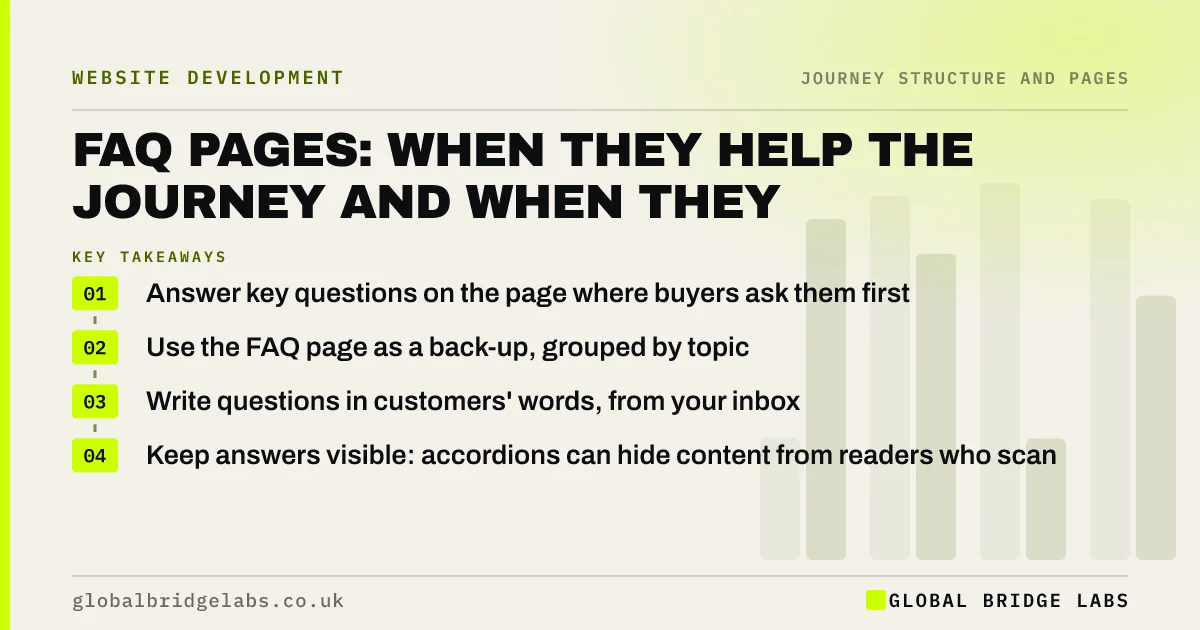
An FAQ page helps the customer journey when it collects practical answers in one place for buyers and customers who look for them. It hides answers when it becomes the only place for information buyers need on service pages, such as prices, areas and timescales. Answer key questions where they arise first, then use the FAQ page as an organised back-up, grouped by topic and written in customers' words.
- Answer key questions on the page where buyers ask them first.
- Use the FAQ page as a back-up, grouped by topic.
- Write questions in customers' words, from your inbox.
- Keep answers visible: accordions can hide content from readers who scan.
Want your FAQs sorted into the right pages? Send them to us on WhatsApp.
Chat on WhatsApp →Do small business websites need an FAQ page?
Many do, but not as the main home for important answers. An FAQ page is useful for practical questions that apply across services, such as payment, cancellation, areas covered and how to prepare, and for existing customers looking for help. It should not replace answers on service pages, because buyers reading a service page rarely go looking for a separate FAQ.
When does an FAQ page hide answers?
An FAQ page hides answers when information that affects a buying decision lives only there. A buyer on the kitchen fitting page who wants to know rough costs, areas covered and how long they will be without a kitchen will not think to visit the FAQ. If those answers are not on the service page, the buyer leaves with the question unanswered.
How should an FAQ page be structured?
Structure an FAQ page by topic, in the order customers need it: before buying, during the service, after the service, and payments. Use customers' own questions, keep answers short and specific, and link to the page with more detail. The GOV.UK content guidance discourages FAQs that duplicate content, which is a fair warning: each answer should add something or point somewhere useful.
- Group by topic: before, during, after, payments.
- Use the questions customers actually ask.
- Answer in 40 to 60 words, then link to detail.
- Put the most common questions first.
- Review quarterly against your inbox.
Should FAQs be hidden in accordions?
Accordions keep long FAQ pages tidy, but they hide answers from people who scan, and some visitors never open them. Use them only when the list is long, keep question text specific so it carries its own meaning, and consider showing the most important answers open. On service pages, show short answers in full rather than collapsing them.
Do FAQs help search and AI answers?
Clear question-and-answer content can help, because buyers type questions into search engines and AI tools, and a direct answer is easy to quote. Google has limited where FAQ rich results appear, so do not write FAQs only for rich results. Write them for buyers; the search benefit comes from answering real questions well.
Want your FAQs rewritten as direct answers? Message us on WhatsApp.
Chat on WhatsApp →When is an FAQ page not needed?
An FAQ page is not needed if your service pages already answer the common questions and you have few existing-customer queries. It is also a poor choice as a place to put content that does not fit elsewhere; that usually signals a structure problem worth fixing.
What does this look like in practice?
A pattern we see on small business sites: a long FAQ page answers prices, areas, timescales and guarantees well, and the service pages mention none of them. GA4 shows the FAQ page gets a small share of visits, mostly from existing customers. New buyers on service pages never see the answers.
Copying the key buying answers into short blocks on each service page, and keeping the FAQ for the rest, puts the answers in the journey. Across our client work we have seen a 2.4x enquiry rate from conversion changes of this kind. Global Bridge Labs (GBL) places each answer where the question is asked.
FAQ page checklist
- Collect real questions from your inbox and calls.
- Put buying answers on the service pages first.
- Group the FAQ page by topic and stage.
- Keep answers short, specific and linked.
- Avoid hiding key answers in collapsed accordions.
- Review against your inbox each quarter.
Next step
If your best answers live on an FAQ page few buyers visit, they are not doing their job. We will show which belong on service pages and which can stay.
Message us on WhatsApp for an FAQ review, or book a 30-minute consultation.
Chat on WhatsApp →Sources and further reading
Frequently asked questions
Should my website have an FAQ page?
Usually yes, as an organised back-up for practical questions and existing customers. But answers that affect buying decisions, such as prices, areas and timescales, should also appear on the relevant service pages, because buyers rarely go looking for a separate FAQ.
Where should FAQs go on a website?
Put each answer first where the question arises: buying questions on service pages, next-step questions by the form, and help questions on aftercare pages. Then collect them on an FAQ page grouped by topic, for visitors who look there.
Do FAQ pages help SEO?
Clear answers to real questions can help, because buyers search in questions and AI tools quote direct answers. Google has narrowed where FAQ rich results appear, so write FAQs for buyers first; the search value comes from answering genuine questions well.
Written by

Global Bridge Labs (GBL) is a UK–Sri Lanka partner for social media, websites and BPO. Everything here comes from client delivery, not theory.


